
Tags Overview ⚙️ 🛠️
In this video, I discussed the importance of tags within our system and how they can enhance our workflow and organization. Tags are automatically added based on lead sources and stages, and you can also create your own for better filtering, especially when using SmartLists. I emphasized the need to be cautious when adding new tags to avoid cluttering our system with unused tags. If you create a wrong tag, I showed how to remove it effectively. Please make sure to utilize tags properly and avoid deleting any existing ones, as they are crucial for our automations and workflows.
Standard Operating Procedure for Managing Tags in the System
Objective
This SOP outlines the steps for adding, managing, and deleting tags within the system to ensure proper organization and filtering of contacts.
Key Steps
1. Understanding Tags 0:16
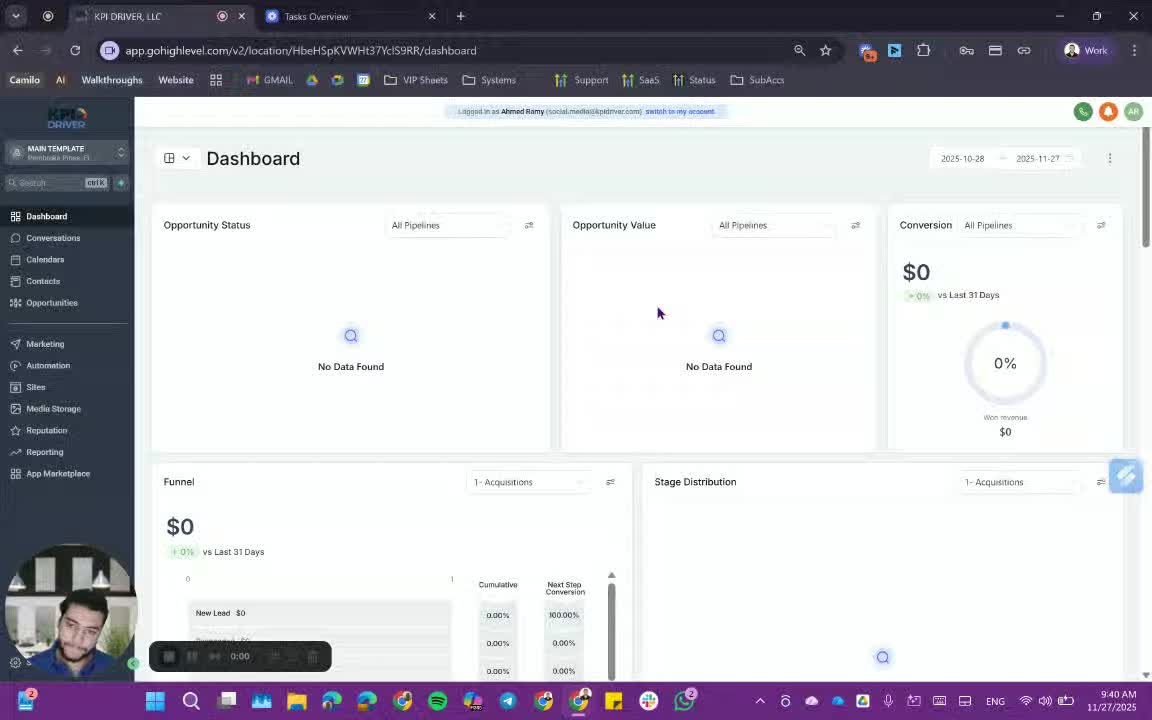
- Tags are important for categorizing contacts in the system.
- They can be viewed on the contact details sheet and are automatically added based on lead source and stage.
2. Adding New Tags 01:08
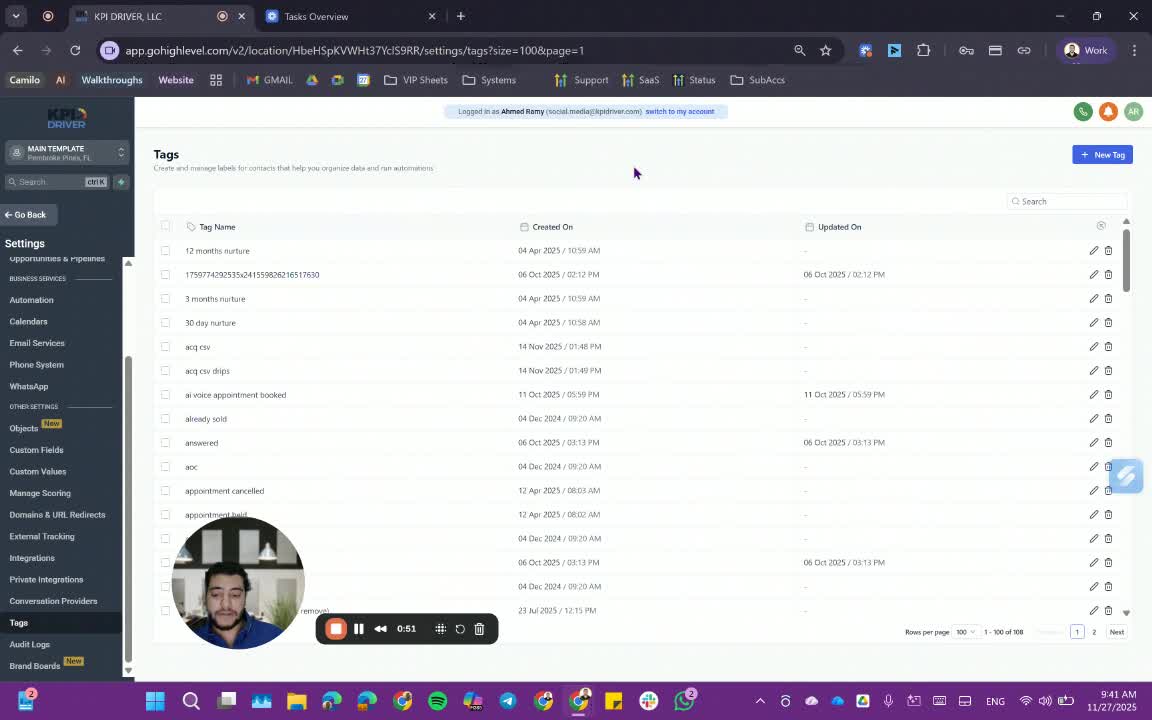
- To add a new tag:
- Navigate to the tags section.
- Enter the desired tag name in the input field.
- Click 'Create' to save the new tag.
3. Applying Tags to Contacts 1:32
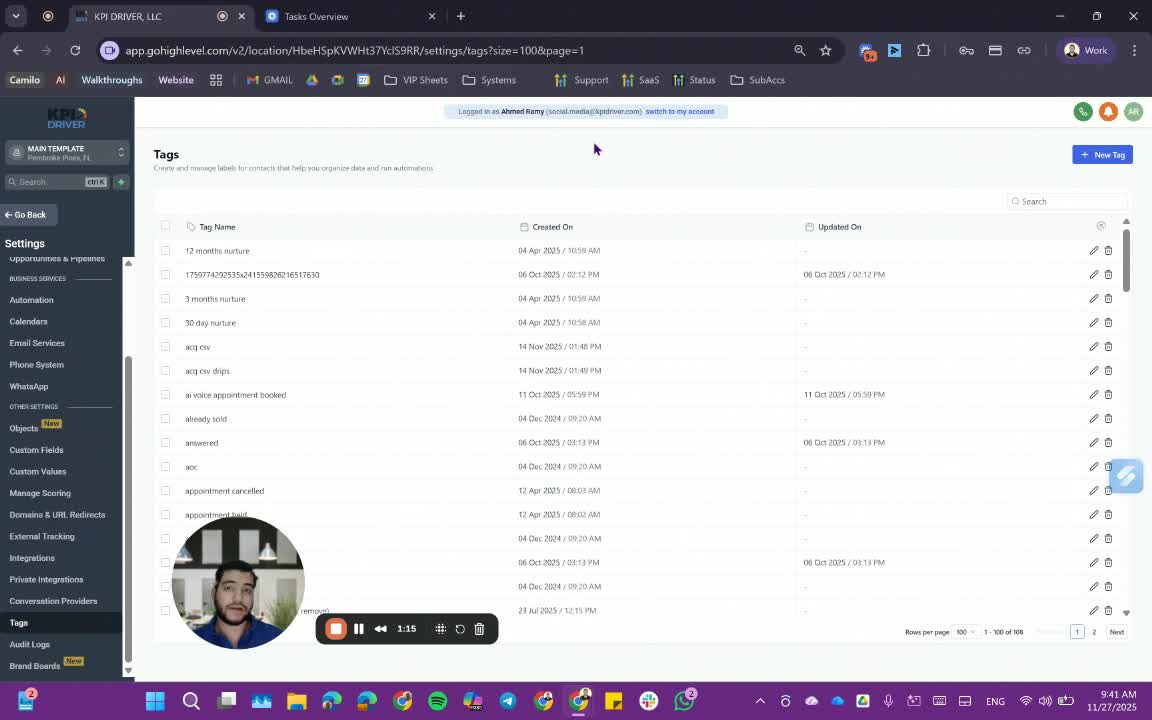
- Tags can be applied to contacts manually or through automation.
- When importing contacts, ensure to add relevant tags to differentiate between buyers and sellers.
4. Adding Tags from Contact Details 2:37
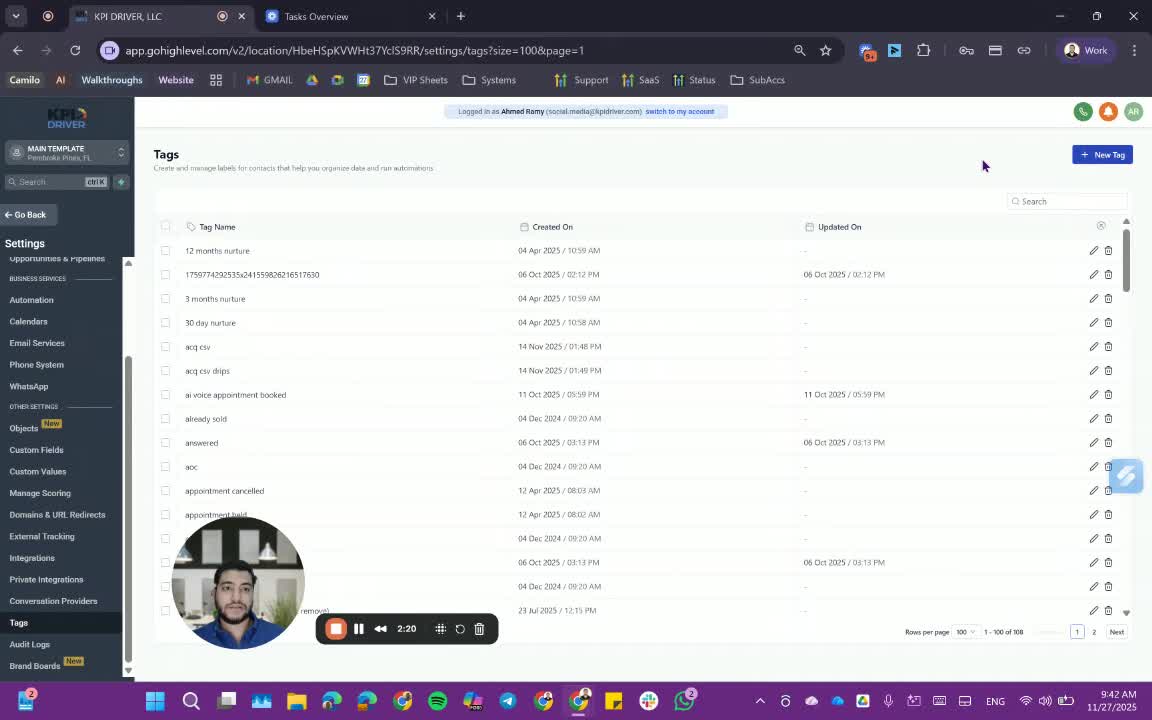
- Open the contact you wish to tag.
- Start typing the tag name in the tags section.
- Select the correct tag from the dropdown or create a new one if it doesn't exist.
5. Deleting Incorrect Tags 4:24
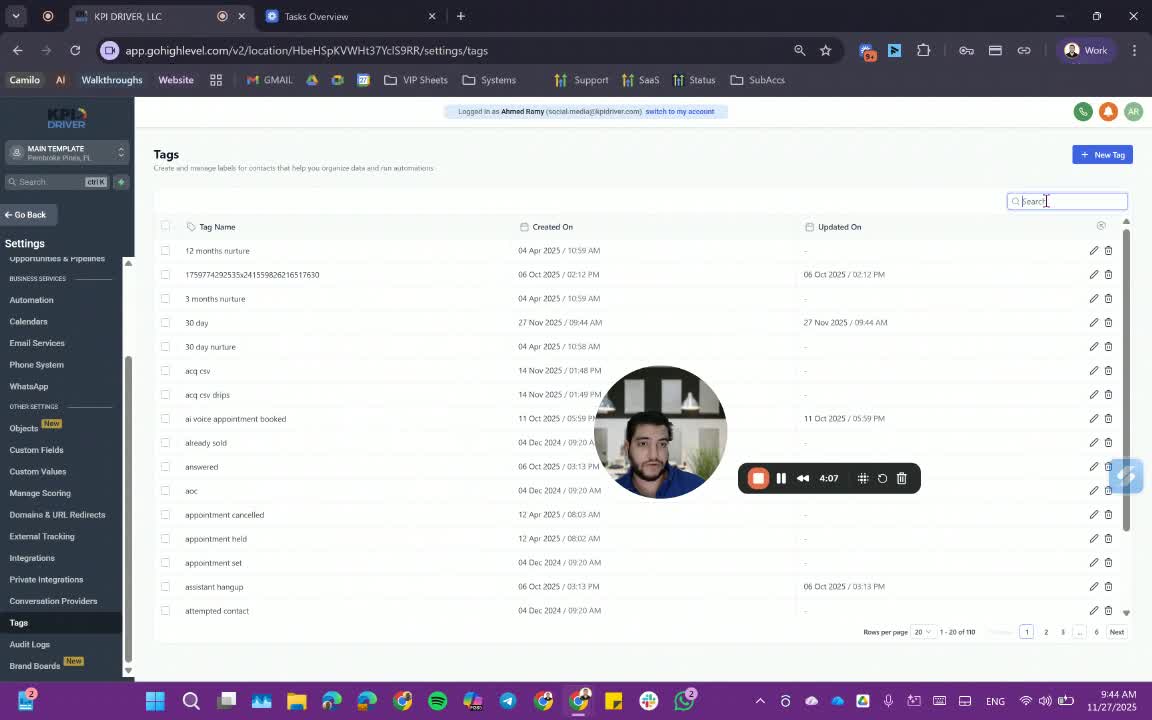
- To remove a tag:
- Go to the tags section.
- Search for the tag you want to delete.
- Click 'Delete' next to the incorrect tag.
Cautionary Notes
- Do not delete tags that are in use: Deleting tags can disrupt workflows and automations.
- Be careful when adding tags: Ensure you select the correct tag to avoid cluttering the system with unused tags.
Tips for Efficiency
- Use consistent naming conventions for tags to make searching easier.
- Regularly review tags to ensure they are still relevant and being used effectively.
Link to Loom
https://loom.com/share/d0988905d3314fc7a08db546ab7ade8b
Articles
Other Related Articles
FAQ
FAQ
What makes KPI DRIVER different from other real estate CRMs?
Do I need separate systems for document signatures, dispo, or rentals?
How long does it take to migrate my CRM to KPI DRIVER?
Will KPI DRIVER work if I’m new to real estate or don’t have a CRM yet?
Is the KPI Dashboard customizable?
How does KPI DRIVER help me scale my business?
Do you offer support or training?
How many leads, calls, and deals can KPI DRIVER handle?
How much does KPI DRIVER cost?

@KPI DRIVER LLC 2025. All Rights Reserved.
Design and developed by YAVACADO