
Scripts Overview 📞 💬
In this short Loom, I wanted to walk you through the call scripts that we discussed previously. Each of you may have different scripts depending on your role, and you can easily add and customize them here. For example, you can create an ACQ script with fields like the contact name and user full name, which will auto-populate during calls. This way, you won't need to have separate documents open while making calls. Please make sure to explore this feature and incorporate your scripts as needed!
Creating and Using Call Scripts in the Phone System
Objective
This SOP outlines the steps to create and utilize call scripts within the phone system for effective communication with contacts.
Key Steps
1. Accessing the Call Scripts Section 0:22
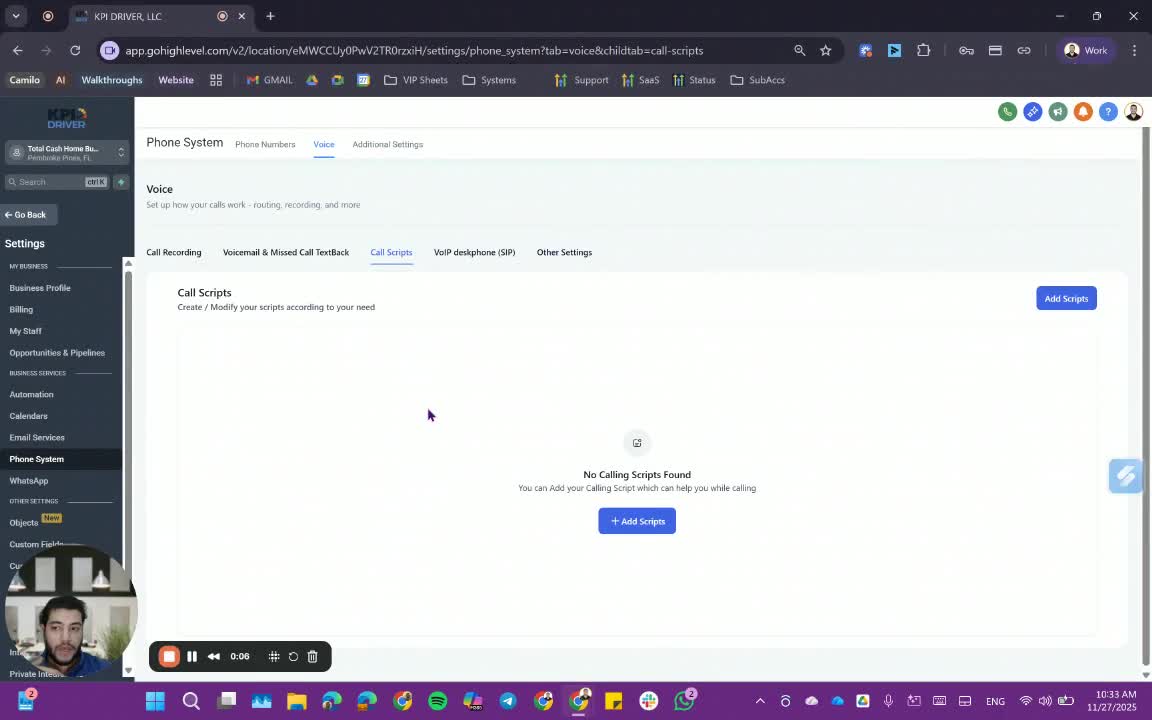
- Navigate to the phone system interface.
- Locate the section for call scripts.
2. Adding a New Call Script 0:30
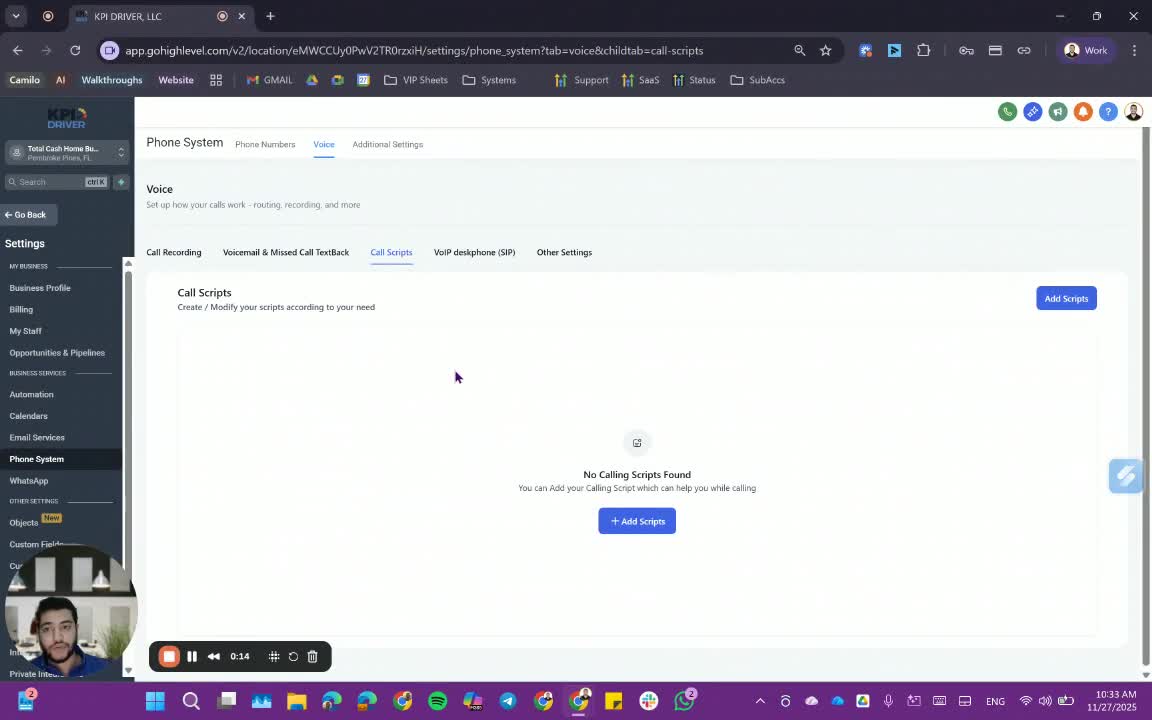
- Click on the option to add a new script.
- Enter a descriptive name for the script (e.g., 'ECQ script').
- Fill in any custom fields as necessary.
3. Customizing the Script Content 0:49
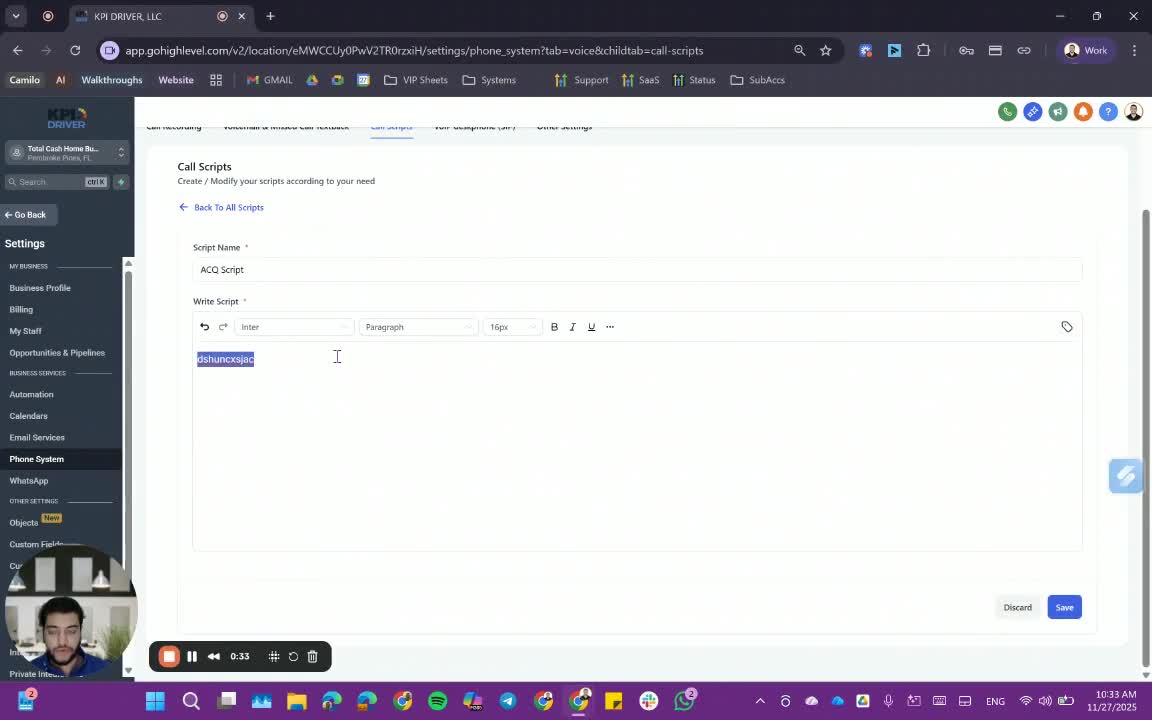
- Begin the script with a greeting (e.g., 'Hey').
- Include placeholders for contact names (e.g., 'contact name', 'user full name').
- Add the main content of the script.
4. Saving Multiple Scripts 1:15
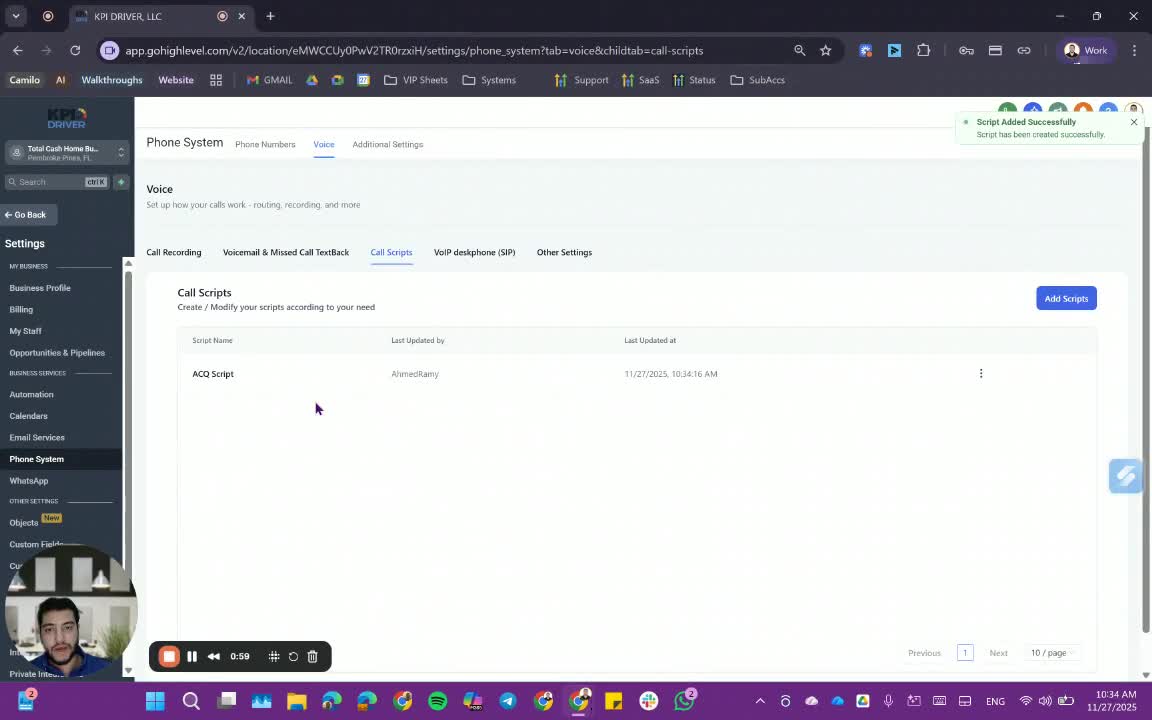
- Repeat the process to add additional scripts as needed (e.g., 'FUS script', 'post script').
- Ensure each script is saved with a unique name.
5. Viewing Script Details 1:24
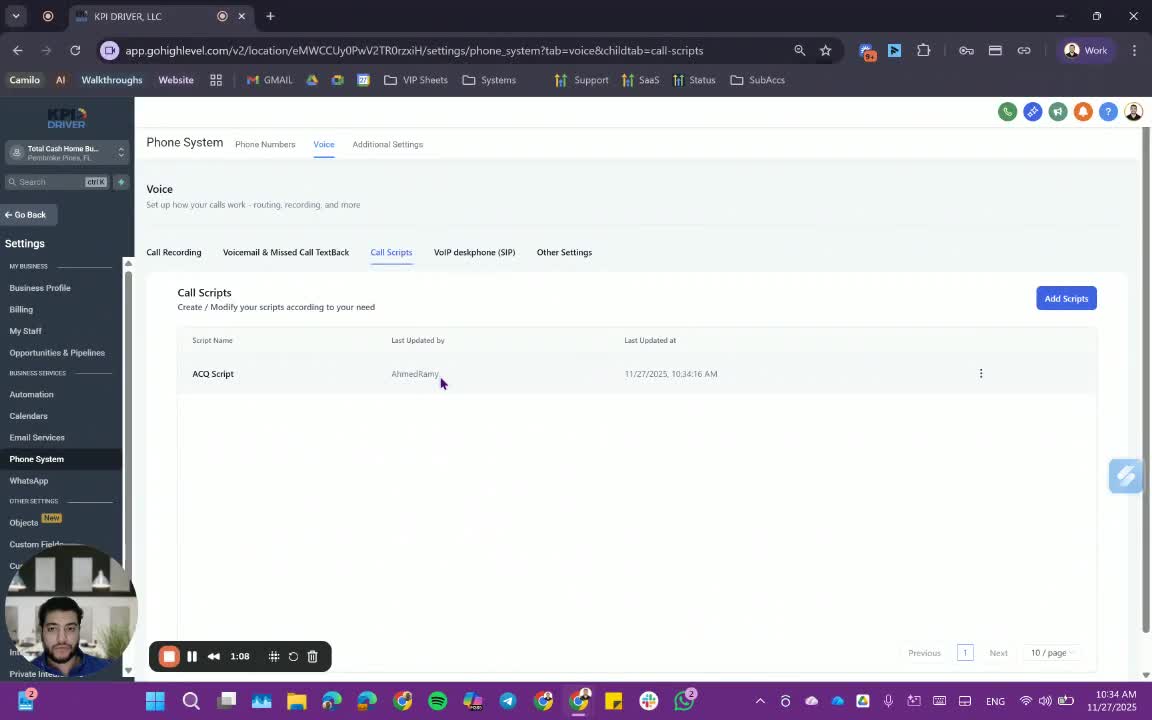
- Check the list of scripts to see details such as:
- Last updated by
- Script name
- Last updated date.
6. Using the Script During a Call 1:36
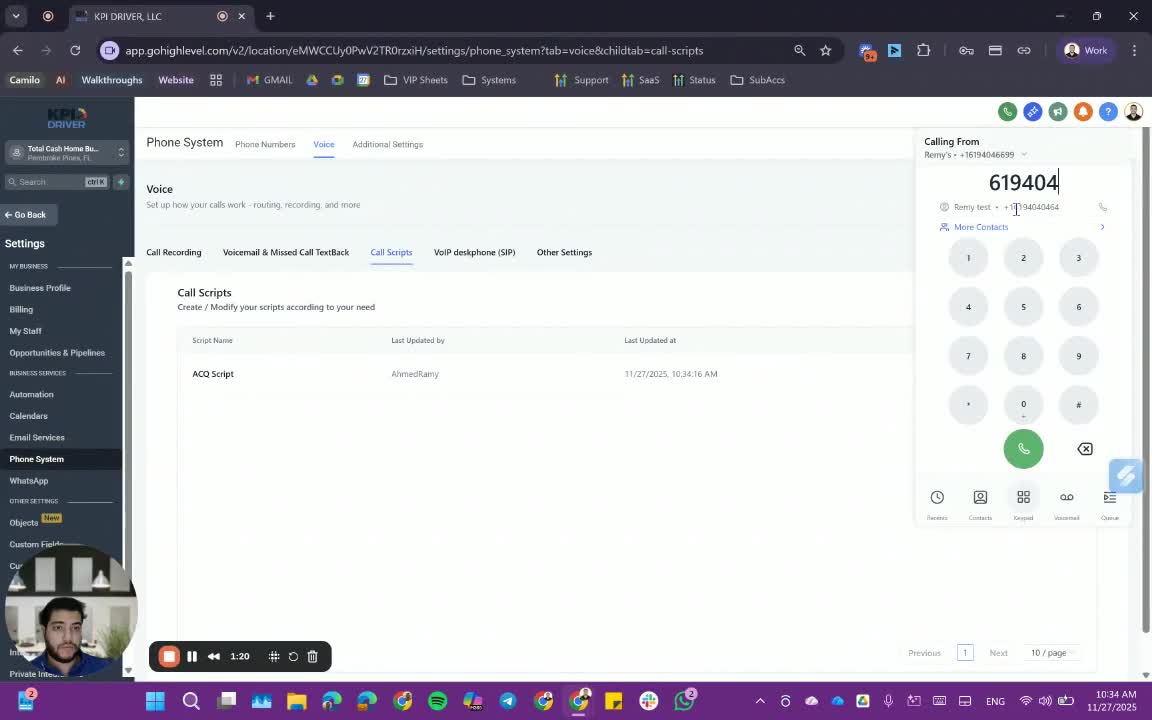
- Initiate a call to a contact.
- Select the appropriate user for the call.
- The relevant script will automatically display on the screen.
7. Accessing the Script During the Call 2:10
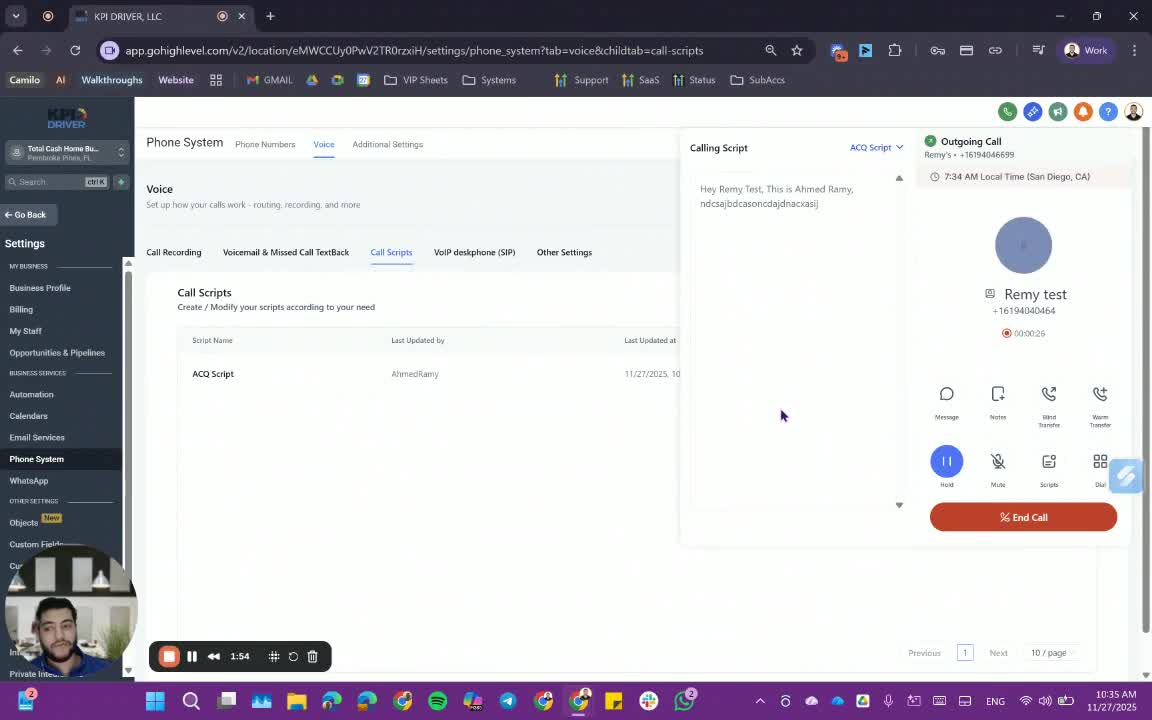
- Review the displayed script while on the call.
- Use the script to guide the conversation without needing external documents.
Cautionary Notes
- Ensure that all scripts are regularly updated to reflect any changes in procedures or information.
- Avoid using outdated scripts to prevent miscommunication.
Tips for Efficiency
- Create a template for common scripts to save time when adding new ones.
- Regularly review and consolidate scripts to minimize redundancy.
Link to Loom
https://loom.com/share/0d1a539def8a4448903744d1dca37efa
Articles
Other Related Articles
FAQ
FAQ
What makes KPI DRIVER different from other real estate CRMs?
Do I need separate systems for document signatures, dispo, or rentals?
How long does it take to migrate my CRM to KPI DRIVER?
Will KPI DRIVER work if I’m new to real estate or don’t have a CRM yet?
Is the KPI Dashboard customizable?
How does KPI DRIVER help me scale my business?
Do you offer support or training?
How many leads, calls, and deals can KPI DRIVER handle?
How much does KPI DRIVER cost?

@KPI DRIVER LLC 2025. All Rights Reserved.
Design and developed by YAVACADO