
Email Campaigns 📞 💬
In this video, I dive into the differences between email campaigns, snippets, and workflow campaigns. Email campaigns are those visually appealing emails you receive from brands like Samsung, filled with offers and updates. I explain how to track the performance of these campaigns, including delivery rates, bounces, and unsubscribes. I also walk you through creating a campaign using templates, scheduling, and selecting recipients. If you're interested in enhancing your email marketing efforts, I encourage you to explore these features and start creating your own campaigns.
Creating Email Campaigns
Objective
This SOP outlines the steps to create and manage email campaigns effectively using the email marketing platform.
Key Steps
Understanding Email Campaigns 0:17
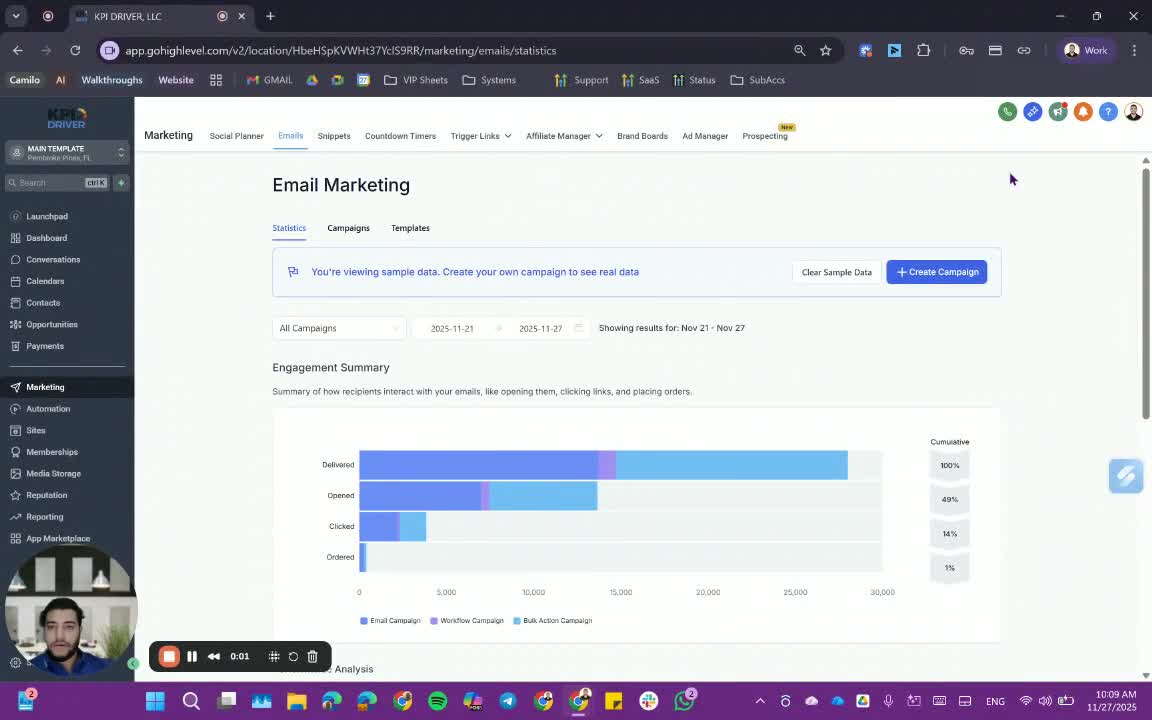
- Email campaigns are visually appealing emails sent to customers, similar to those from brands like Samsung.
- They differ from snippets and workflow emails, focusing on marketing and promotions.
Accessing Email Campaigns 1:16
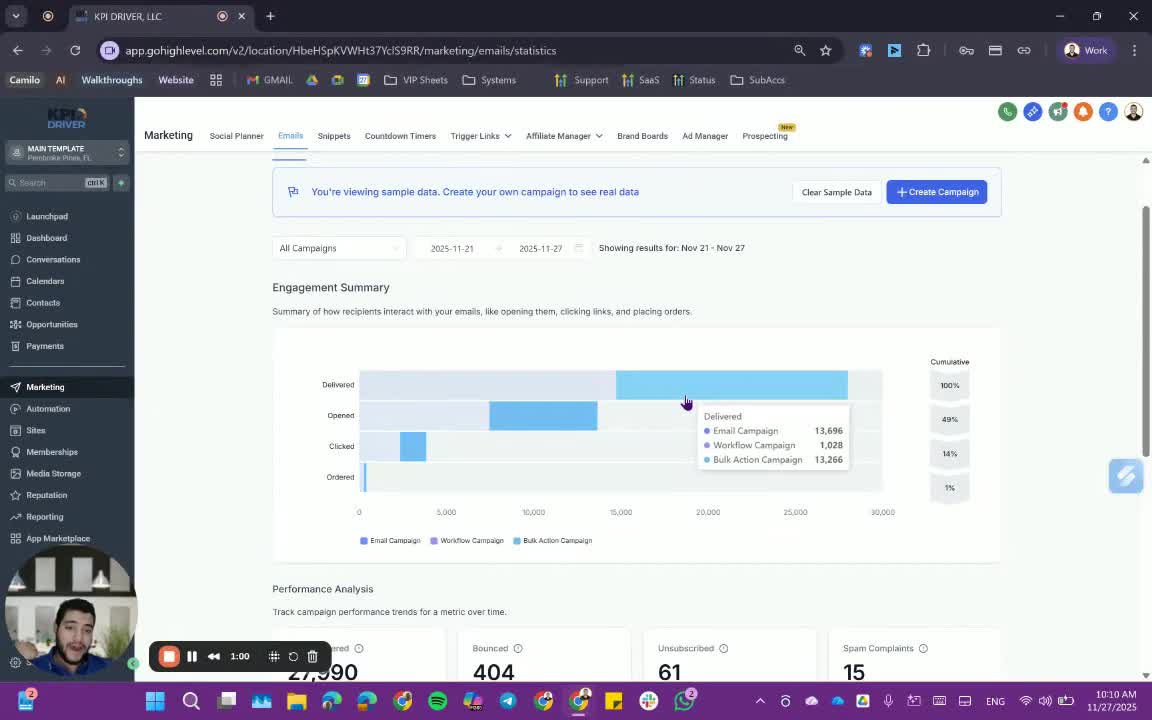
- Navigate to the email campaigns section in your marketing platform.
- Review existing workflow campaigns and bulk actions for context.
Choosing a Template 2:12
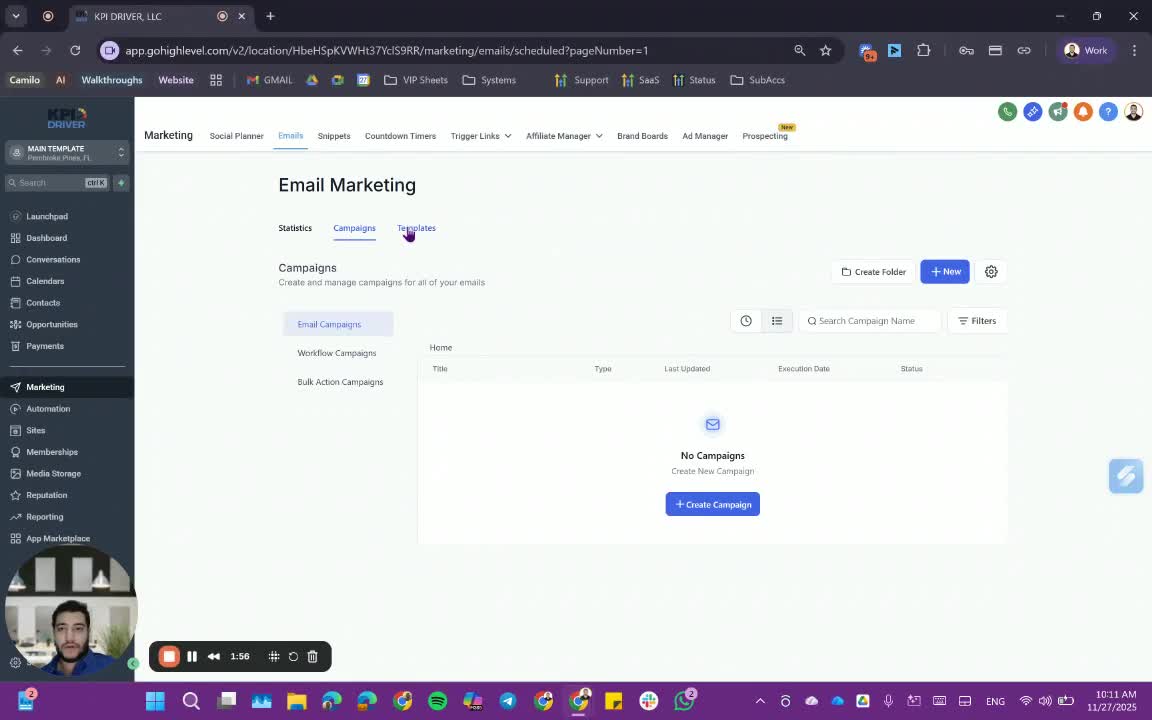
- Select an existing marketing email template or import your own.
- Customize the template by adding your content, images, and branding.
Editing and Saving the Template 2:55
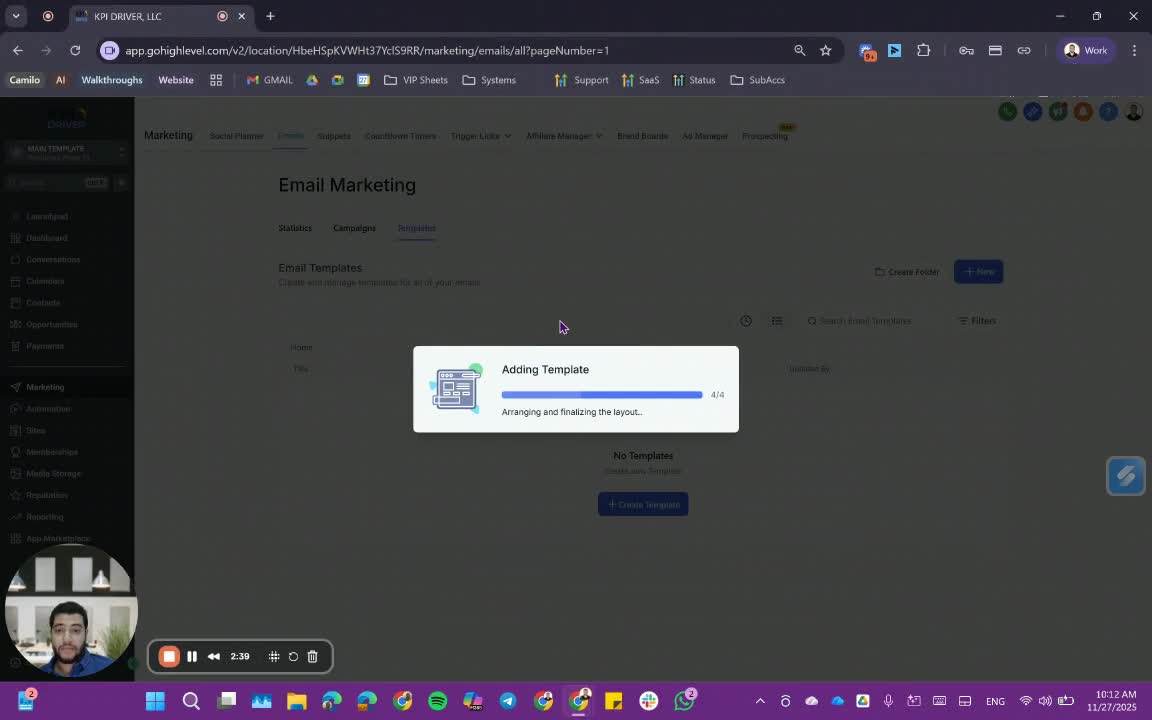
- Make necessary edits to the template.
- Save the template for future use.
Creating a Campaign 3:19
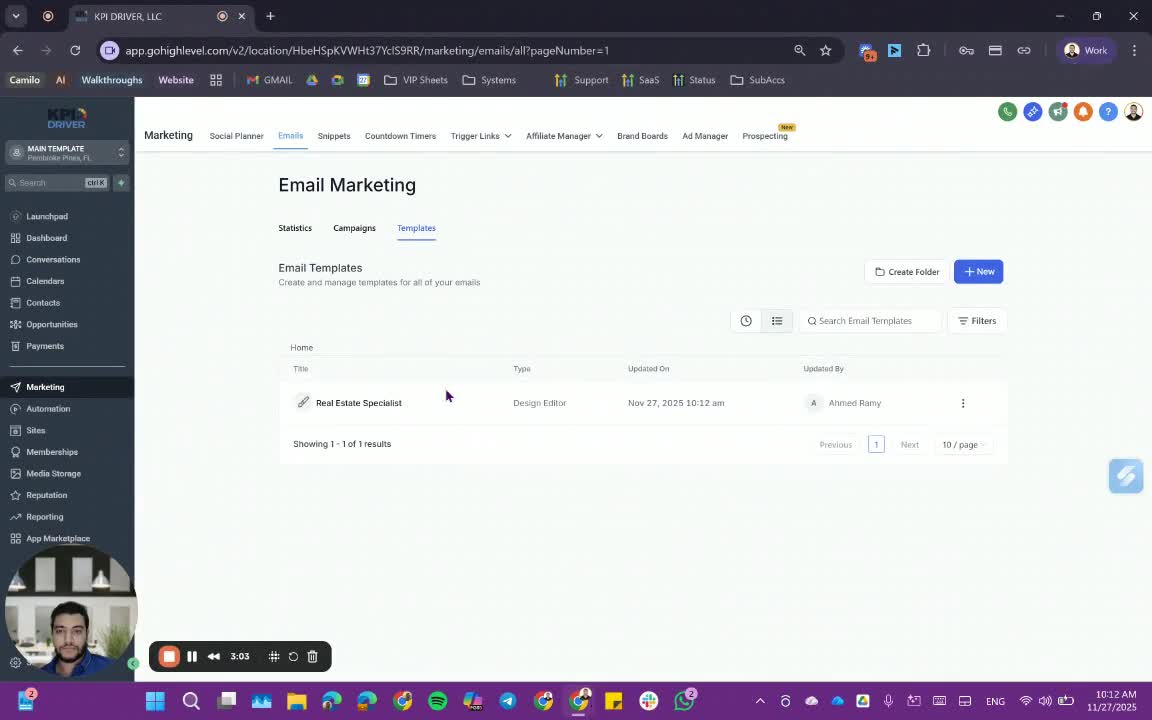
- Start a new campaign by selecting the saved template.
- Choose to schedule or send the campaign immediately.
Configuring Campaign Details 3:40
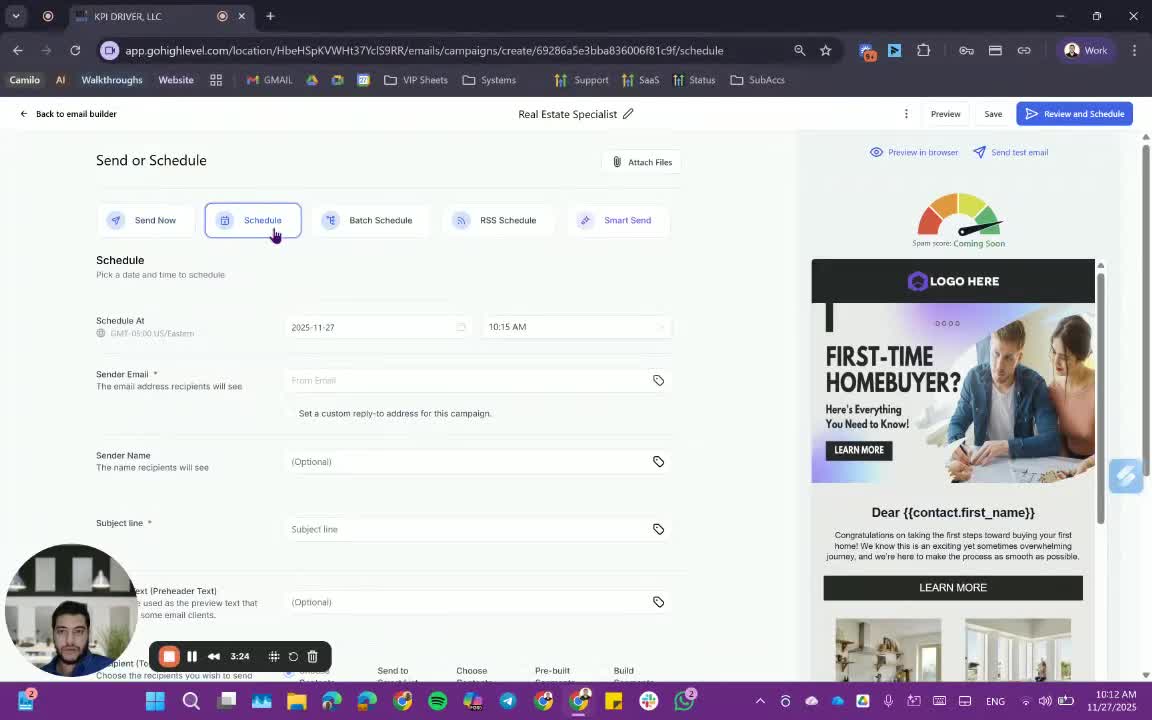
- Fill in the sender email, sender name, and subject line.
- Select recipients from your contacts or smart lists.
Tracking Campaign Performance 4:33
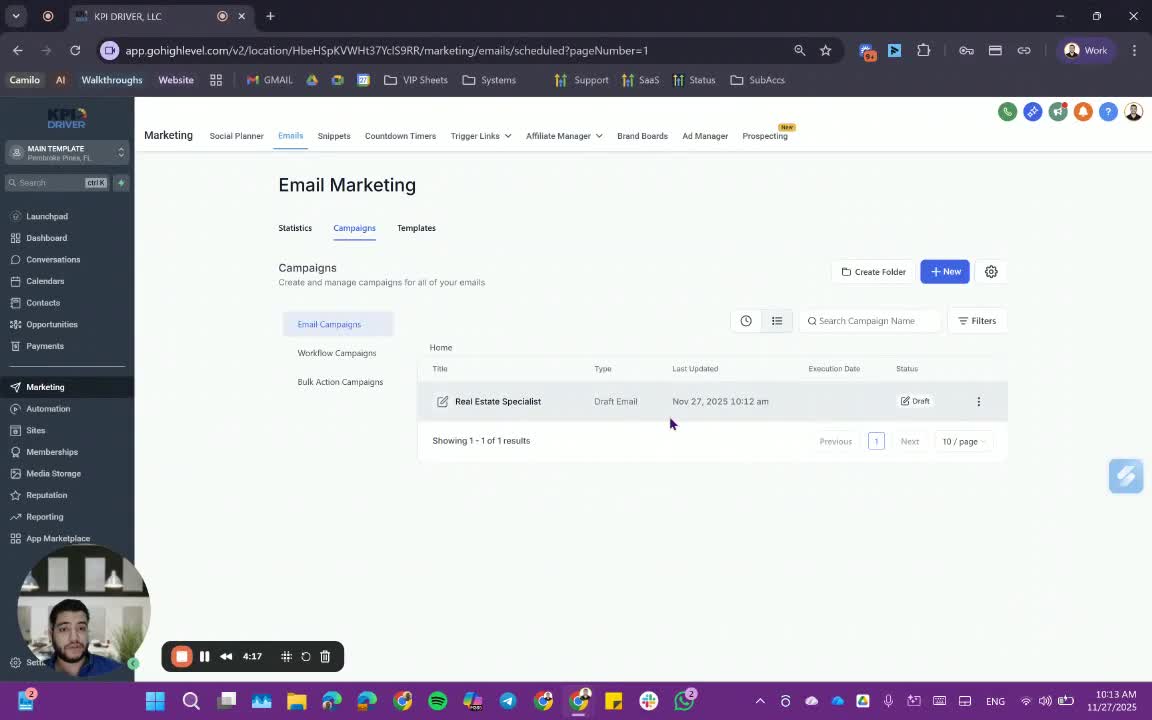
- Monitor the campaign's performance metrics such as delivery rates, opens, and clicks.
- Use tags to track recipient interactions.
Reviewing Campaign Statistics 5:05
- Access detailed statistics for workflow campaigns to analyze performance.
Cautionary Notes
- Ensure compliance with email marketing regulations (e.g., GDPR, CAN-SPAM).
- Double-check recipient lists to avoid sending to unsubscribed contacts.
Tips for Efficiency
- Use templates to save time on design and layout.
- Schedule campaigns during optimal times for better engagement.
- Regularly review campaign performance to refine future strategies.
Link to Loom
https://loom.com/share/5e2413542f1547aa8e80f9d9eb73e394
Articles
Other Related Articles
FAQ
FAQ
What makes KPI DRIVER different from other real estate CRMs?
Do I need separate systems for document signatures, dispo, or rentals?
How long does it take to migrate my CRM to KPI DRIVER?
Will KPI DRIVER work if I’m new to real estate or don’t have a CRM yet?
Is the KPI Dashboard customizable?
How does KPI DRIVER help me scale my business?
Do you offer support or training?
How many leads, calls, and deals can KPI DRIVER handle?
How much does KPI DRIVER cost?

@KPI DRIVER LLC 2025. All Rights Reserved.
Design and developed by YAVACADO