
Live Transfers 📞 💬
In this video, I discuss the importance of live transfers in our follow-up process, particularly for acquisition specialists. I explain how to set up a system for transferring calls effectively, whether through a single number or a group text to available specialists. I demonstrate a warm transfer and highlight the difference between warm and blind transfers. If no one is available to take the call, I suggest informing the caller that someone will reach out within 15 minutes. Please ensure that all acquisition specialists are familiar with this process and set up their phone numbers accordingly for smooth operations.
Live Transfer Procedure for Acquisition Managers
Objective
This SOP outlines the steps for executing live transfers of calls to acquisition managers effectively and efficiently.
Key Steps
Step 1: Set Up Live Transfer Method 0:27
- Determine your method for live transfers:
- Use a single number that routes to all available acquisition specialists.
- Send a text to a live transfer group and wait for a response.
Step 2: Initiate Live Transfer Call 1:11
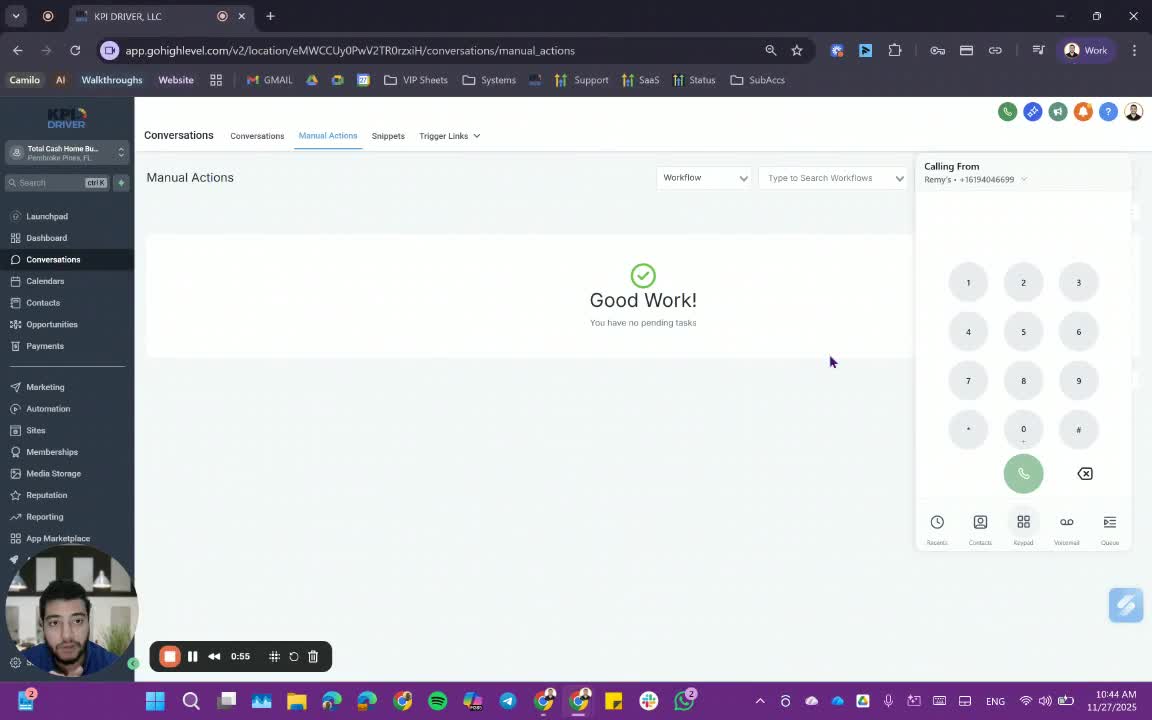
- While on the call with the interested seller, initiate the live transfer:
- Call the designated number that connects to all acquisition specialists.
- Text the live transfer group to notify them of the incoming call.
Step 3: Handle Call if No One Answers 1:26
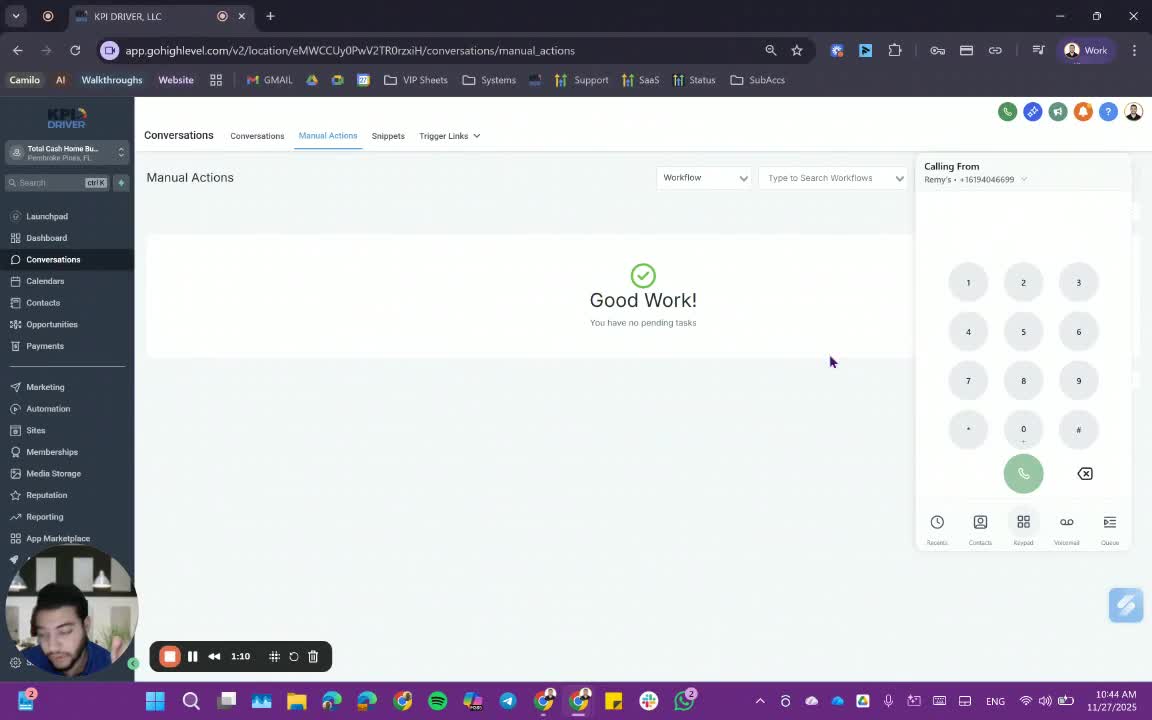
- If no acquisition specialist answers the call:
- Inform the seller that everyone is busy.
- Offer to have someone reach out within 15 minutes or schedule an appointment.
Step 4: Warm Transfer Process 2:14
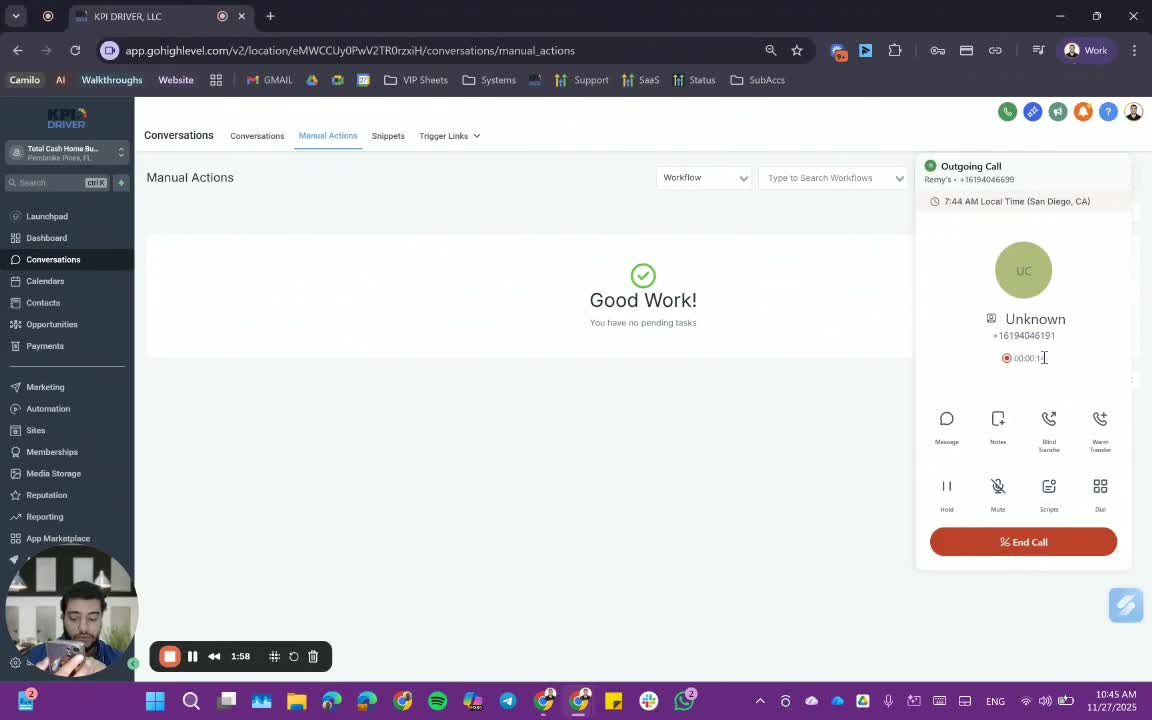
- To perform a warm transfer:
- Ensure the phone numbers of users are saved to avoid recording issues.
- Transfer the call to the live transfer number.
- Once the call starts ringing, merge the calls.
Step 5: Monitor Call Status 3:07
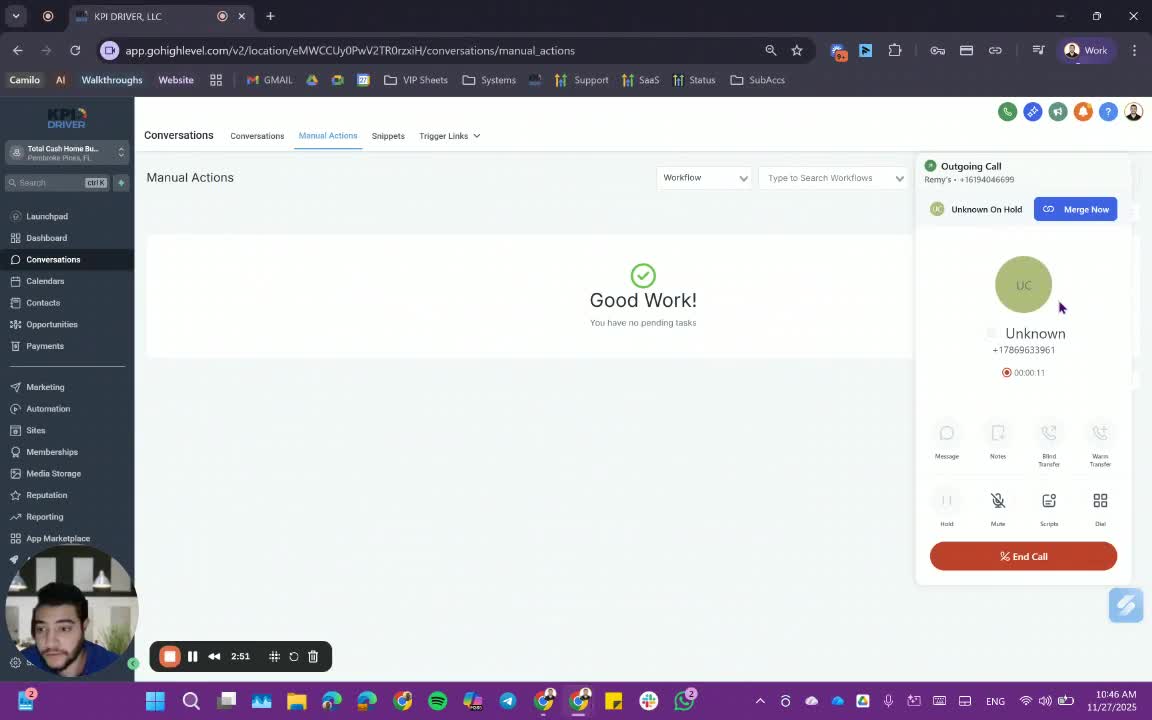
- After merging, monitor the ongoing calls:
- If the call is not answered within 60 seconds, remove the call from the line.
Step 6: Inform the Seller 3:23
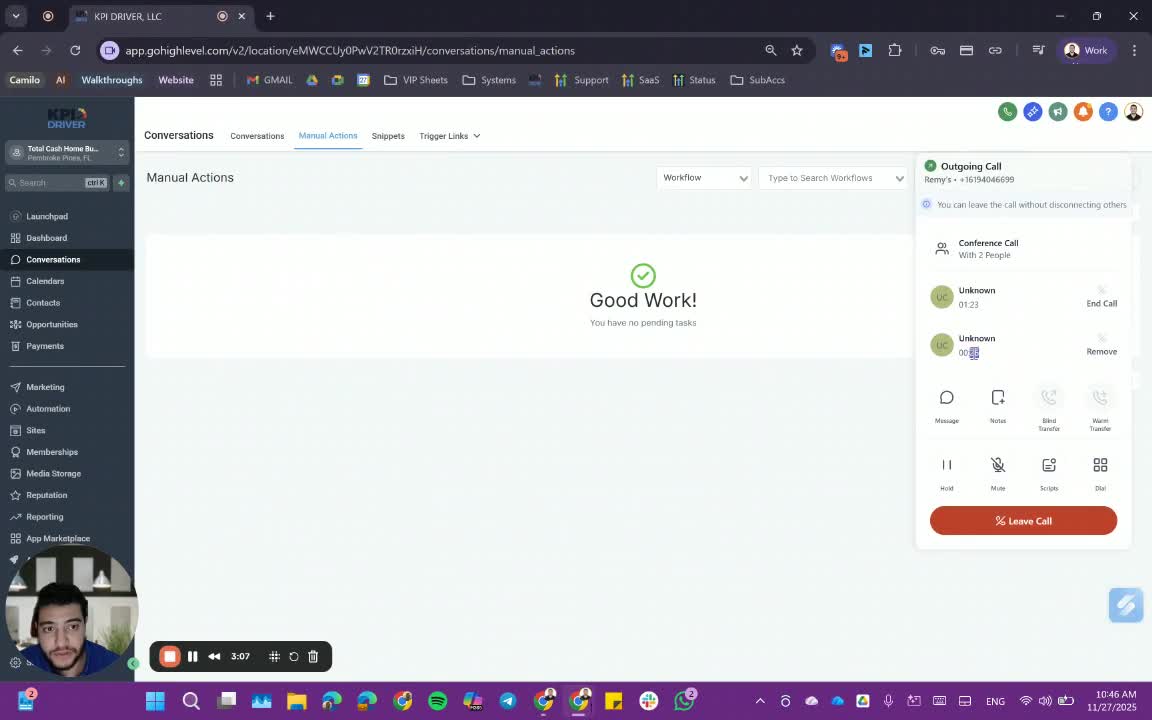
- After the transfer attempt, inform the seller of the situation:
- Let them know that no one is available and that someone will reach out shortly.
Step 7: Blind Transfer Process 3:48
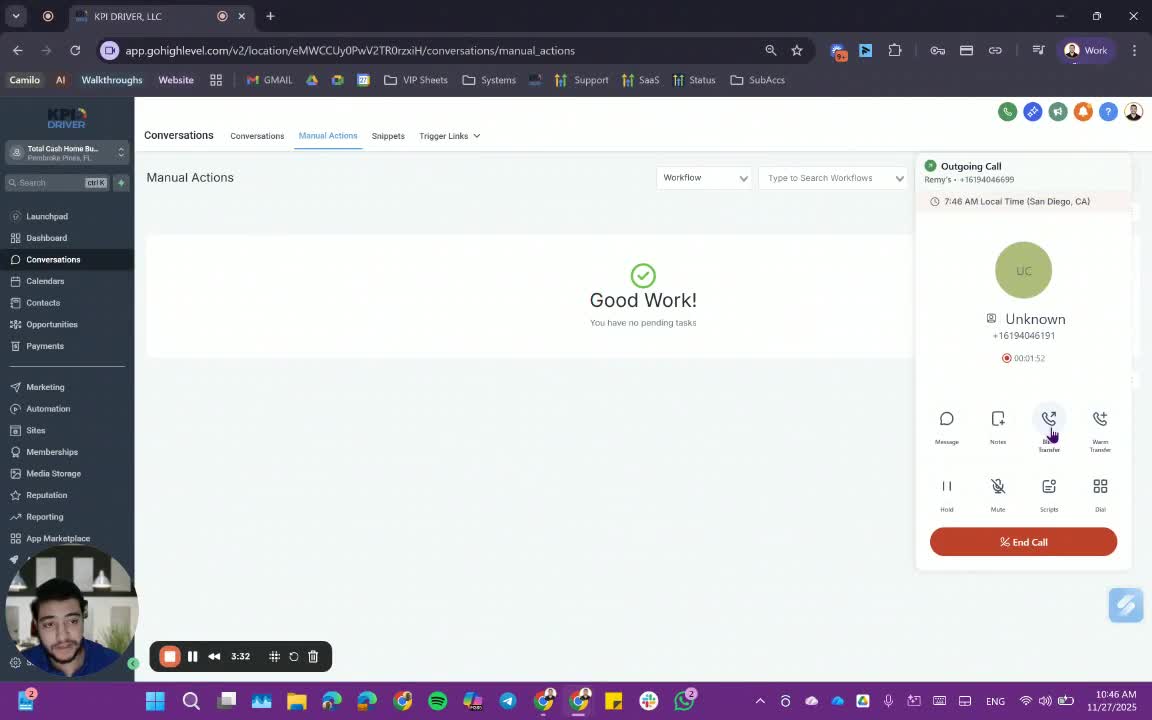
- For a blind transfer:
- Directly call the acquisition manager's number without merging.
- You will be disconnected immediately, and the call will continue to ring until answered or goes to voicemail.
Cautionary Notes
- Ensure that all phone numbers are correctly saved to avoid confusion during transfers.
- Be mindful of the seller's time and provide timely follow-ups if no one is available to take the call.
Tips for Efficiency
- Always have the live transfer number readily accessible.
- Use a consistent method for notifying acquisition specialists to streamline the process.
- Practice the transfer process to become familiar with the system and reduce call handling time.
Link to Loom
https://loom.com/share/57e86bbc5eac41e8a824ec8f022e74b6
Articles
Other Related Articles
FAQ
FAQ
What makes KPI DRIVER different from other real estate CRMs?
Do I need separate systems for document signatures, dispo, or rentals?
How long does it take to migrate my CRM to KPI DRIVER?
Will KPI DRIVER work if I’m new to real estate or don’t have a CRM yet?
Is the KPI Dashboard customizable?
How does KPI DRIVER help me scale my business?
Do you offer support or training?
How many leads, calls, and deals can KPI DRIVER handle?
How much does KPI DRIVER cost?

@KPI DRIVER LLC 2025. All Rights Reserved.
Design and developed by YAVACADO