
Smart Lists Usage 👥 📂
In this walkthrough, I explain the importance of using smart lists in our CRM, which currently holds around 35,000 contacts. I guide you through creating a smart list by applying filters to narrow down your contacts, whether for sellers or buyers, and show you how to customize the default view. I emphasize the need to configure columns and apply specific filters to focus on relevant leads, such as those created this year or assigned to particular agents. I encourage you to save your smart lists for easy access and to share them with your team. Please take action by exploring these features to enhance your workflow and efficiency.
Creating and Managing Smart Lists
Objective
This SOP outlines the steps to create, manage, and utilize smart lists effectively within the system to streamline contact management and outreach efforts.
Key Steps
1. Understanding Smart Lists 0:31
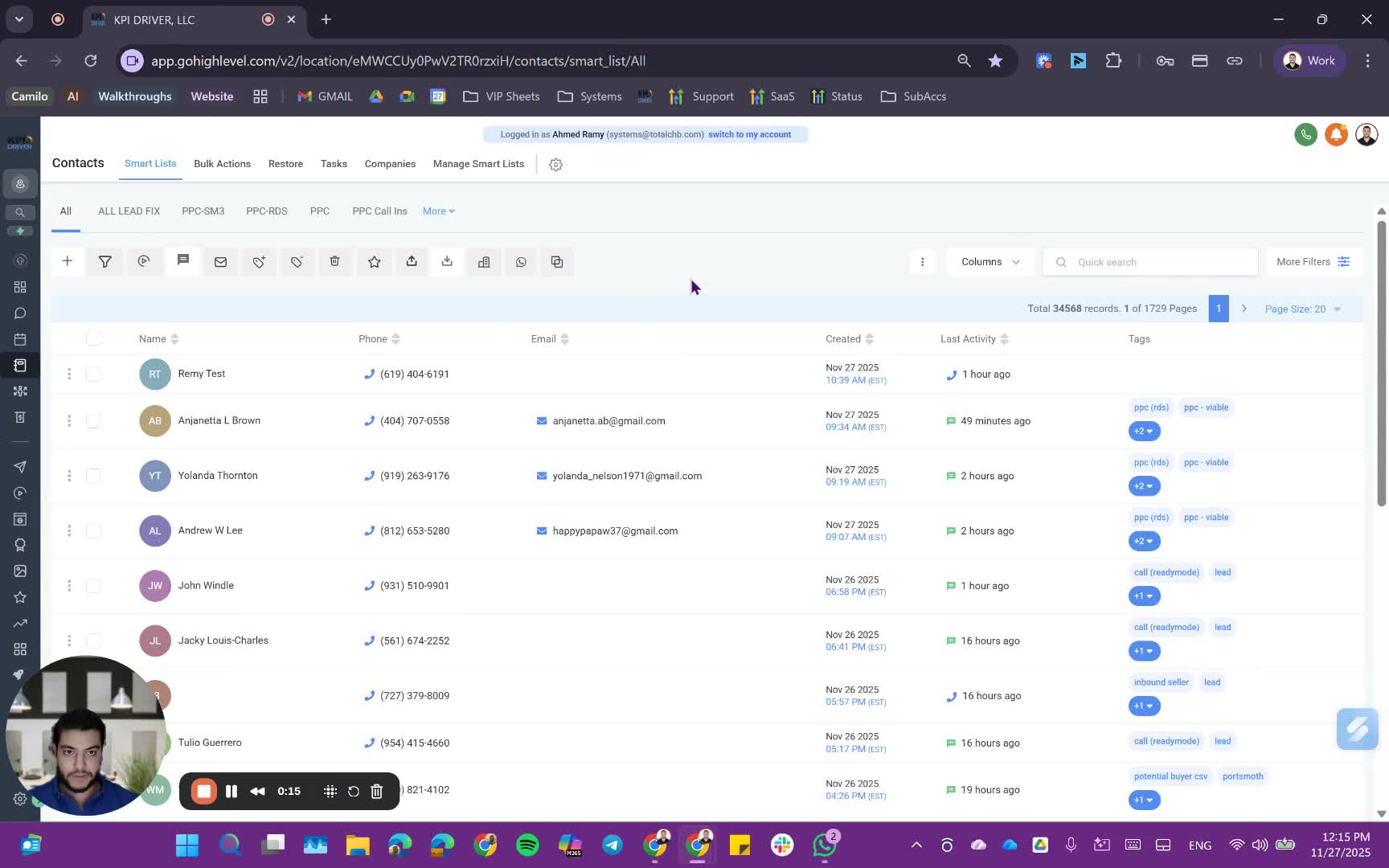
- A smart list is a filtered view of your contacts, allowing you to narrow down to specific groups based on criteria.
- Example: Starting with 35,000 contacts and applying filters to create a more precise list.
2. Determine the Type of Smart List 1:20
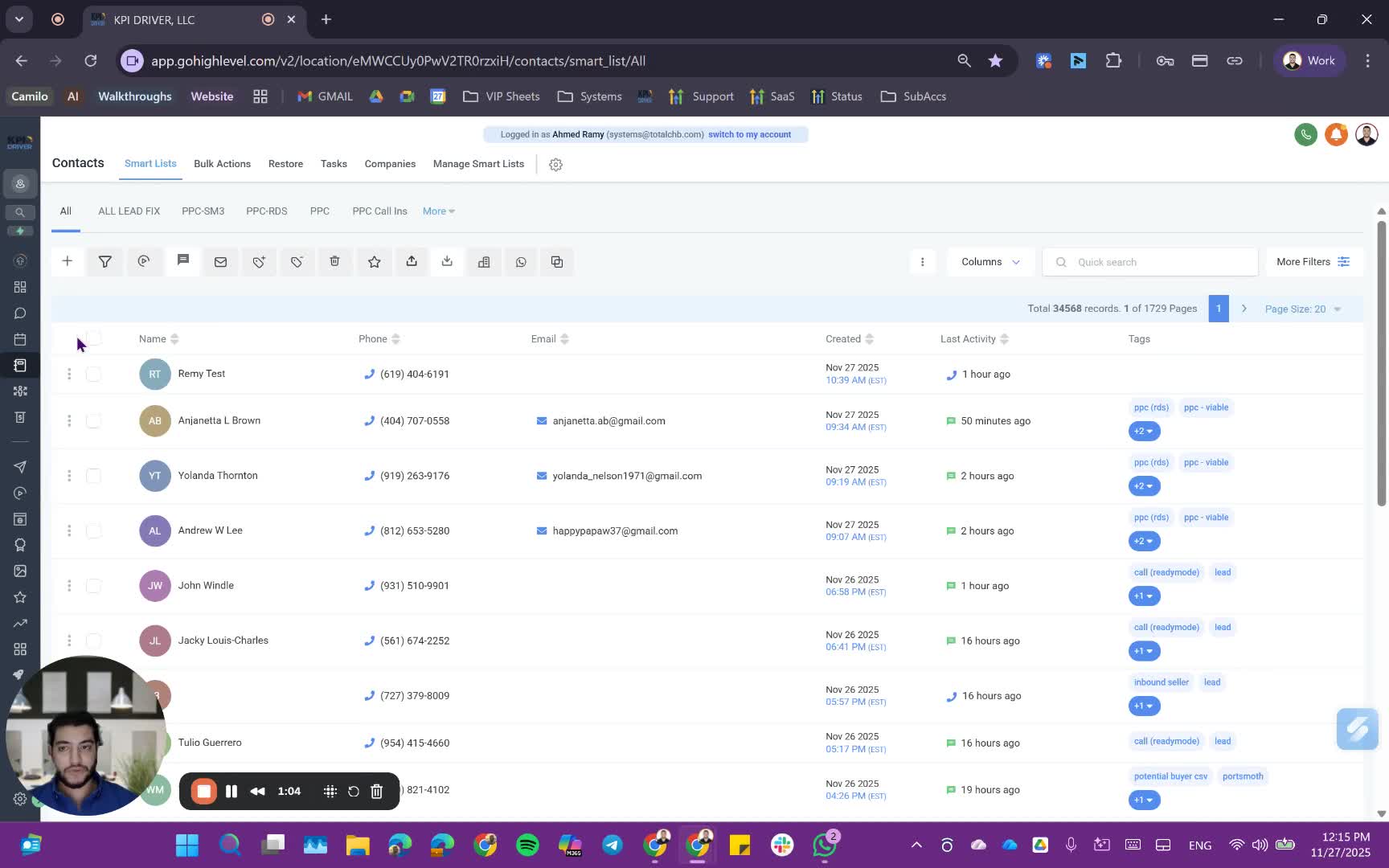
- Decide if you need a seller smart list or a buyer smart list.
- The type of smart list will dictate the views and filters you will apply.
3. Configure the Columns 3:24
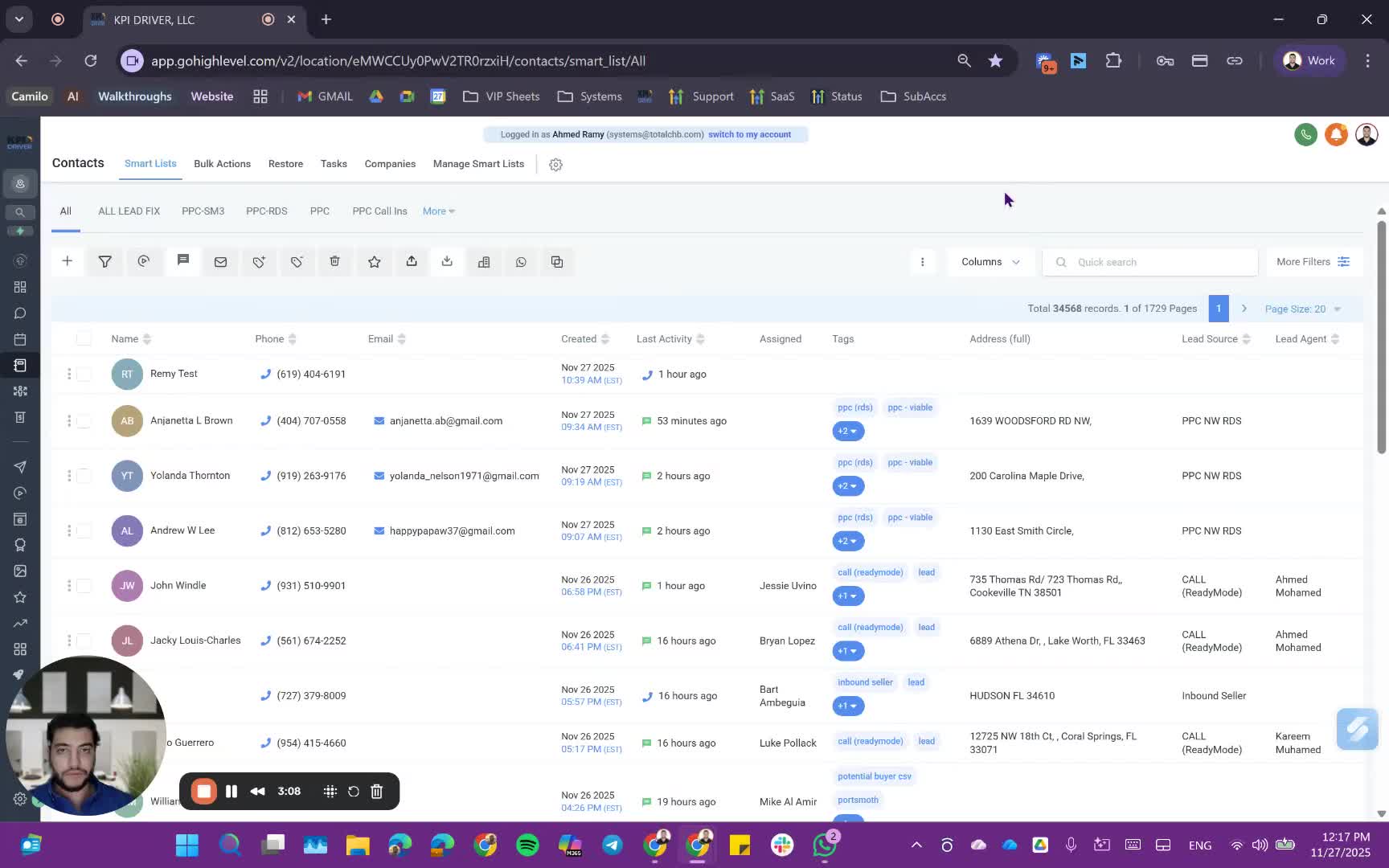
- Select which columns to display in your smart list view.
- You can include or exclude fields such as:
- Name
- Phone Number
- Created Date
- Last Activity
- Tags
- Ensure to keep essential fields like phone and email for outreach purposes.
4. Apply Filters 3:33
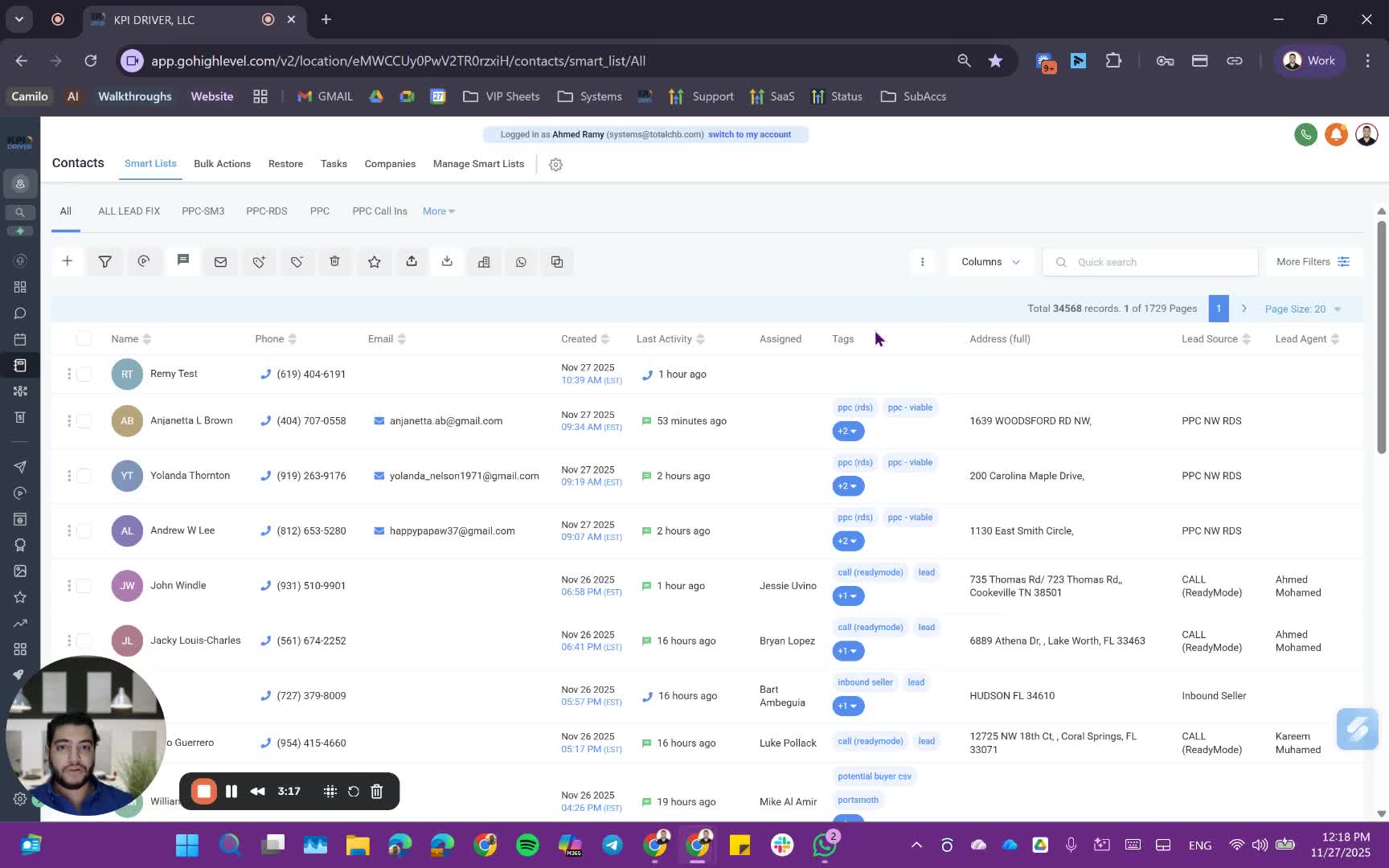
- Start filtering your contacts based on specific criteria:
- Lead source (e.g., PPC, WRDS)
- Date created (e.g., this year)
- Assigned user (e.g., leads assigned to a specific team member)
- Use the filter options to refine your list further.
5. Save the Smart List 6:47
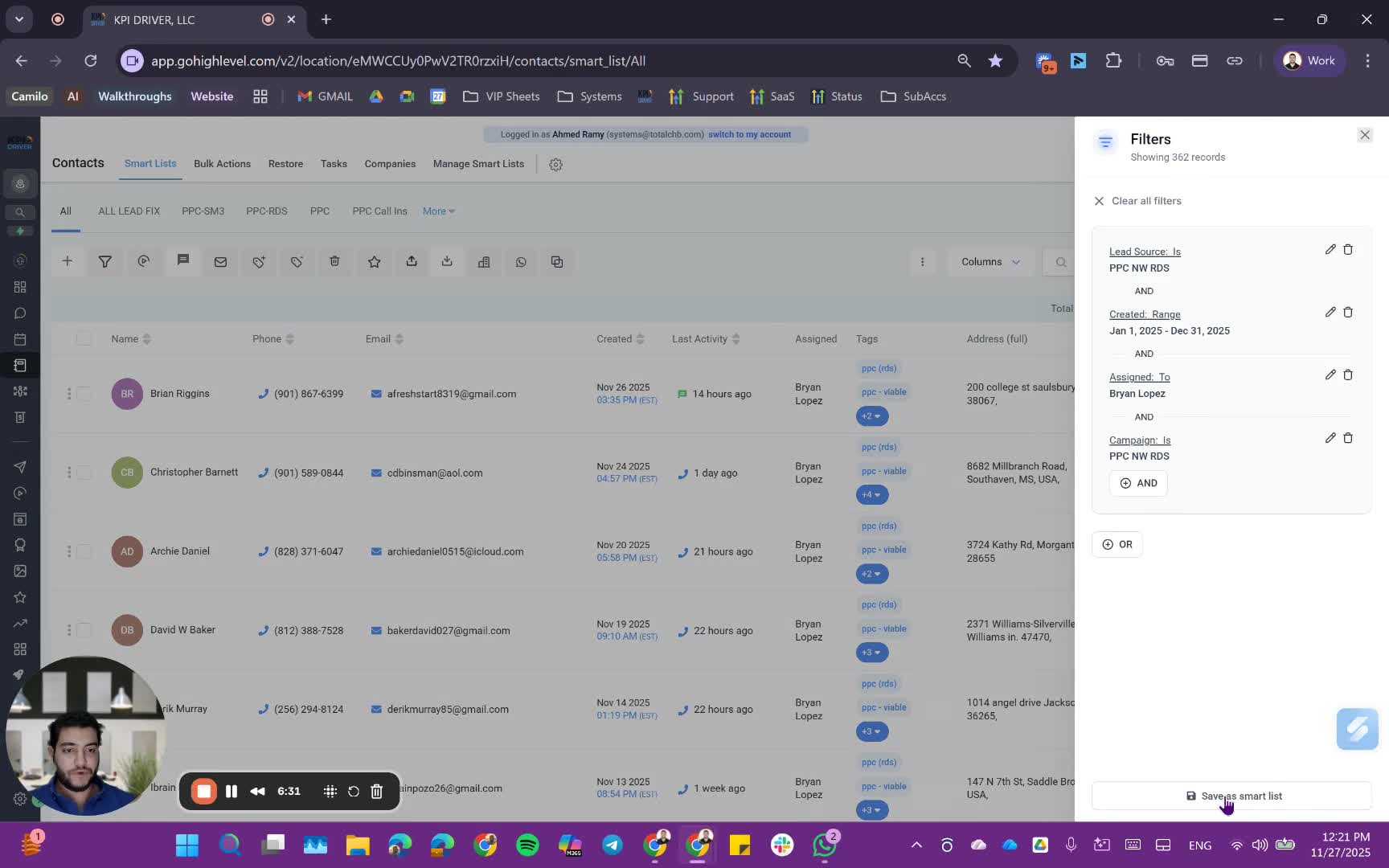
- Once your filters and views are set, save the smart list for future access.
- Name the smart list appropriately for easy identification.
6. Manage Smart Lists 7:06
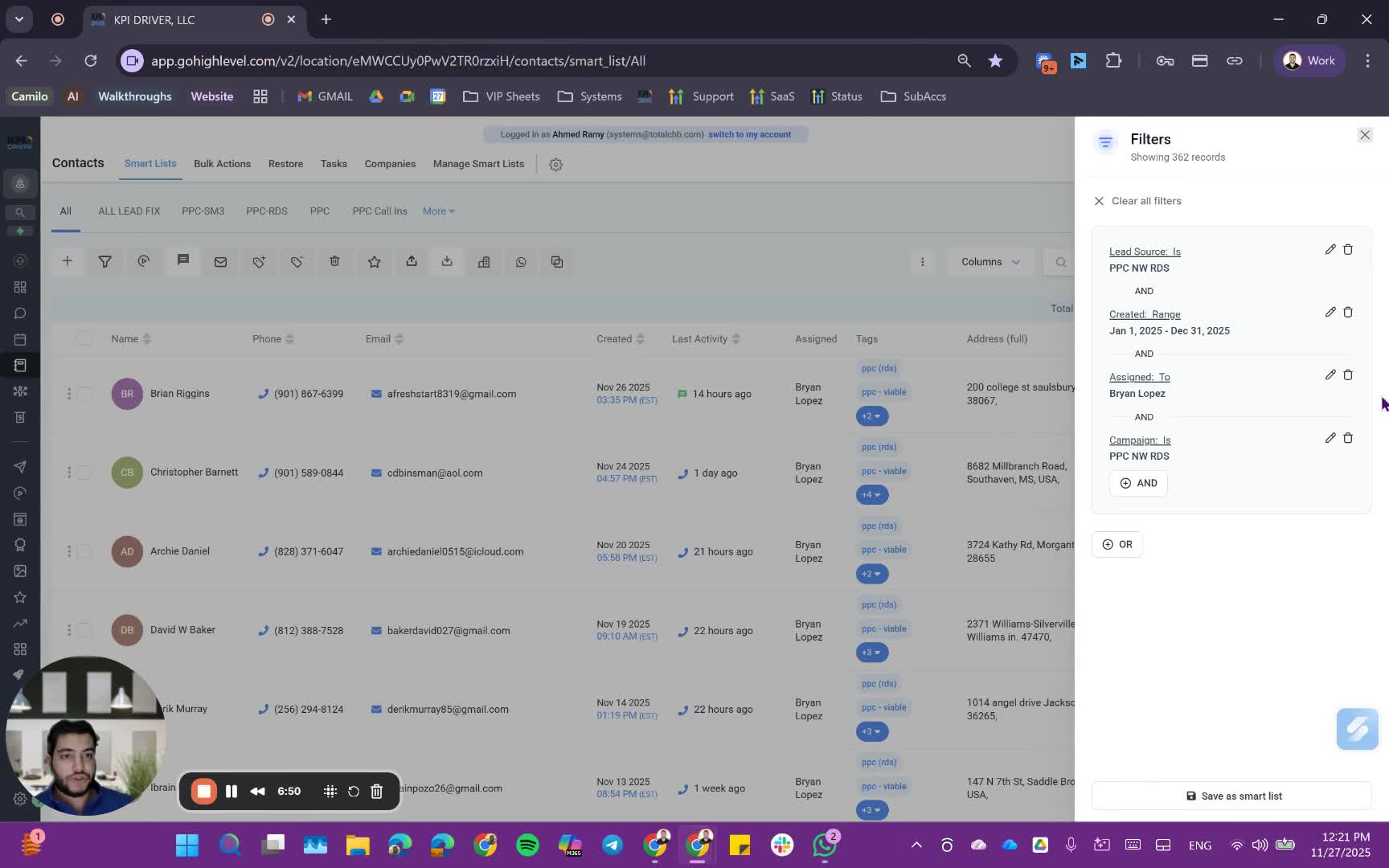
- Access the 'Manage Smart List' section to view all saved smart lists.
- You can share your smart list with team members or make it a global list.
7. Utilize Smart Lists for Outreach 8:10
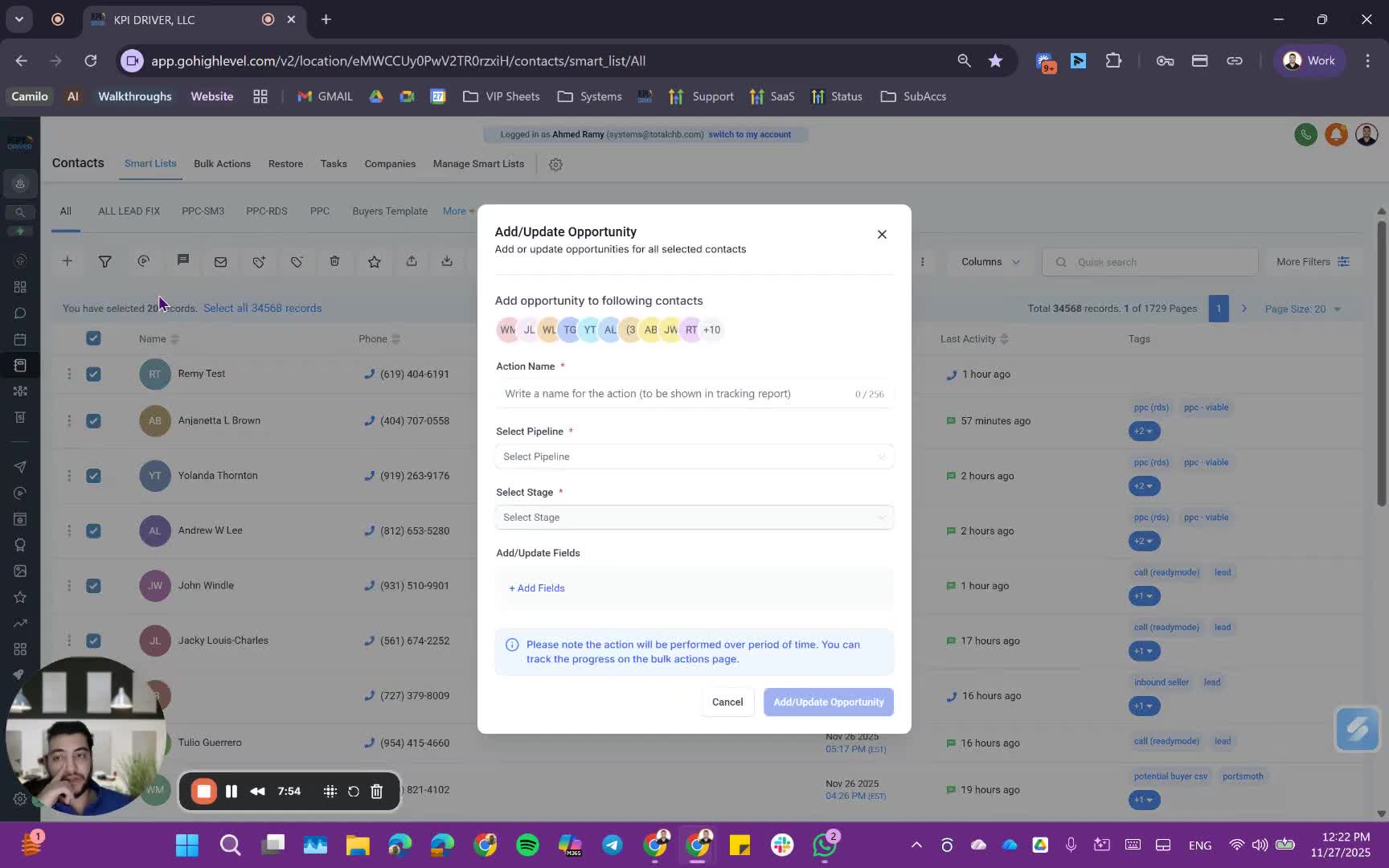
- Use the smart list for bulk actions such as:
- Bulk emails
- Bulk SMS
- Email campaigns
- You can also enroll contacts into automations or change pipeline stages in bulk.
8. Use with Power Dialer 8:47
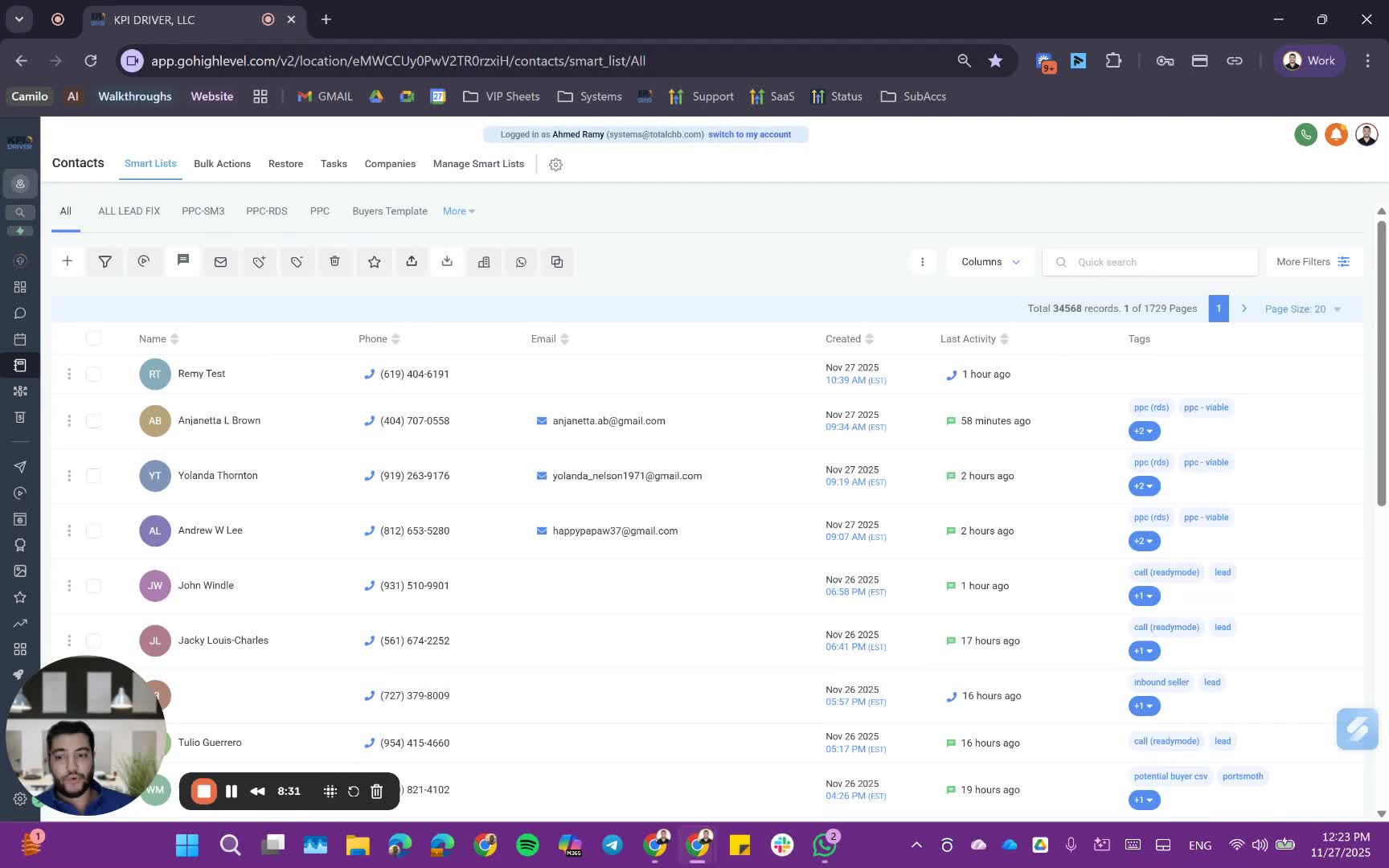
- Highlight contacts in your smart list and add the tag for instant power dialer usage.
Cautionary Notes
- Always double-check the filters applied to ensure you are targeting the correct audience.
- Be cautious when sharing smart lists to maintain data privacy and security.
Tips for Efficiency
- Regularly review and update your smart lists to keep them relevant.
- Use naming conventions for smart lists to easily identify their purpose.
- Take advantage of bulk actions to save time on outreach efforts.
Link to Loom
https://loom.com/share/b0cd7babca084f07b78c05b8f4932249
Articles
Other Related Articles
FAQ
FAQ
What makes KPI DRIVER different from other real estate CRMs?
Do I need separate systems for document signatures, dispo, or rentals?
How long does it take to migrate my CRM to KPI DRIVER?
Will KPI DRIVER work if I’m new to real estate or don’t have a CRM yet?
Is the KPI Dashboard customizable?
How does KPI DRIVER help me scale my business?
Do you offer support or training?
How many leads, calls, and deals can KPI DRIVER handle?
How much does KPI DRIVER cost?

@KPI DRIVER LLC 2025. All Rights Reserved.
Design and developed by YAVACADO