
Importing/Updating New Contacts/Opportunities 👥 📂
Hello, everyone. In this video, I want to emphasize the importance of importing new contacts, particularly for the Dispo team, as this is where we will see the most usage. We need to ensure that we are effectively adding a lot of buyers to the Dispo site. I encourage everyone to pay close attention to this process and implement it as we move forward. Your efforts in this area are crucial for our success. Thank you!
Standard Operating Procedure for Importing Contacts
Objective
This SOP outlines the steps for importing contacts into the CRM system, ensuring proper data handling and workflow management for the Dispo team.
Key Steps
Step 1: Understand the Importance of Fields 0:17
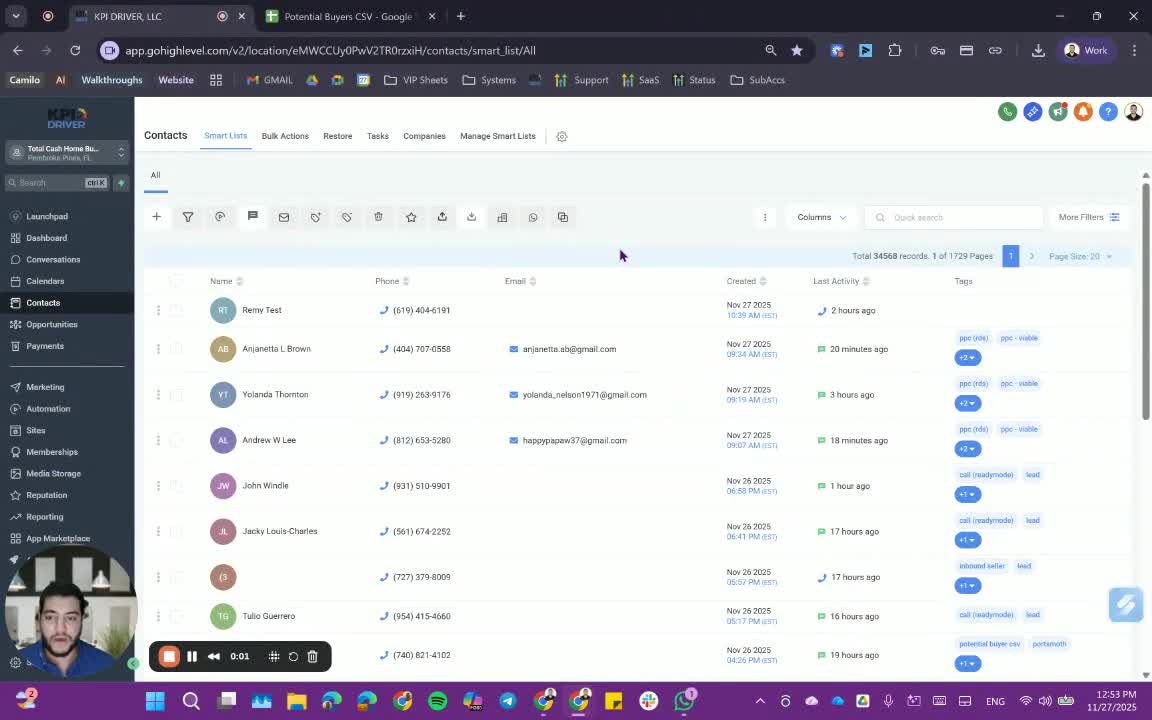
- Recognize that importing contacts is crucial for the Dispo team, especially for bulk emails and texts.
- Understand that seller data imports are rare and usually involve migration from another CRM.
Step 2: Prepare CSV Files 1:02
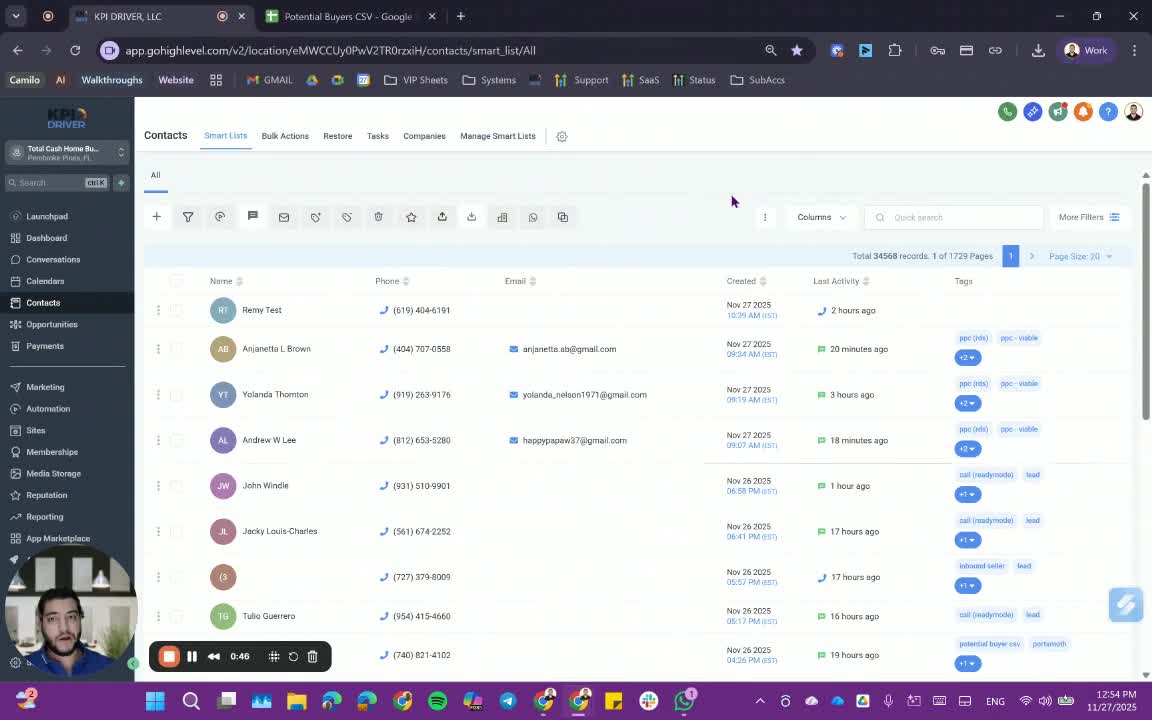
- Use provided CSV templates for importing leads.
- Ensure the following fields are included:
- First Name
- Last Name
- Phone or Email (at least one is required)
- Notes (optional)
- Preferred City, State, Zip, County (for buyers)
- Buyer Source (e.g., campaign name and date)
- Buyer Role (e.g., cash buyer, wholesaler, realtor, investor)
- Tags (ensure to copy the tag down for all entries)
Cautionary Notes
- Ensure that the fields for source, role, and tags are filled correctly to avoid workflow mishaps.
- Be cautious when choosing between 'Create Contacts' and 'Create and Update' options during import to prevent data loss.
Tips for Efficiency
- Always use the provided CSV templates to ensure all necessary fields are included.
- When adding tags, separate them with commas to include multiple tags for a contact.
- Be patient after starting the bulk import; allow time for the system to process the data.
Link to Loom
https://loom.com/share/ba3fb9ac271b47c9bbd9fcfc95e85fda
Articles
Other Related Articles
FAQ
FAQ
What makes KPI DRIVER different from other real estate CRMs?
Do I need separate systems for document signatures, dispo, or rentals?
How long does it take to migrate my CRM to KPI DRIVER?
Will KPI DRIVER work if I’m new to real estate or don’t have a CRM yet?
Is the KPI Dashboard customizable?
How does KPI DRIVER help me scale my business?
Do you offer support or training?
How many leads, calls, and deals can KPI DRIVER handle?
How much does KPI DRIVER cost?

@KPI DRIVER LLC 2025. All Rights Reserved.
Design and developed by YAVACADO