
TC & Dispositions Pipelines & Drips & KPIs 📊 🔄
In this video, I walk you through the contract signing stage and the subsequent steps in our transaction coordination and disposition pipelines. Once the contract is signed, we gather marketing assets and prepare for the marketing property phase, where we look for potential buyers. It's crucial to keep our buyer forms updated and manage showings effectively, as this impacts our KPIs. I also emphasize the importance of communication between the disposition team and the transaction coordination team throughout the process. Please ensure that all relevant fields are filled out accurately to facilitate smooth transitions as we move towards closing.
Standard Operating Procedure for Contract Management and Disposition Process
Objective
This SOP outlines the steps for managing contracts and the disposition process after a contract is signed, ensuring a smooth transition from contract signing to closing.
Key Steps
1. Contract Received 0:27
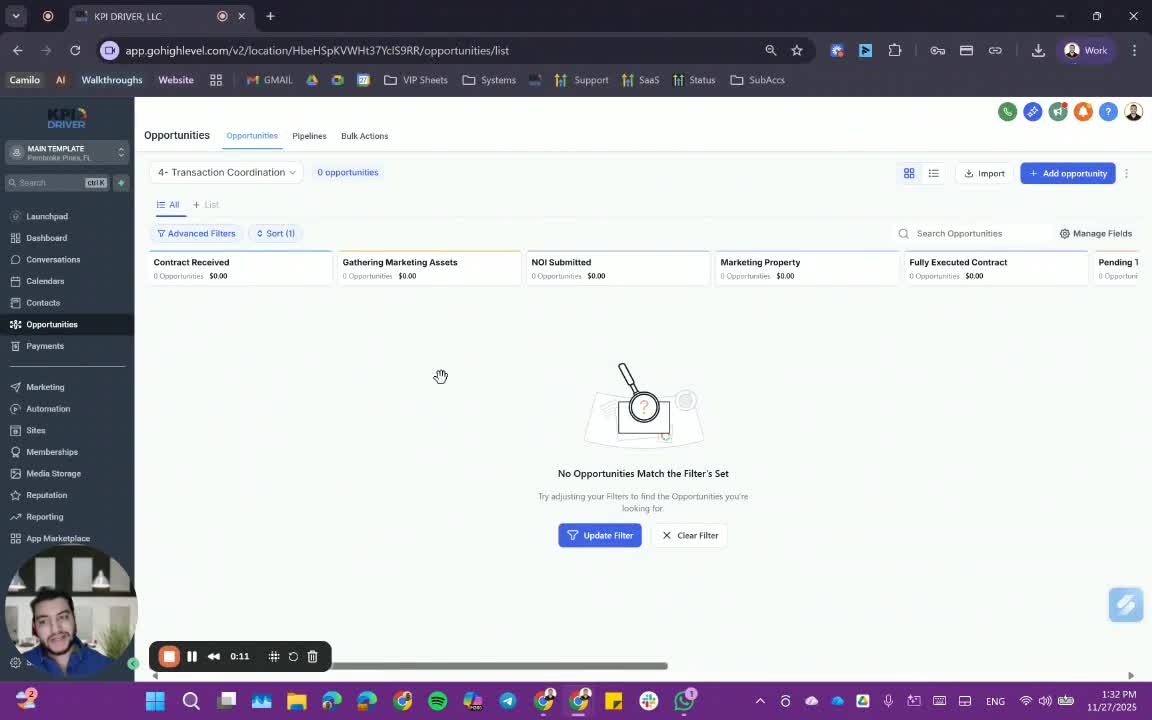
- Determine the type of deal:
- Fix and flip
- Innovation
- Other exit strategies as applicable.
2. Gather Marketing Assets 0:42
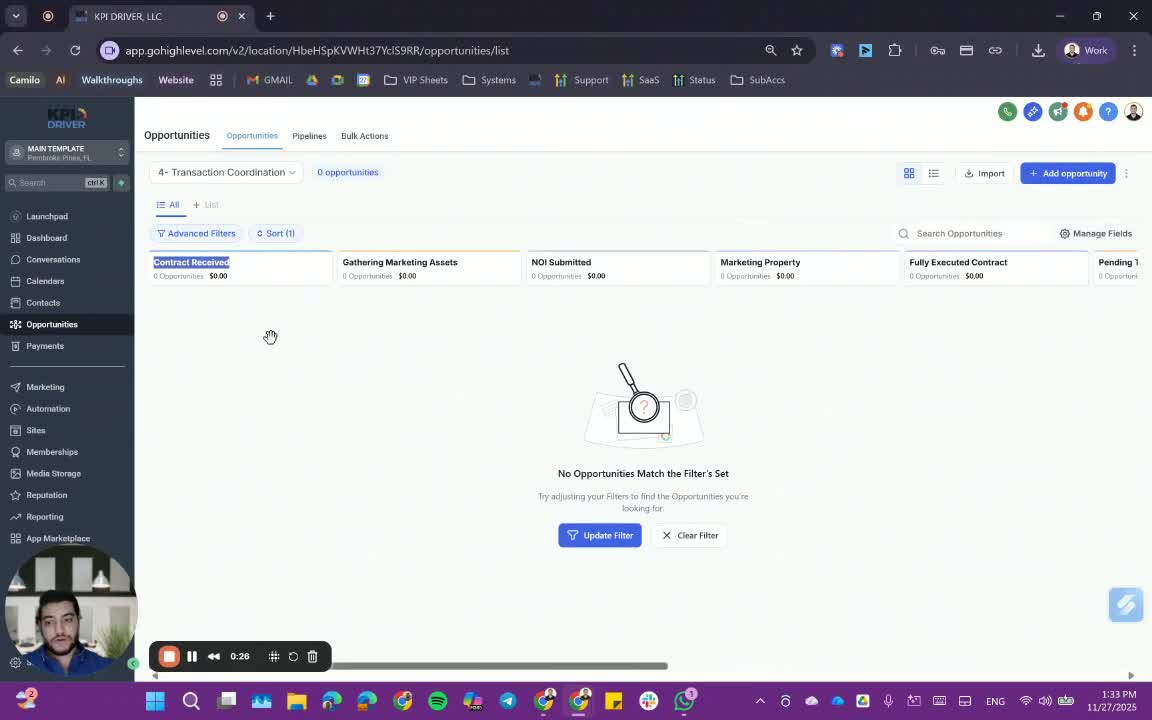
- Collect necessary marketing materials and assets for the property.
3. Marketing Property Stage 1:01
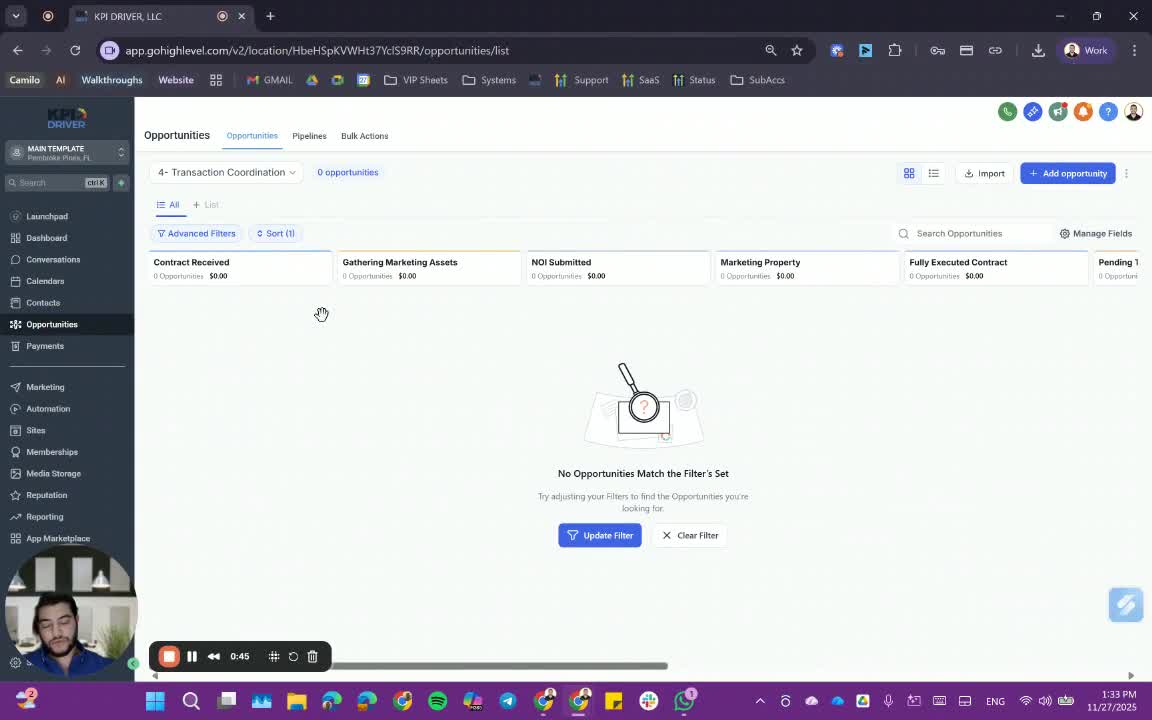
- Transition to the marketing property stage:
- List the property or seek potential buyers.
4. Identify Potential Buyers 2:04
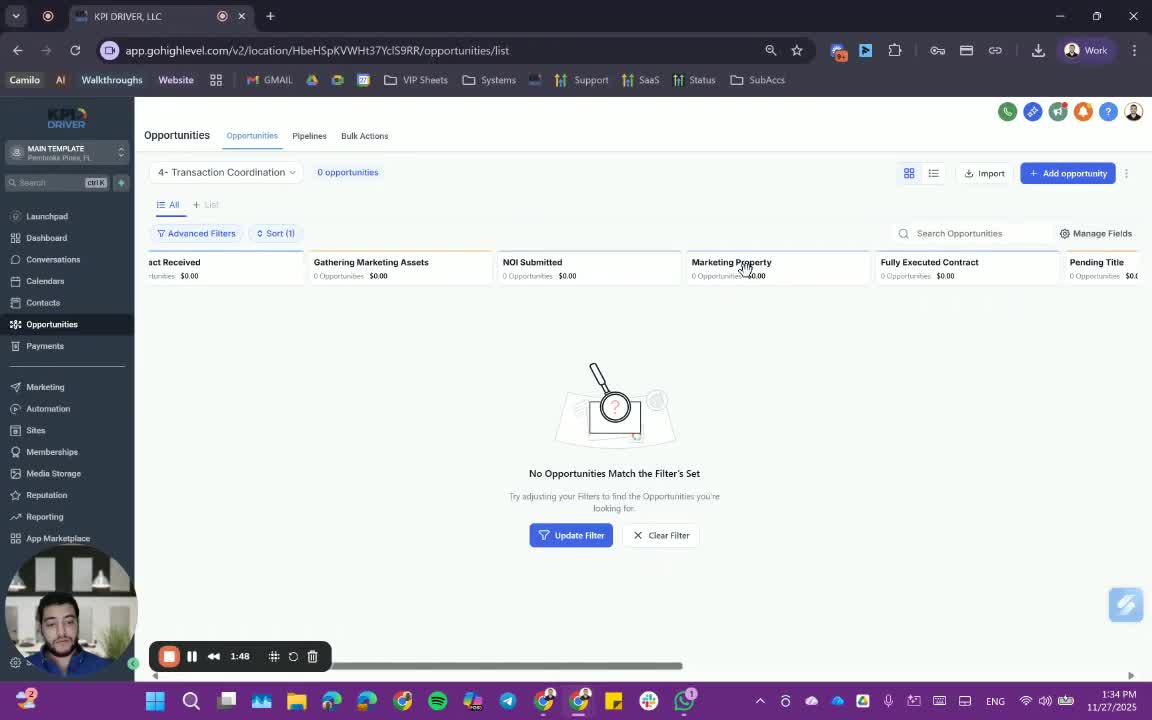
- The disposition team should:
- Submit forms for potential buyers.
- Utilize smart lists of buyers.
5. Manage Buyer Responses 3:13
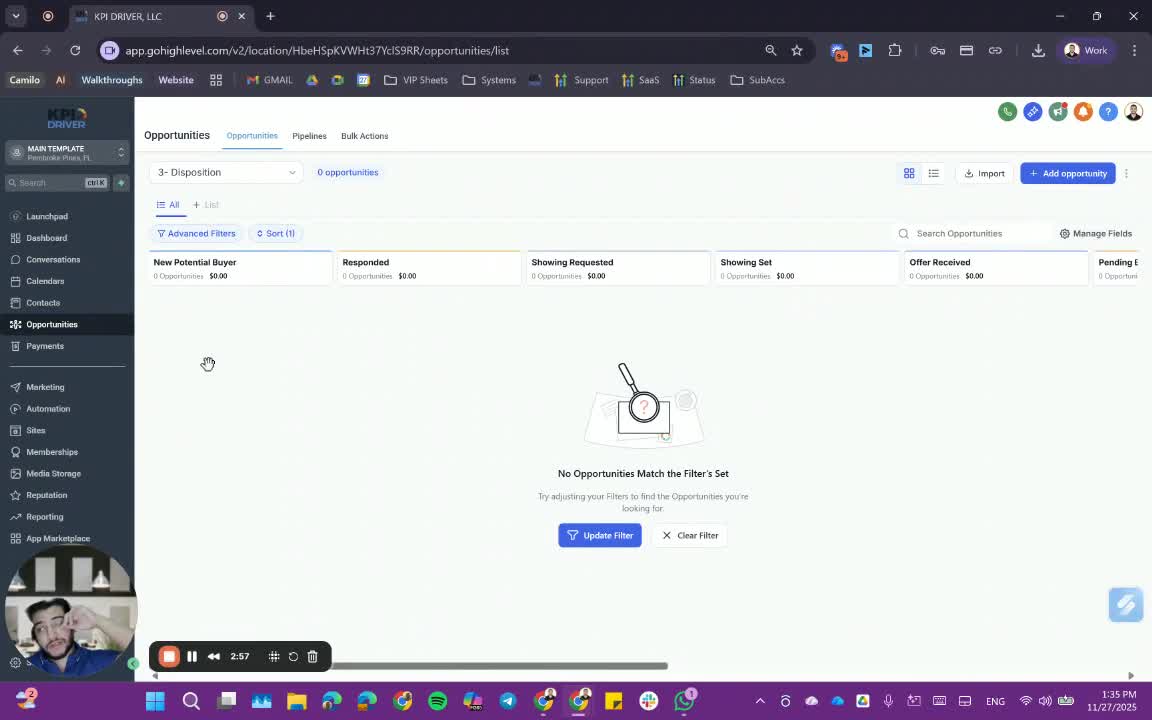
- Monitor responses from potential buyers:
- Move interested buyers to 'Showing Requested' status.
6. Schedule Showings 3:33
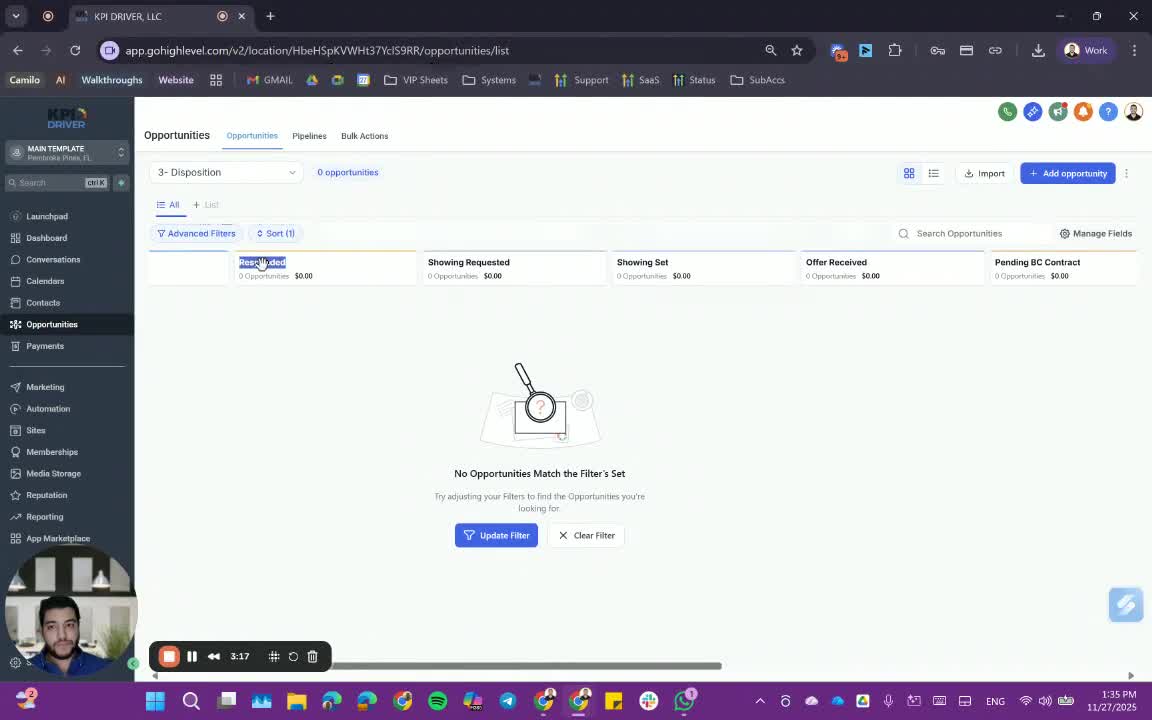
- Coordinate showings:
- Check seller availability.
- Update showing address and seller's phone number in the system.
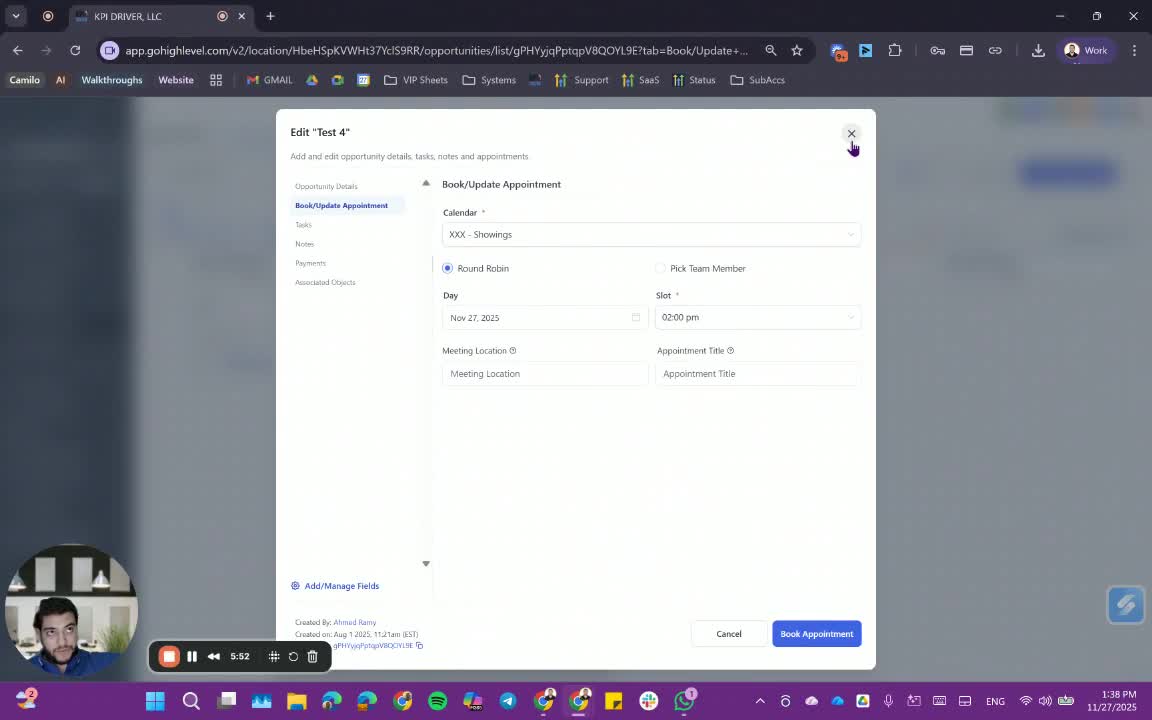
7. Update Showing Details 5:10
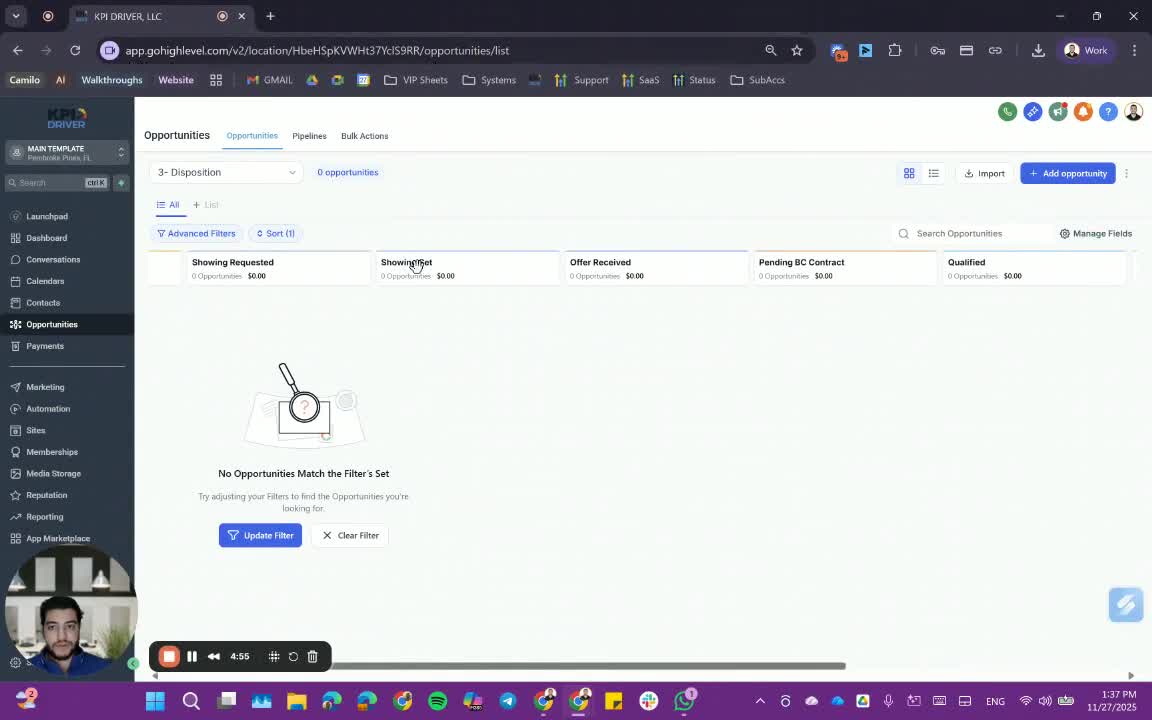
- Set up the showing in the calendar:
- Use the current showing address.
- Update appointment title to reflect the showing.
8. Track Showings 6:07
- Monitor showing statuses:
- Update to 'Showing Held', 'Showing Canceled', etc.
9. Handle Offers 6:28
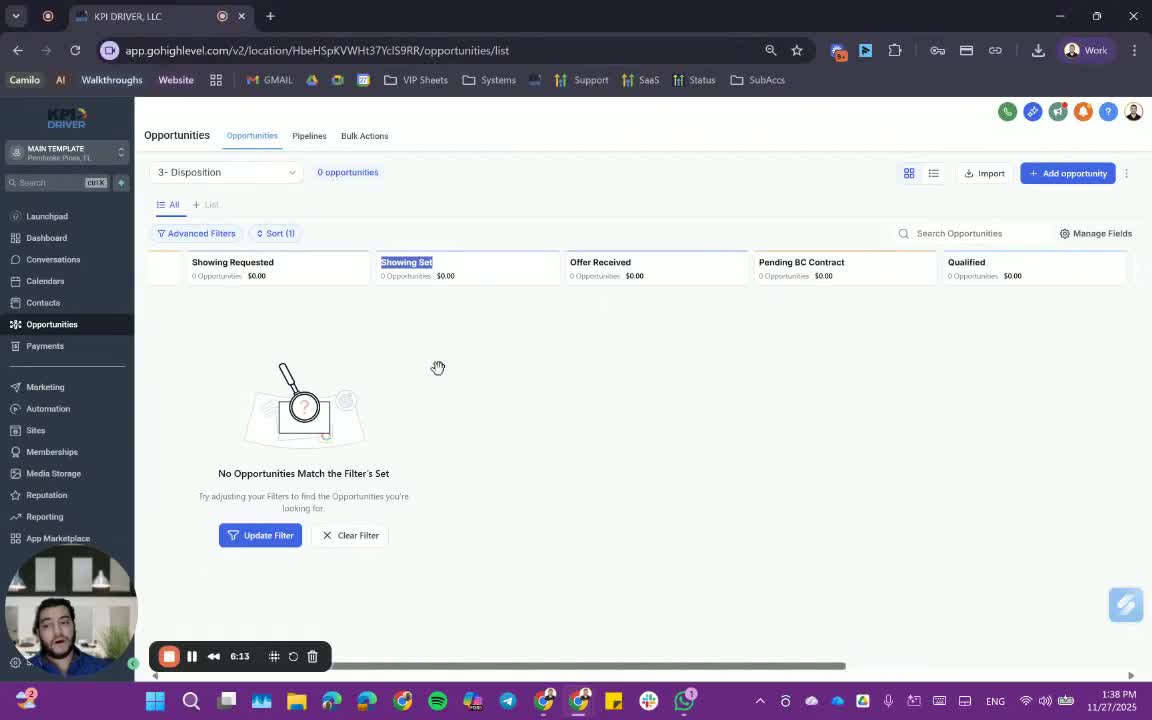
- Review offers from potential buyers:
- Approve or deny offers.
10. Move to Closing Stages 6:47
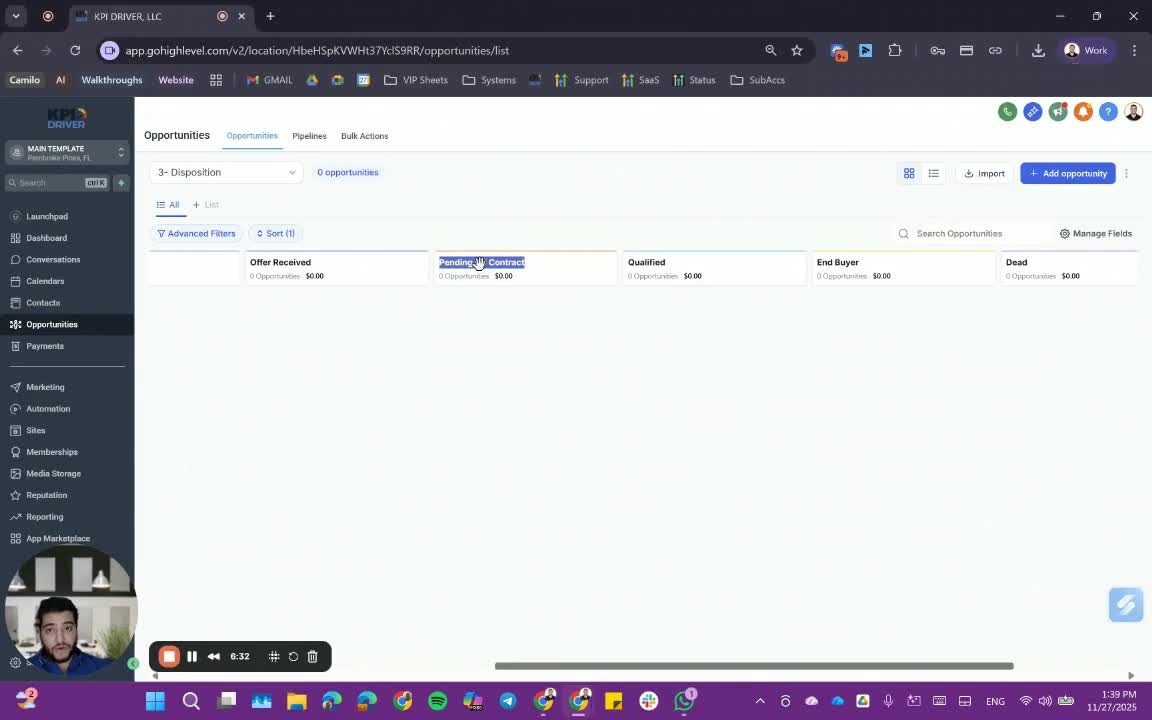
- Once an offer is accepted:
- Transition to 'Pending Title' and 'Closing Schedule' stages.
11. Finalize Closing 8:08
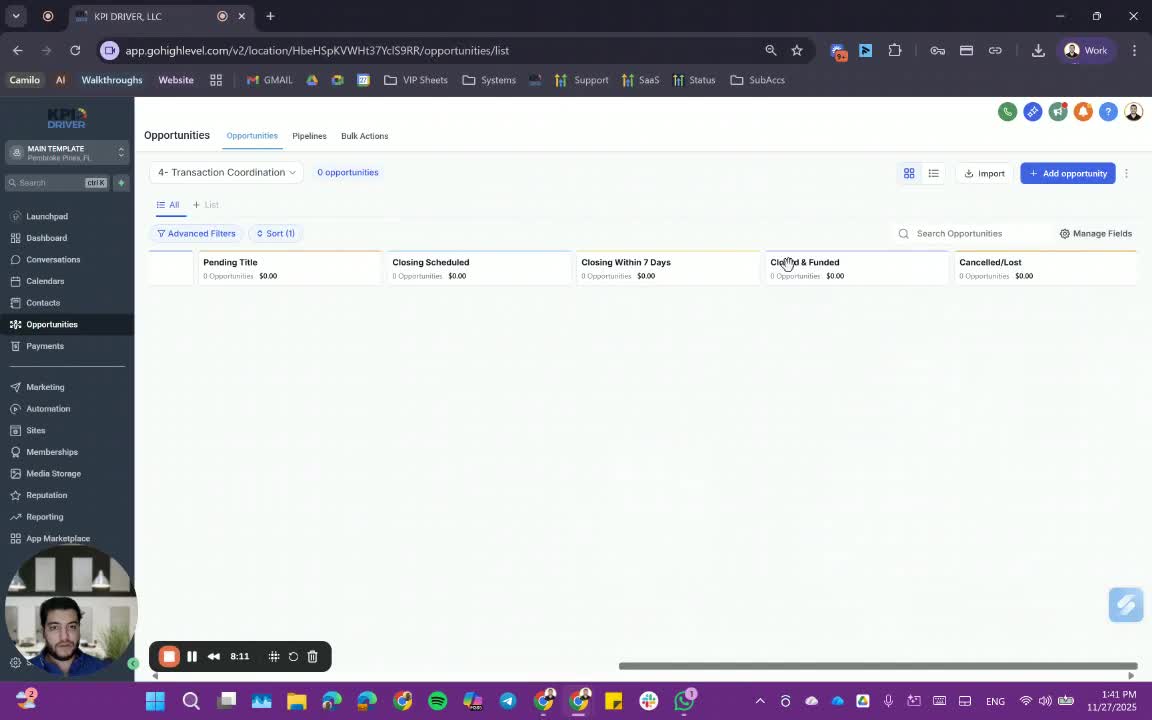
- Ensure all steps are completed:
- Move to 'Close and Funded' status.
Cautionary Notes
- Ensure all fields are accurately filled out to avoid delays in processing.
- Double-check buyer qualifications before moving them to the next stage.
Tips for Efficiency
- Use templates for marketing assets to save time.
- Regularly update the smart lists of buyers to ensure they are current.
- Communicate frequently with the transaction coordinator to ensure alignment.
Link to Loom
https://loom.com/share/b0d82819e47a46228c17417c2584429f
Articles
Other Related Articles
FAQ
FAQ
What makes KPI DRIVER different from other real estate CRMs?
Do I need separate systems for document signatures, dispo, or rentals?
How long does it take to migrate my CRM to KPI DRIVER?
Will KPI DRIVER work if I’m new to real estate or don’t have a CRM yet?
Is the KPI Dashboard customizable?
How does KPI DRIVER help me scale my business?
Do you offer support or training?
How many leads, calls, and deals can KPI DRIVER handle?
How much does KPI DRIVER cost?

@KPI DRIVER LLC 2025. All Rights Reserved.
Design and developed by YAVACADO