
Nurture Pipeline & Drips & KPIs 📊 🔄
In this video, I walk you through the nurture pipeline, explaining how leads transition through various stages, starting from the 30-day nurture to the 12-month nurture, with automated messages sent at intervals. If there's no response, leads will eventually move to a "dead bucket" or "no-response bucket." I also highlight the importance of customizing wait times between each nurture stage to ensure effective follow-up. Additionally, I discuss how to handle ghosted leads and those who have rejected offers. Please make sure to follow up correctly with leads, as proper engagement can turn them into deals based on their motivation and timeline.
Nurture Pipeline Standard Operating Procedure (SOP)
Objective
This SOP outlines the steps for managing leads through the nurture pipeline effectively, ensuring timely follow-ups and responses.
Key Steps
Step 1: Lead Movement to 30-Day Nurture 0:27
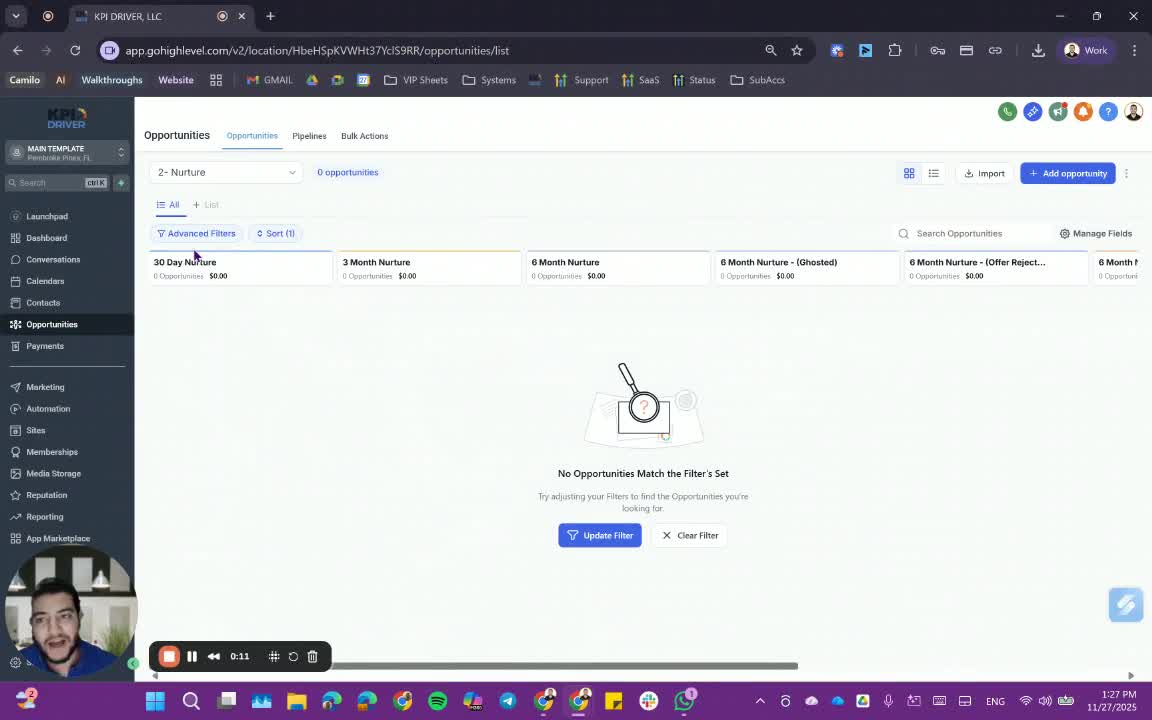
- Leads that finish the Perseverant pipeline and complete skip tracing are automatically moved to the 30-day nurture campaign.
- You can also manually move leads to the 30-day nurture if needed.
Step 2: 30-Day Nurture Campaign 0:52
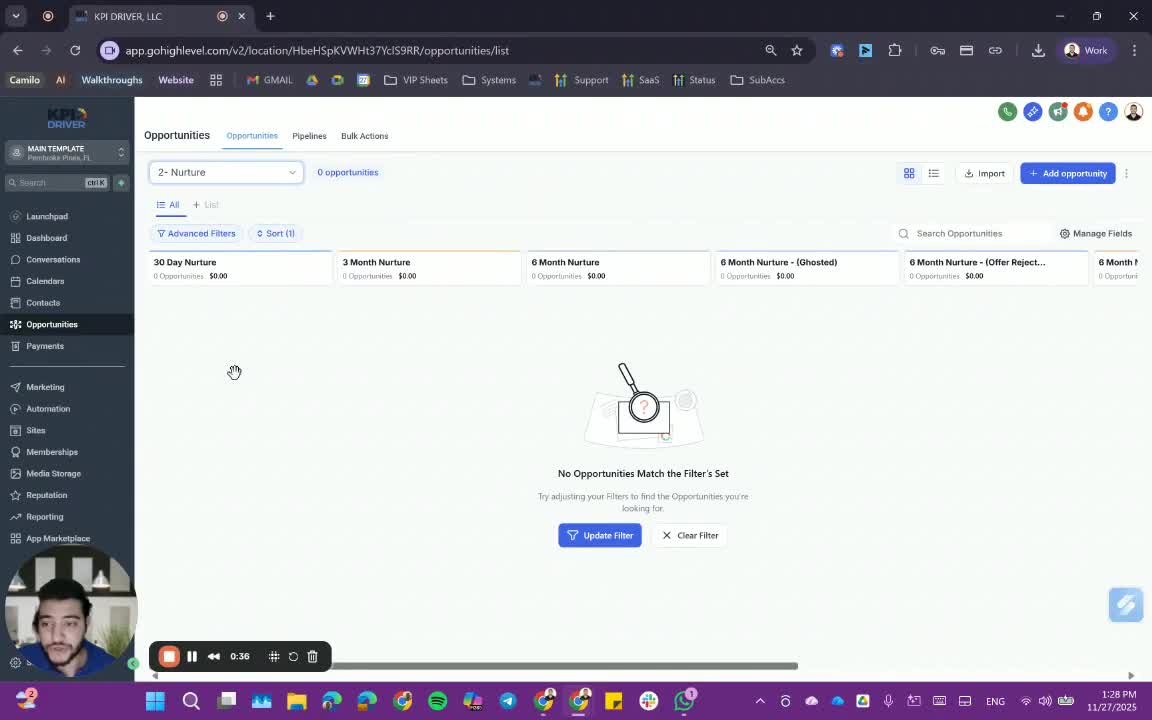
- The 30-day nurture lasts for 30 days.
- It includes messages and emails sent every three days.
Step 3: Transition to 3-Month Nurture 1:05
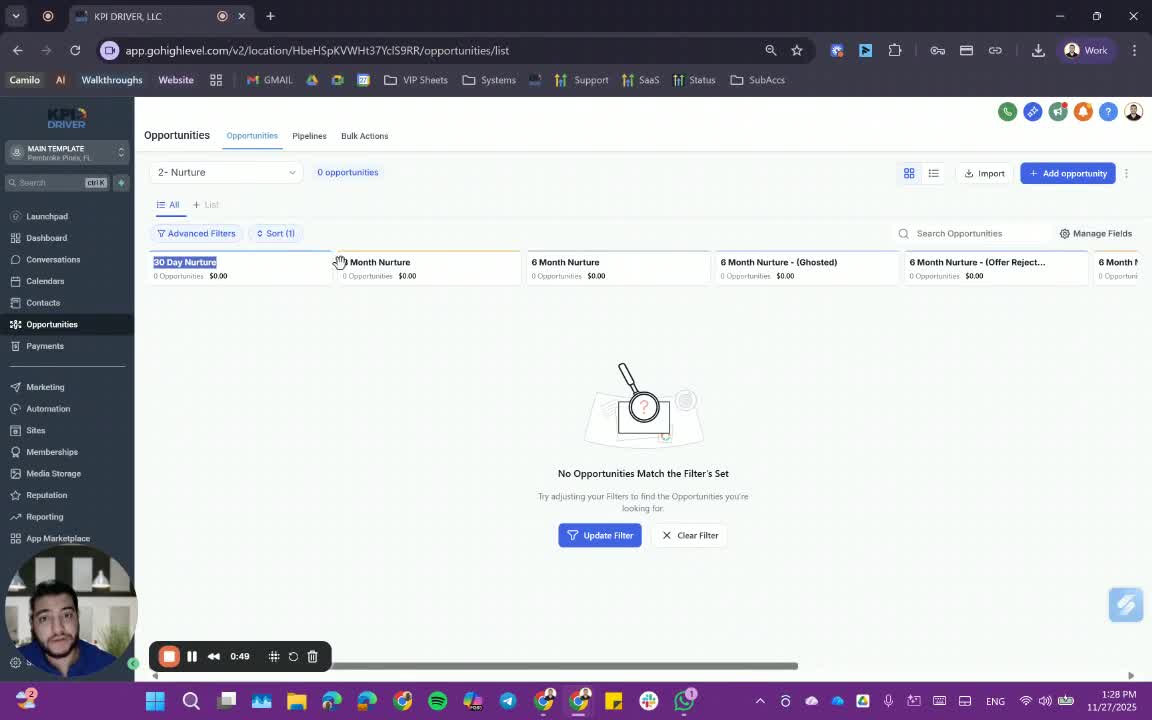
- If there are no responses after the 30-day nurture, leads automatically transition to the 3-month nurture.
Step 4: Transition to 6-Month Nurture 1:18
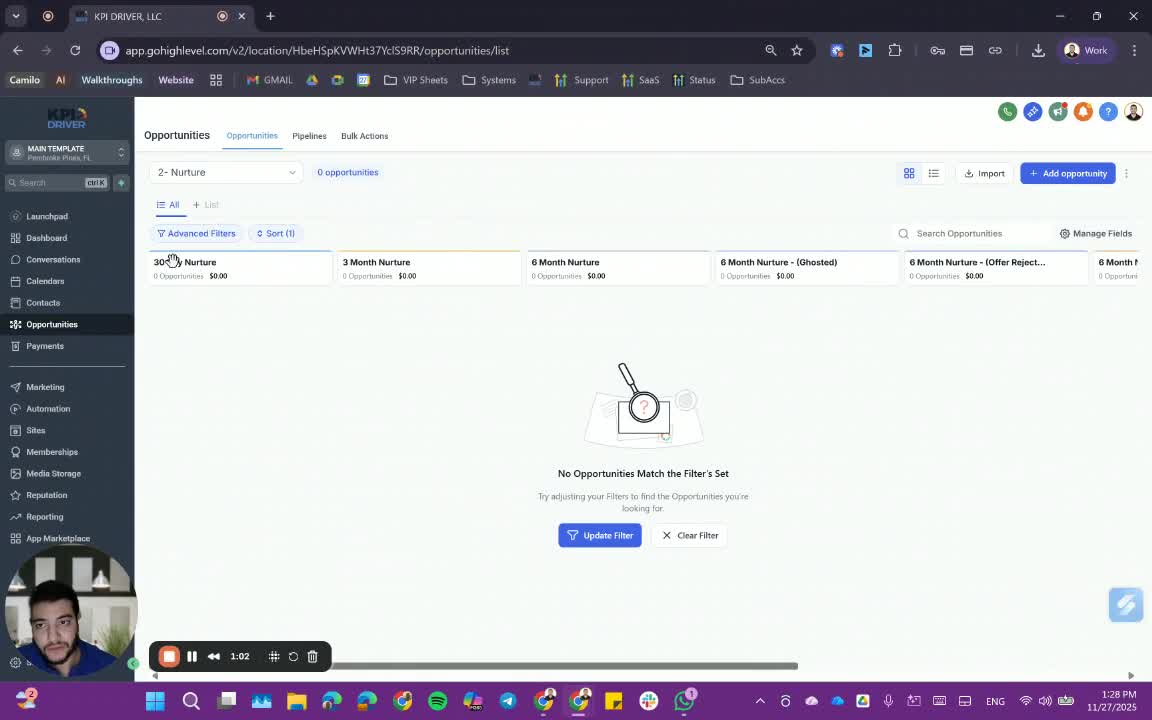
- After the 3-month nurture, if there are still no responses, leads move to the 6-month nurture.
Step 5: Transition to 12-Month Nurture 1:26
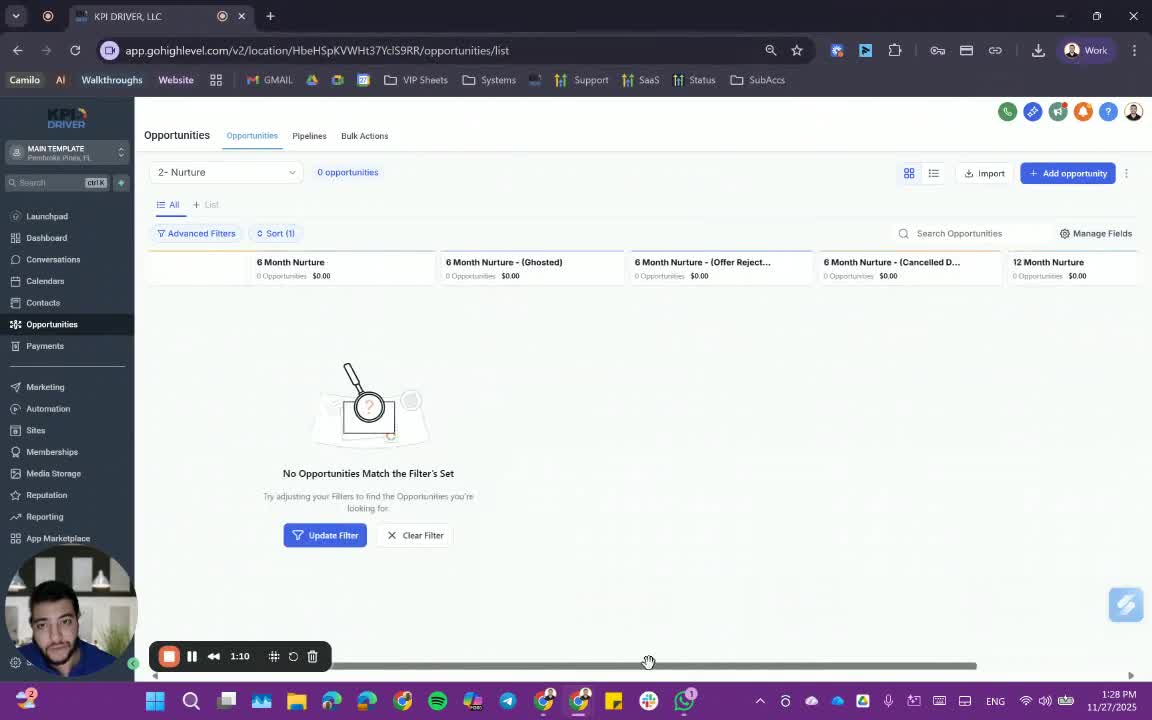
- If there are no responses after the 6-month nurture, leads transition to the 12-month nurture.
Step 6: Move to Dead Bucket 1:35
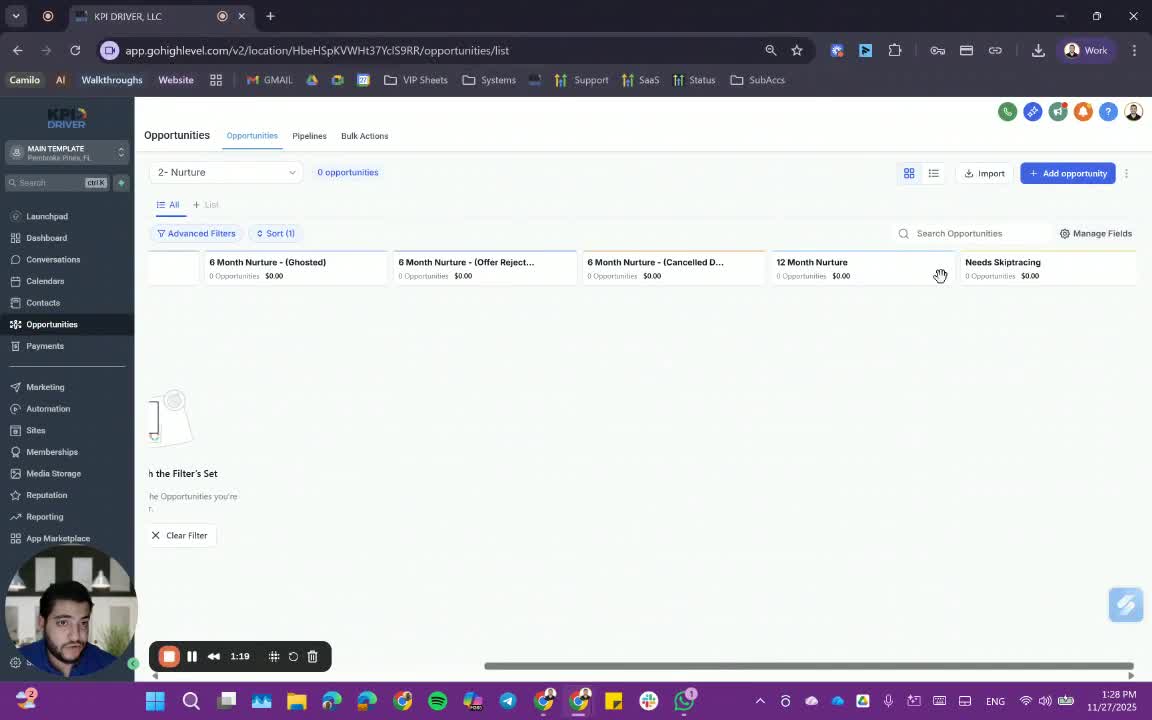
- After the 12-month nurture, if there are still no responses, leads should be moved to a 'dead bucket' or 'no response bucket'.
Step 7: Responding Leads 1:59
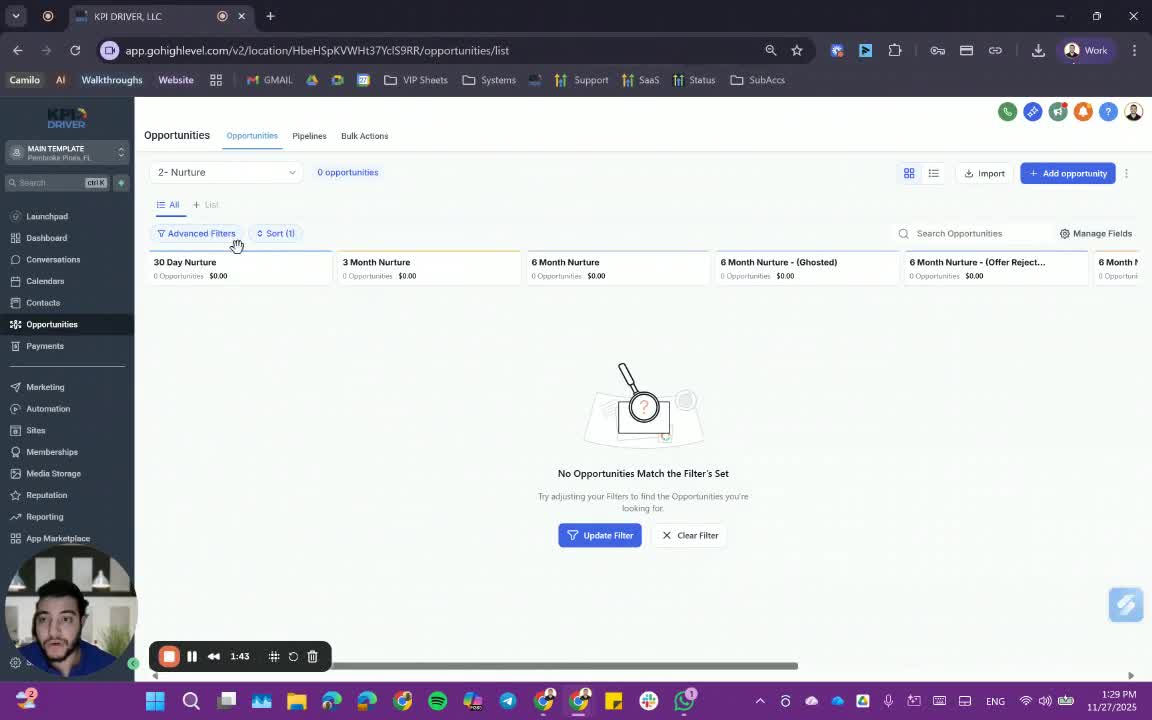
- If a lead responds at any point, they should be moved back to the ACQ pipeline.
- All active automations and workflows for that lead will stop.
Step 8: Restarting Nurture Campaigns 2:24
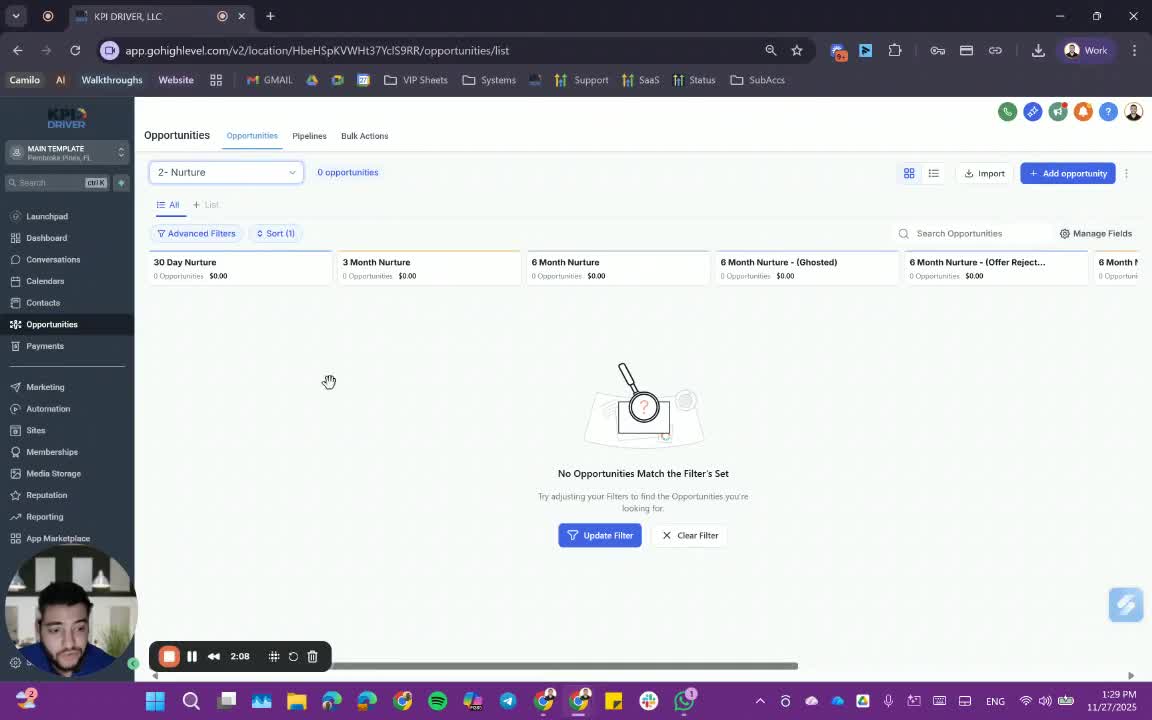
- If a lead is moved back to nurture after responding, they will start the nurture process over again.
Step 9: Customizing Wait Steps 2:43
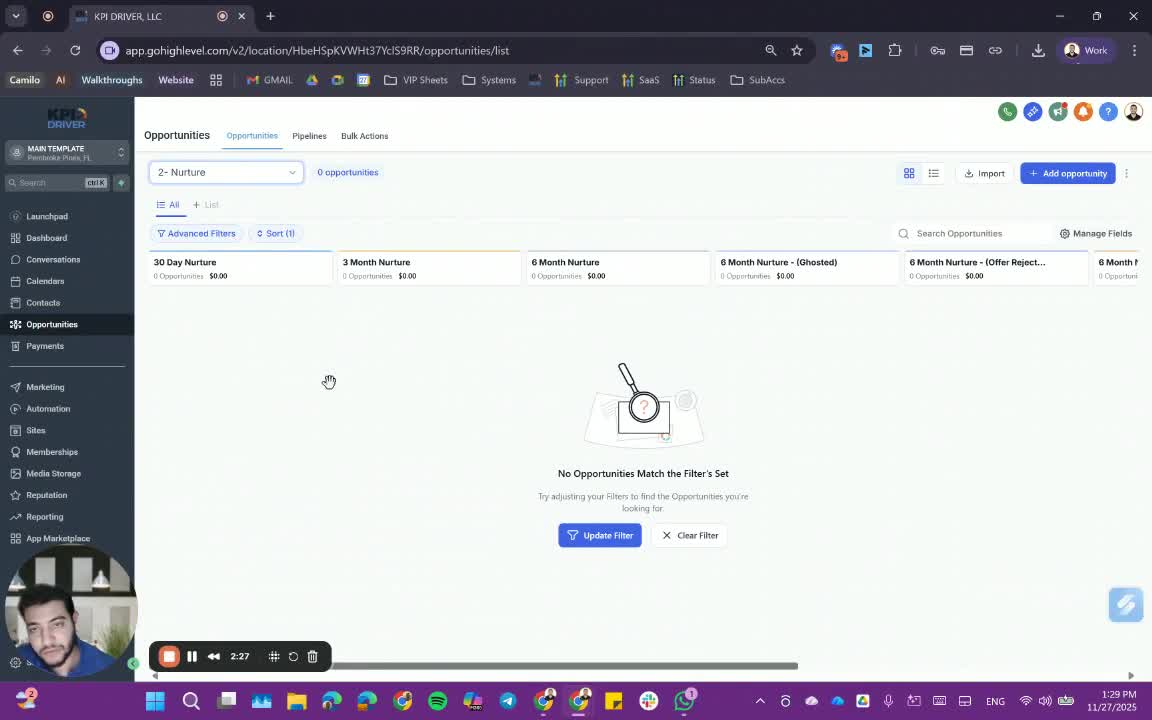
- Establish wait times before each drip campaign starts:
- 30-day nurture: 3-5 days wait
- 3-month nurture: 7-10 days wait
- 6-month nurture: 15 days wait
- Customize these wait times as needed.
Step 10: Handling Ghosted Leads 3:23
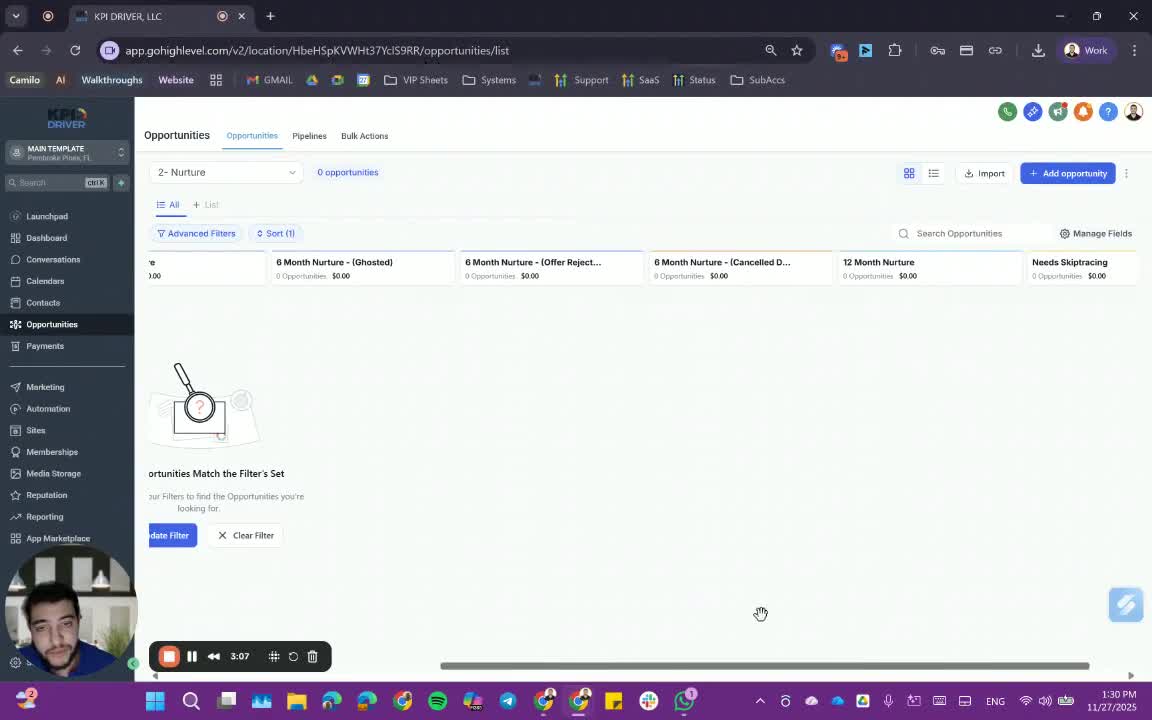
- Manually move leads who have ghosted from the ACQ pipeline to the 'ghosted' category.
Step 11: Handling Offer Rejections 3:42

- Move leads who rejected offers to the 'offer ejected' category.
Step 12: Cancelled Deals 4:00
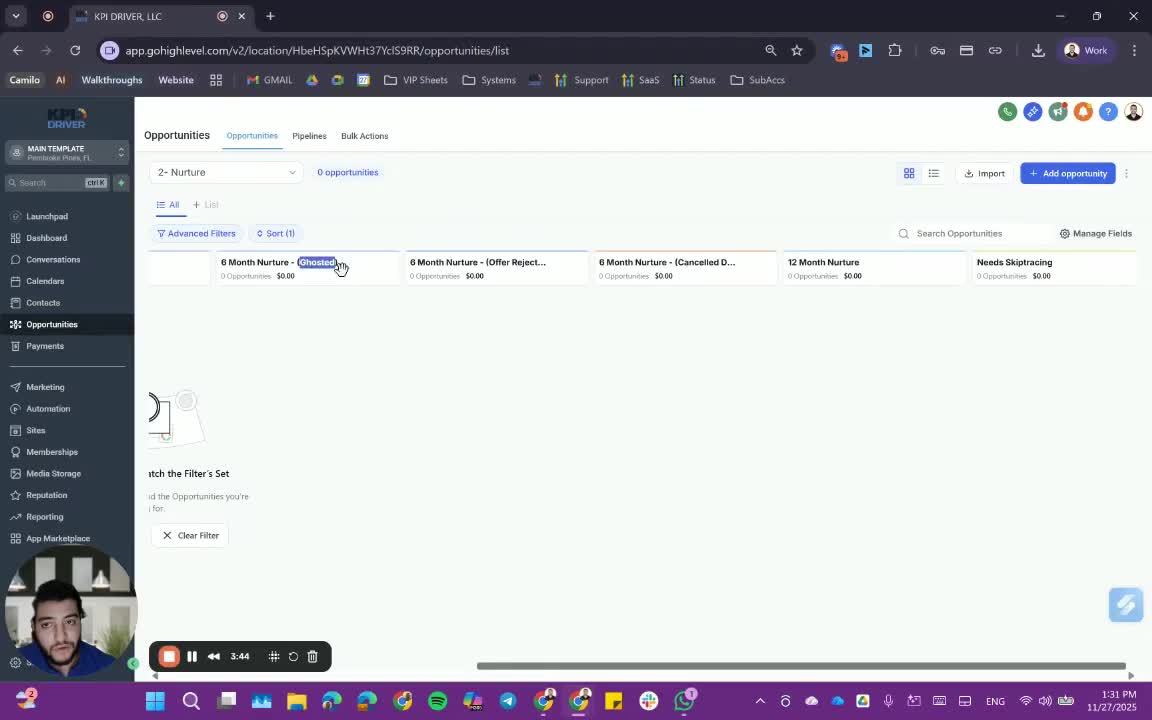
- Mark deals as 'cancelled' if they are no longer active.
Step 13: Follow-Up with Nurtured Leads 4:10
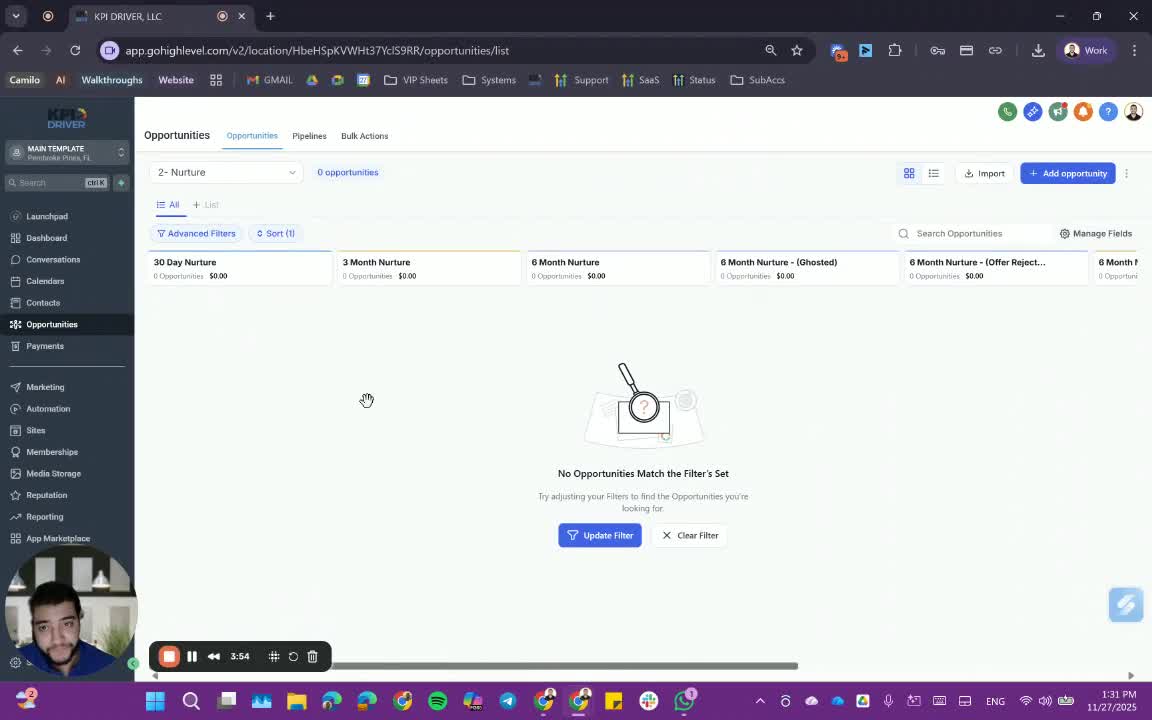
- Ensure that leads in the nurture pipeline are regularly followed up by team members.
Cautionary Notes
- Ensure that leads are not left unattended in the nurture pipeline for too long.
- Be mindful of the timing when moving leads between stages to avoid confusion.
Tips for Efficiency
- Regularly review the status of leads in the nurture pipeline to identify those that may need immediate attention.
- Use templates for messages and emails to streamline communication.
Link to Loom
https://loom.com/share/7e0680bed24544beb2ae9042022de0e2
Articles
Other Related Articles
FAQ
FAQ
What makes KPI DRIVER different from other real estate CRMs?
Do I need separate systems for document signatures, dispo, or rentals?
How long does it take to migrate my CRM to KPI DRIVER?
Will KPI DRIVER work if I’m new to real estate or don’t have a CRM yet?
Is the KPI Dashboard customizable?
How does KPI DRIVER help me scale my business?
Do you offer support or training?
How many leads, calls, and deals can KPI DRIVER handle?
How much does KPI DRIVER cost?

@KPI DRIVER LLC 2025. All Rights Reserved.
Design and developed by YAVACADO