
Contractors/Vendors Pipeline 📊 🔄
In this video, I discuss the contractor and vendor pipeline, which is designed to streamline our processes and minimize the use of multiple systems. While not heavily utilized by all clients, it allows for easy management of contacts like photographers and utility companies. I highlight the simplicity of the setup, with only a few custom fields and a dedicated form for submissions. If you encounter contractors who are not a fit for certain projects, you can easily categorize them accordingly. Please ensure you familiarize yourself with this pipeline to enhance our team's efficiency.
Contractors and Vendors Pipeline SOP
Objective
This SOP outlines the steps for managing the contractors and vendors pipeline to ensure efficient communication and project management.
Key Steps
1. Understanding the Contractors and Vendors Pipeline 0:17
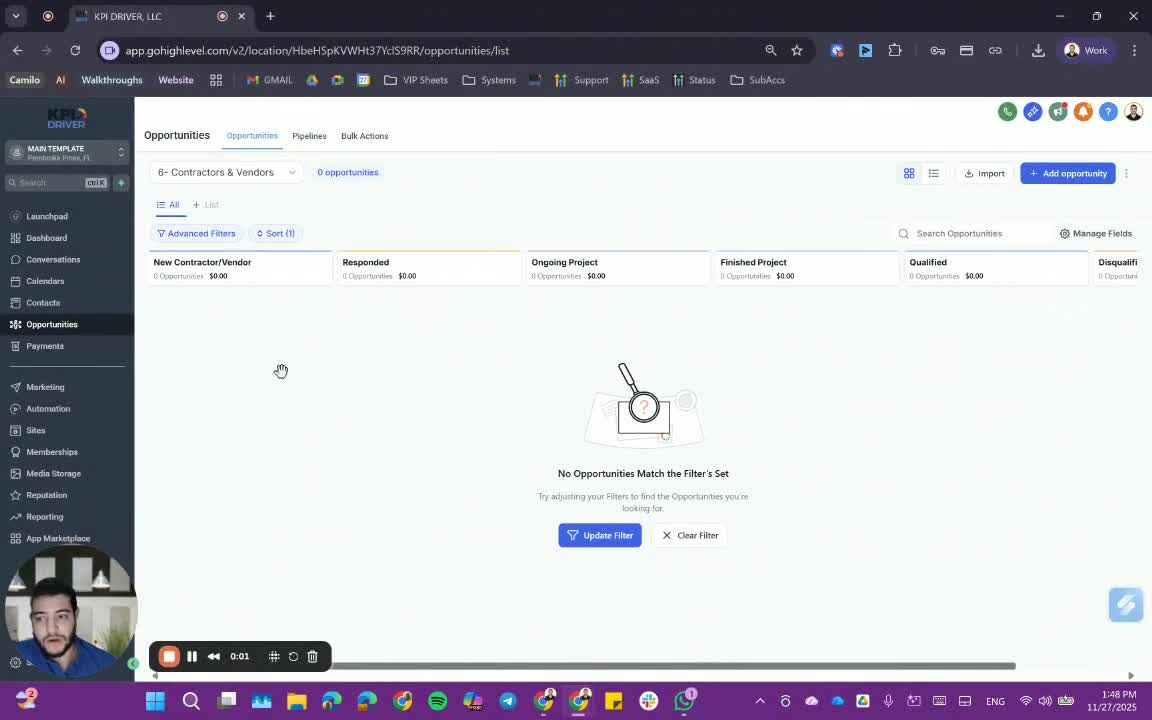
- The contractors and vendors pipeline is designed for team members responsible for managing external services.
- It centralizes communication and project management to avoid using multiple systems.
2. Setting Up Contractor Vendor Information 0:49
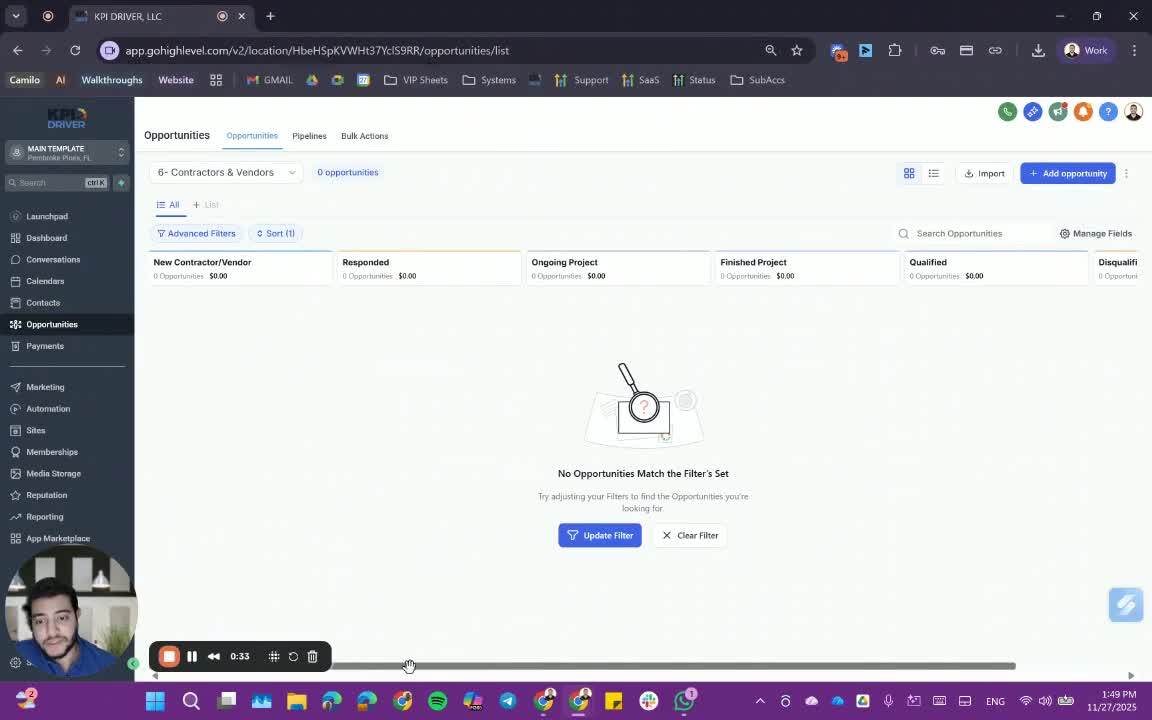
- Create a new contractor vendor entry using the provided form.
- Ensure to include the phone number and relevant details of the contractor/vendor.
3. Managing Projects with Contractors and Vendors 1:28
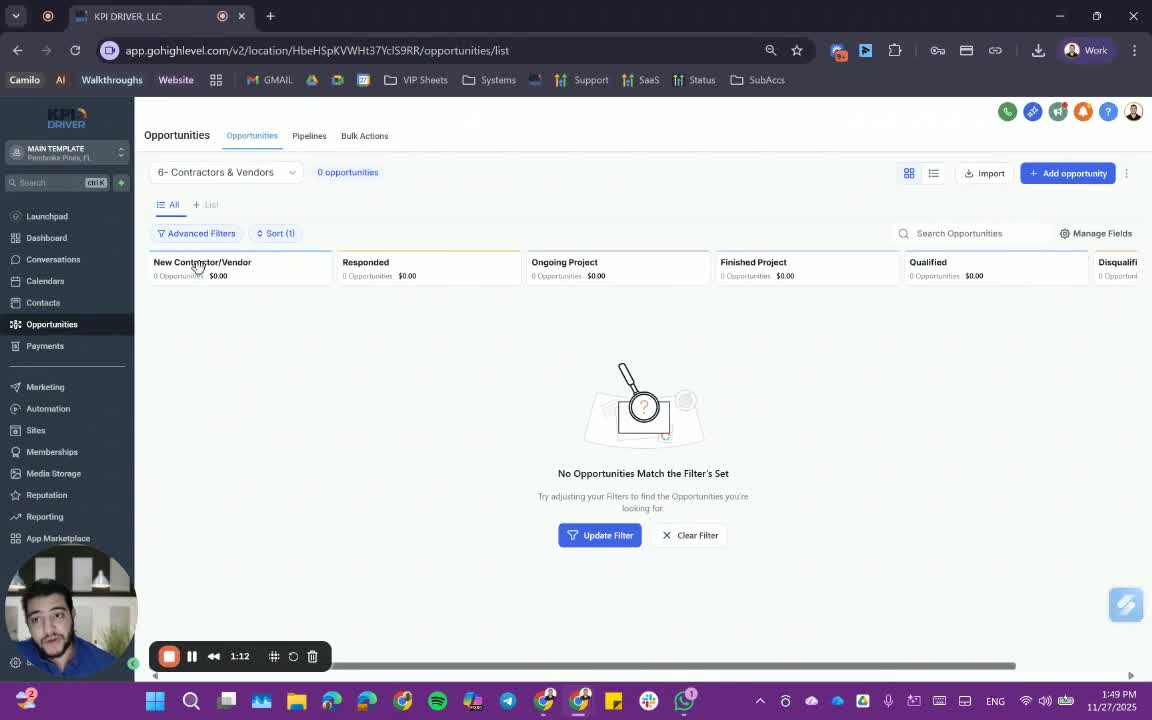
- When contacting a contractor/vendor, create an opportunity in the pipeline.
- Name the opportunity using the property address and the contractor/vendor's name.
4. Updating Project Status 1:44
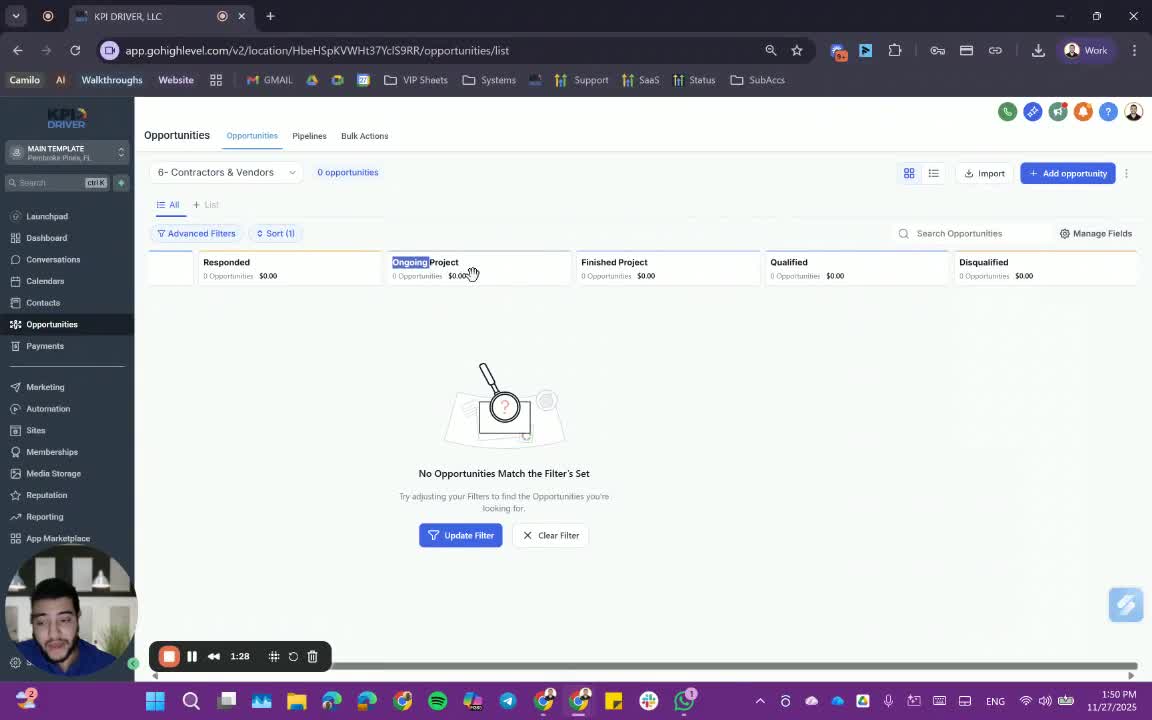
- Move the contractor/vendor to 'ongoing projects' if they are currently engaged.
- Once a project is completed, update their status to 'finished projects'.
5. Handling Responses from Contractors and Vendors 1:57
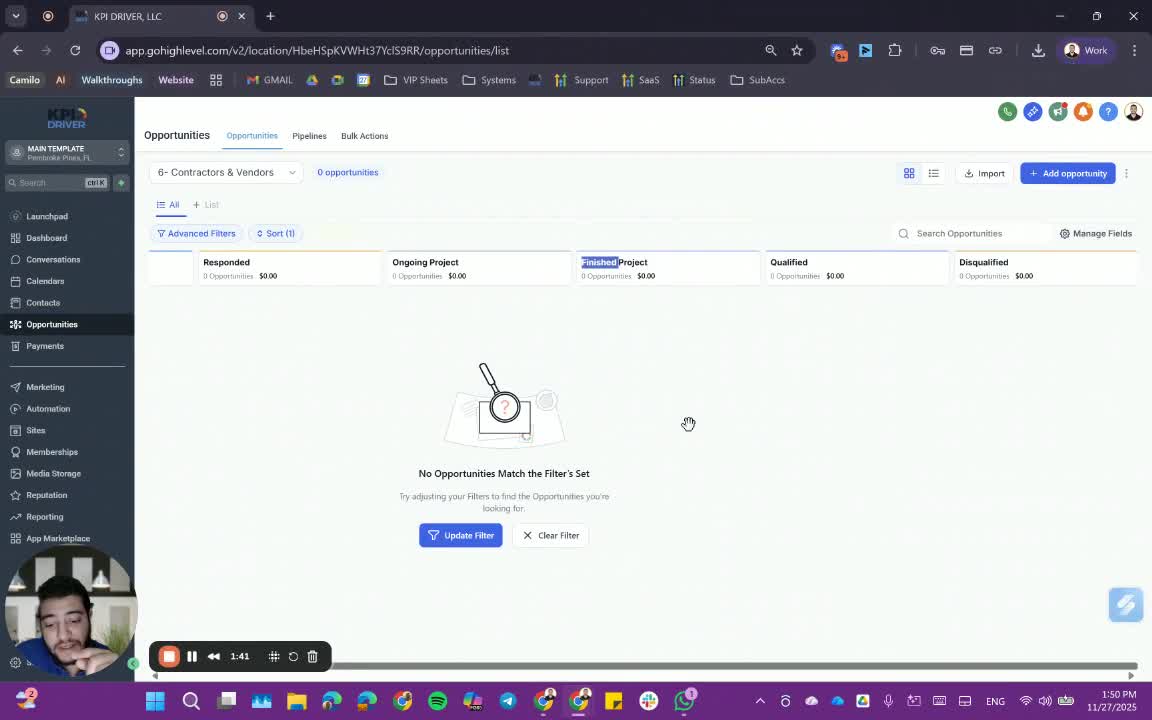
- If a contractor/vendor is qualified but unable to work in your area, note them for future projects.
- If a contractor/vendor's work is unsatisfactory, categorize them as 'qualified' to avoid future engagements.
6. Importance of Smart Lists 2:54
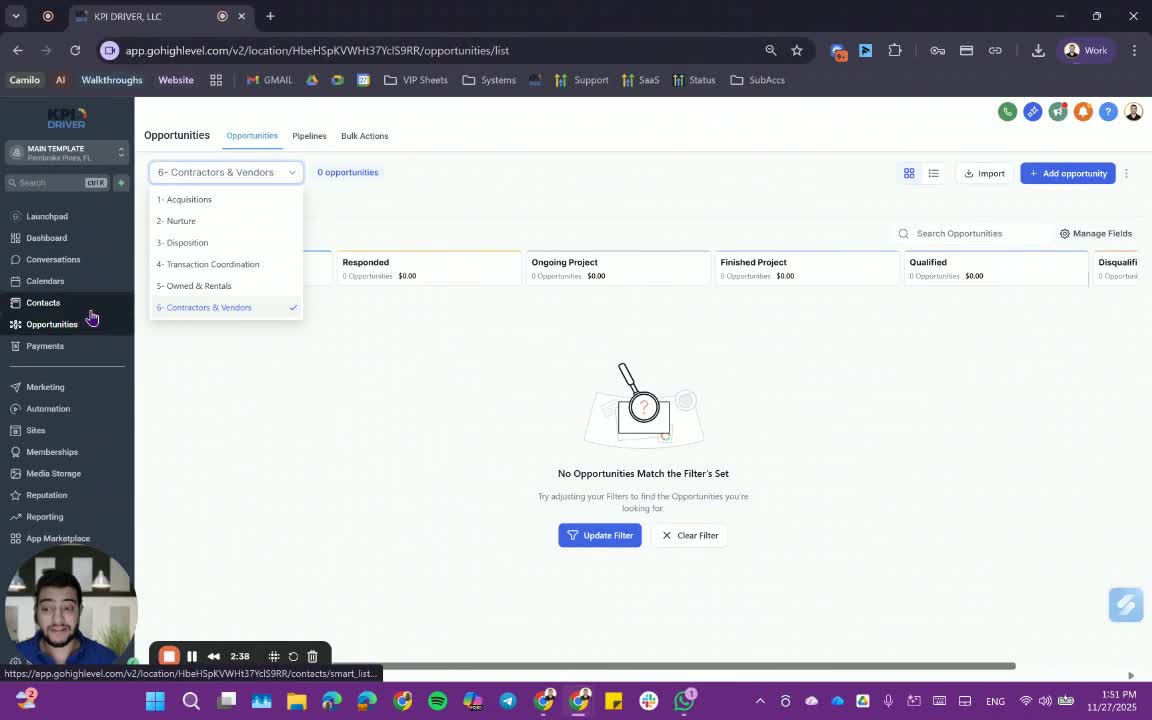
- Maintain smart lists to filter contacts effectively.
- This prevents unnecessary notifications and keeps the focus on relevant contacts.
Cautionary Notes
- Ensure all entries are accurate to avoid miscommunication.
- Regularly update the status of projects to maintain clarity in the pipeline.
Tips for Efficiency
- Use templates for common contractor/vendor communications to save time.
- Schedule regular reviews of the pipeline to ensure all projects are up to date.
Link to Loom
https://loom.com/share/85426d1cf9b44beab18ac7d9eee88bd4
Articles
Other Related Articles
FAQ
FAQ
What makes KPI DRIVER different from other real estate CRMs?
Do I need separate systems for document signatures, dispo, or rentals?
How long does it take to migrate my CRM to KPI DRIVER?
Will KPI DRIVER work if I’m new to real estate or don’t have a CRM yet?
Is the KPI Dashboard customizable?
How does KPI DRIVER help me scale my business?
Do you offer support or training?
How many leads, calls, and deals can KPI DRIVER handle?
How much does KPI DRIVER cost?

@KPI DRIVER LLC 2025. All Rights Reserved.
Design and developed by YAVACADO