
Owned Pipeline & Drips & KPIs 📊 🔄
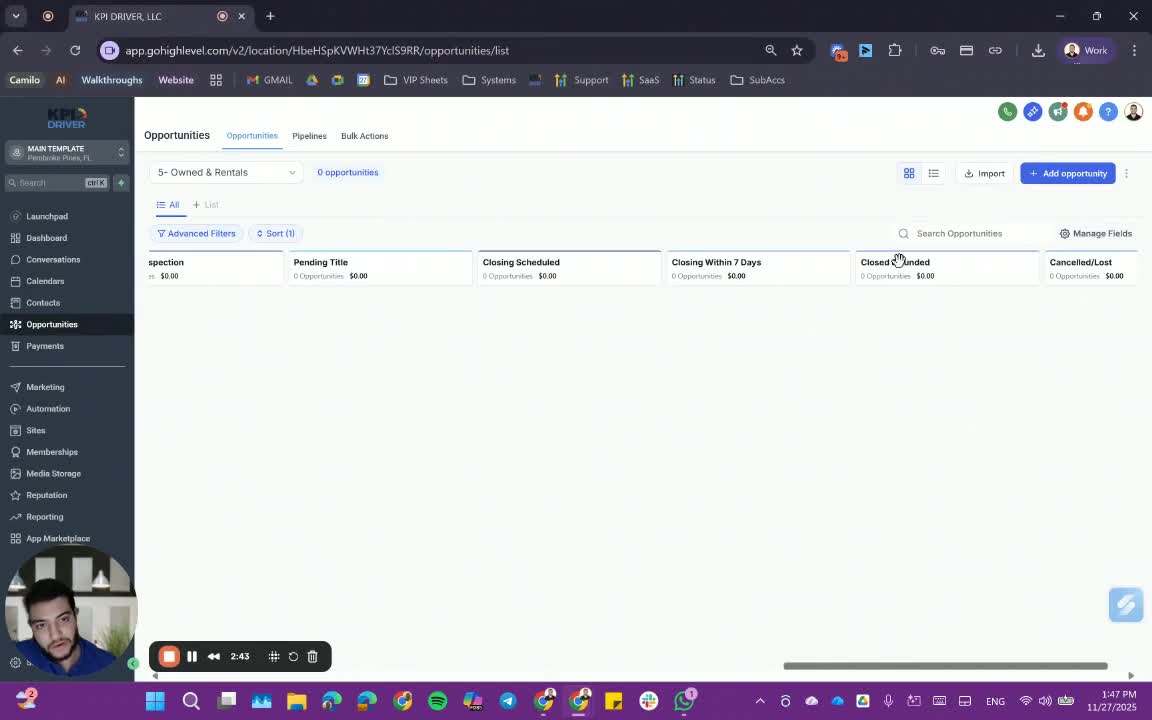
In this video, I walk you through the fifth pipeline after completing four others, emphasizing the importance of understanding your final exit strategy, whether it's a fix-and-flip or a buy-and-hold. Depending on this strategy, we’ll determine how to proceed with the property, including whether to market it or update custom fields. I highlight that there are no KPIs in this phase, but it's crucial to keep track of the timing and status of the property. As we transition to the Dispo pipeline, I encourage you to gather marketing assets and prepare for listing or executing contracts. Please ensure that you’re familiar with these processes as we move forward.
Standard Operating Procedure for Closing and Funding Properties
Objective
This SOP outlines the steps for closing and funding properties based on different exit strategies, ensuring clarity and efficiency in the process.
Key Steps
1. Understand the Closing Strategy 0:31
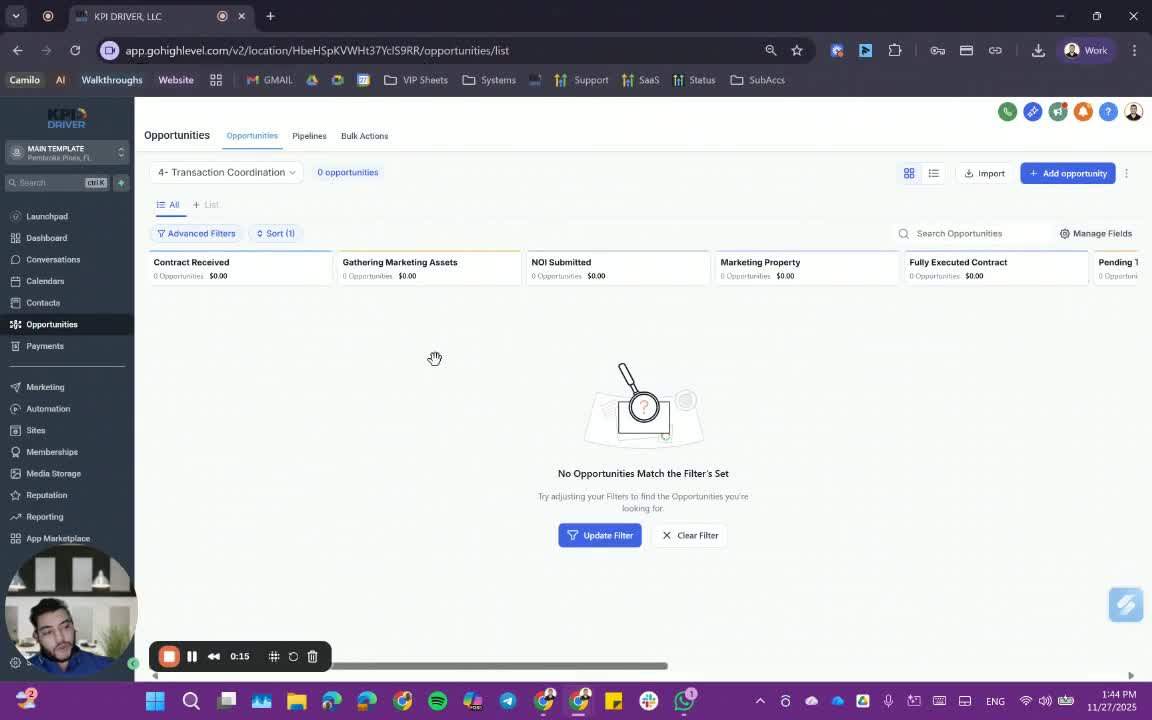
- If not seeking a buyer yet, finish the A.B. process.
- No need to market the property or have a fully executed contract at this stage.
2. Proceed to Close and Fund 0:48
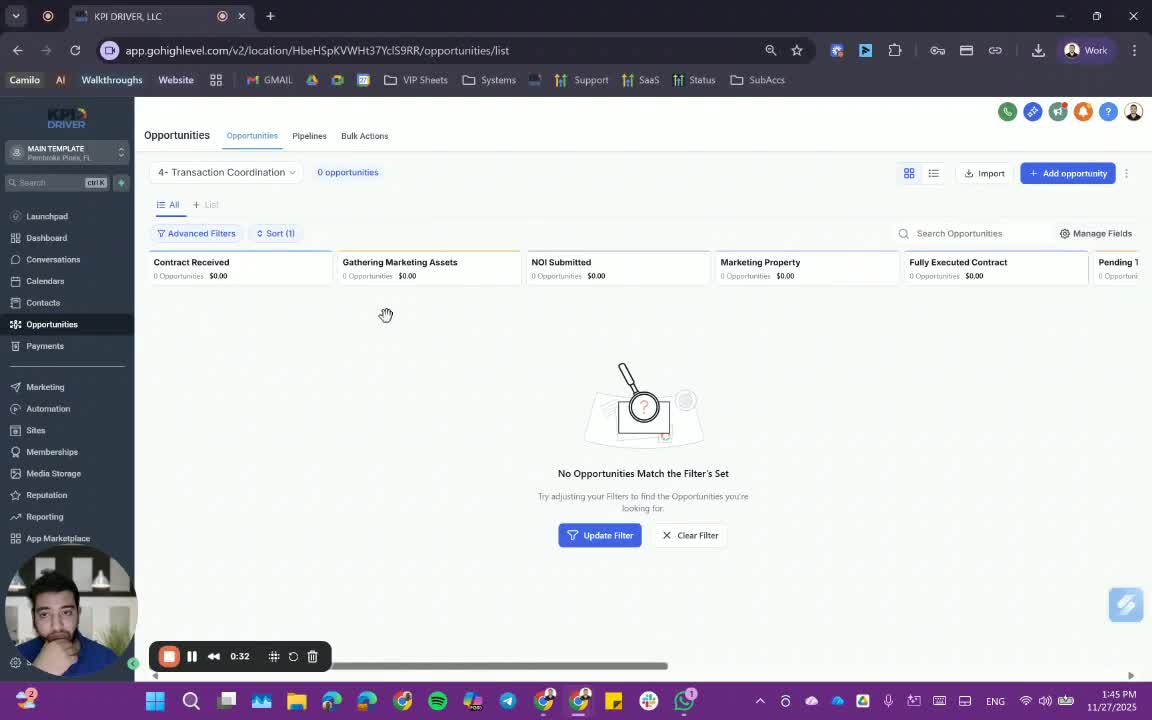
- Move to close and fund the property based on the finalized strategy.
- Check for the signed contract before proceeding.
3. Update the ECQ Pipeline 1:03
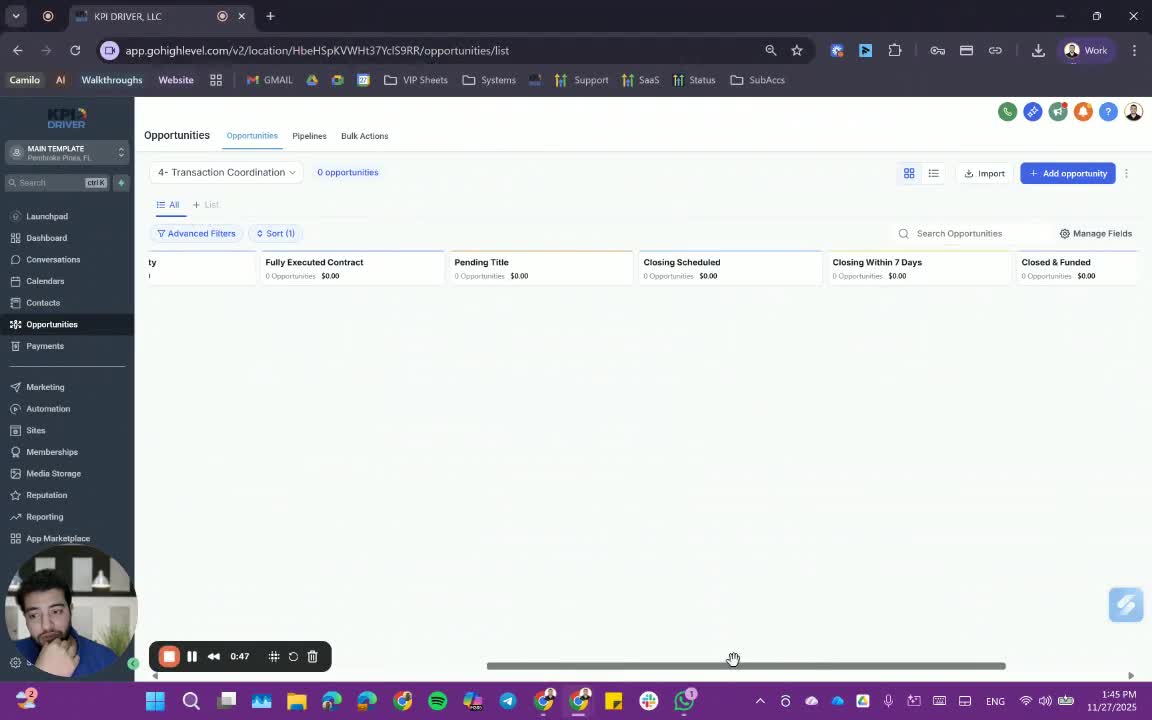
- Move the property to the 'closed' status in the ECQ pipeline.
- Depending on the exit strategy (fix-and-flip, buy-and-hold), create a new entry in the known dead rentals.
4. Update Custom Fields 1:25
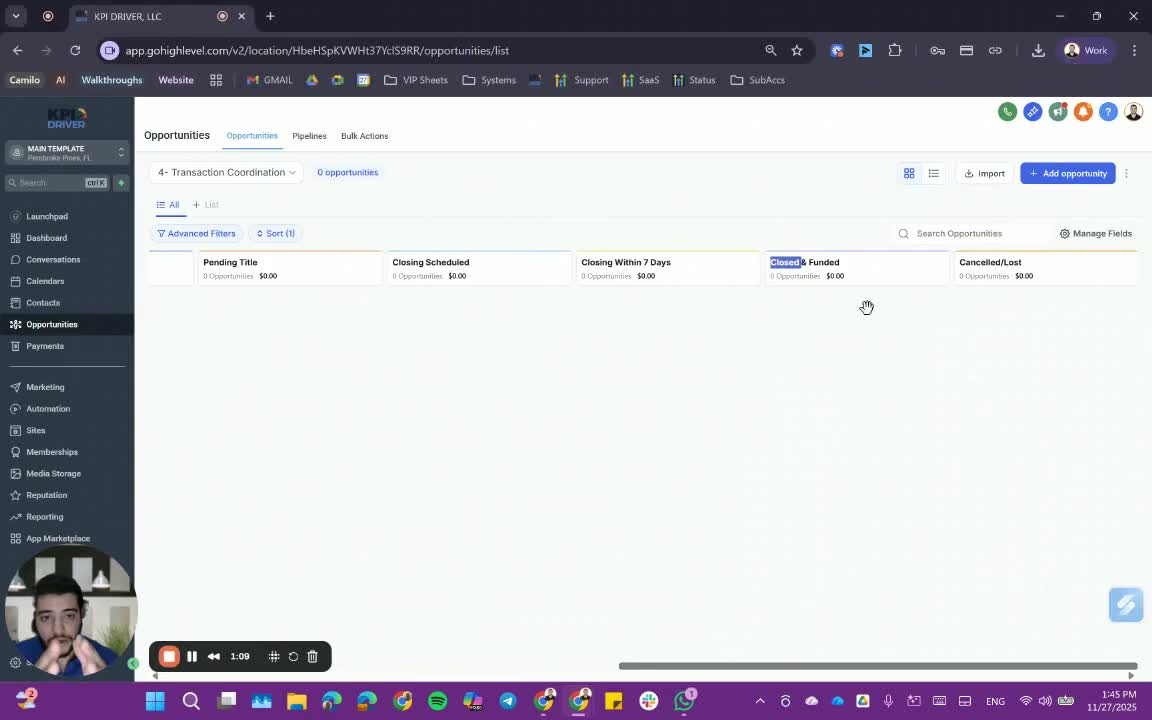
- Update any relevant custom fields with timing information.
- Ensure that the property status is accurately reflected (vacant, rented, etc.).
5. Gather Marketing Assets 1:45
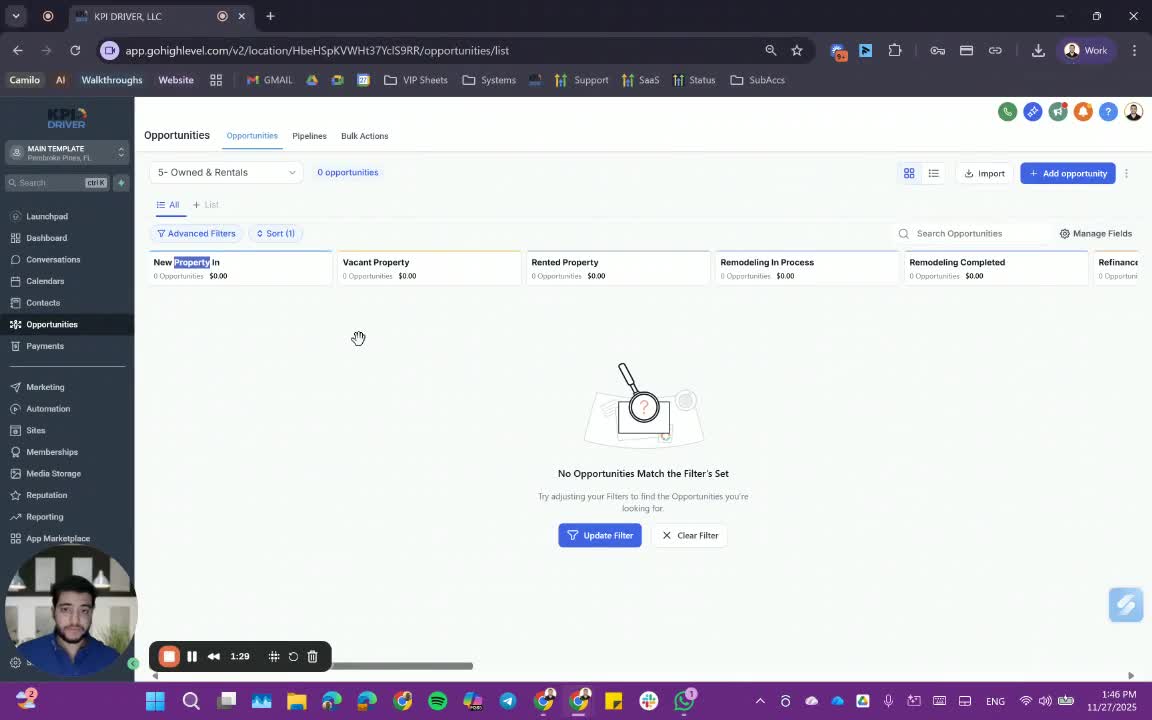
- If the property is going to be marketed, gather necessary marketing assets.
6. Manage the Dispel Pipeline 2:03
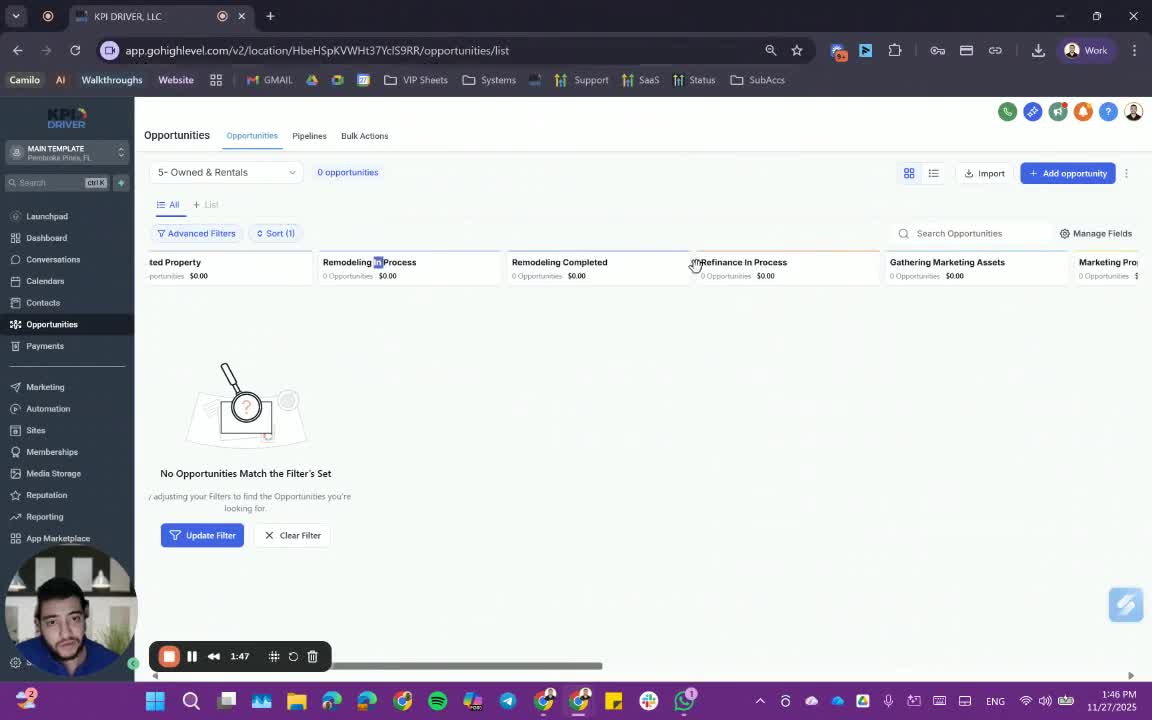
- Work through the Dispel Pipeline until the property is listed or a fully executed contract is obtained.
7. Finalize the BC Pipeline 2:20
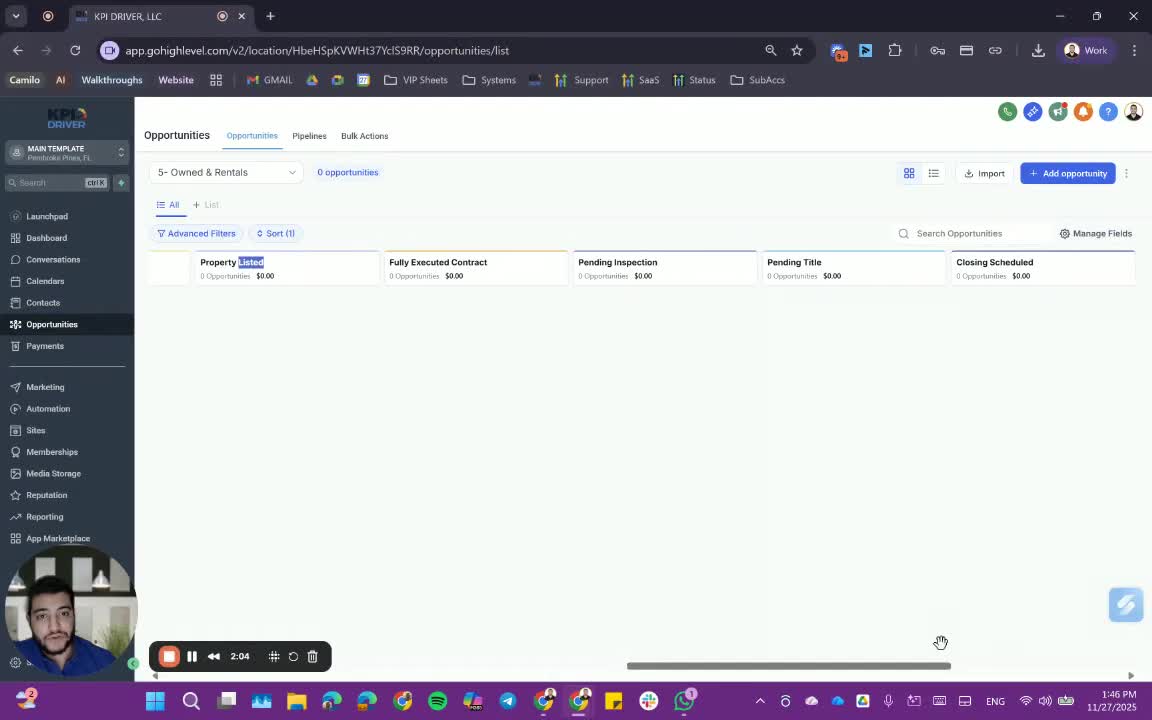
- Ensure that the property is correctly categorized in the BC pipeline for long-term investments.
8. Trigger Closing Metrics 2:40
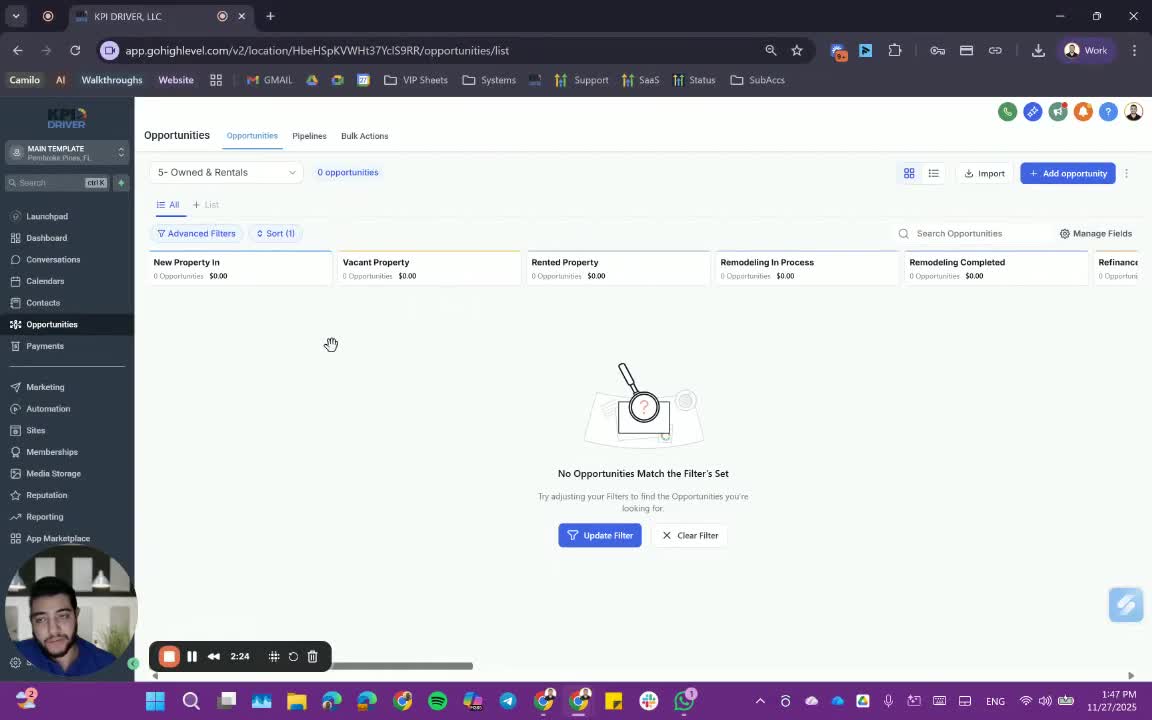
- Closing and funding should trigger the appropriate metrics in the BC pipeline.
9. Confirm Completion of A.B. Side 2:59
- Ensure that the A.B. side of the ECU pipeline is completed before moving to the BC side.
Cautionary Notes
- Always verify that all contracts are signed before proceeding to close and fund.
- Ensure that all updates to the pipeline are accurate to avoid confusion later on.
Tips for Efficiency
- Regularly review the pipeline to ensure all properties are correctly categorized.
- Maintain clear communication with team members regarding the status of properties to streamline the process.
Link to Loom
https://loom.com/share/c7073dea7bf043078bf7587a4e406f6a
Articles
Other Related Articles
FAQ
FAQ
What makes KPI DRIVER different from other real estate CRMs?
Do I need separate systems for document signatures, dispo, or rentals?
How long does it take to migrate my CRM to KPI DRIVER?
Will KPI DRIVER work if I’m new to real estate or don’t have a CRM yet?
Is the KPI Dashboard customizable?
How does KPI DRIVER help me scale my business?
Do you offer support or training?
How many leads, calls, and deals can KPI DRIVER handle?
How much does KPI DRIVER cost?

@KPI DRIVER LLC 2025. All Rights Reserved.
Design and developed by YAVACADO