
Looker Dashboard Walkthrough 📈 🧭
In this video, I walk you through our enterprise optimization suite's comprehensive dashboard, which includes 12 pages of critical metrics across various lead sources like calls, SMS, PPC, and more. You'll see how to track performance, KPIs, and the overall effectiveness of your campaigns, helping you make informed decisions to maximize profits. I emphasize the importance of understanding the data to identify which campaigns need more investment and which team members may require coaching. Please review the dashboard and familiarize yourself with the data, as it will empower you to make data-driven decisions moving forward. If you have any additional metrics you'd like to see, let me know, and we can incorporate them.
Creating and Utilizing the Enterprise Optimization Dashboard
Objective
This SOP outlines the steps to effectively use the Enterprise Optimization Dashboard for tracking and analyzing performance metrics across various lead sources.
Key Steps
Introduction to the Dashboard 0:17
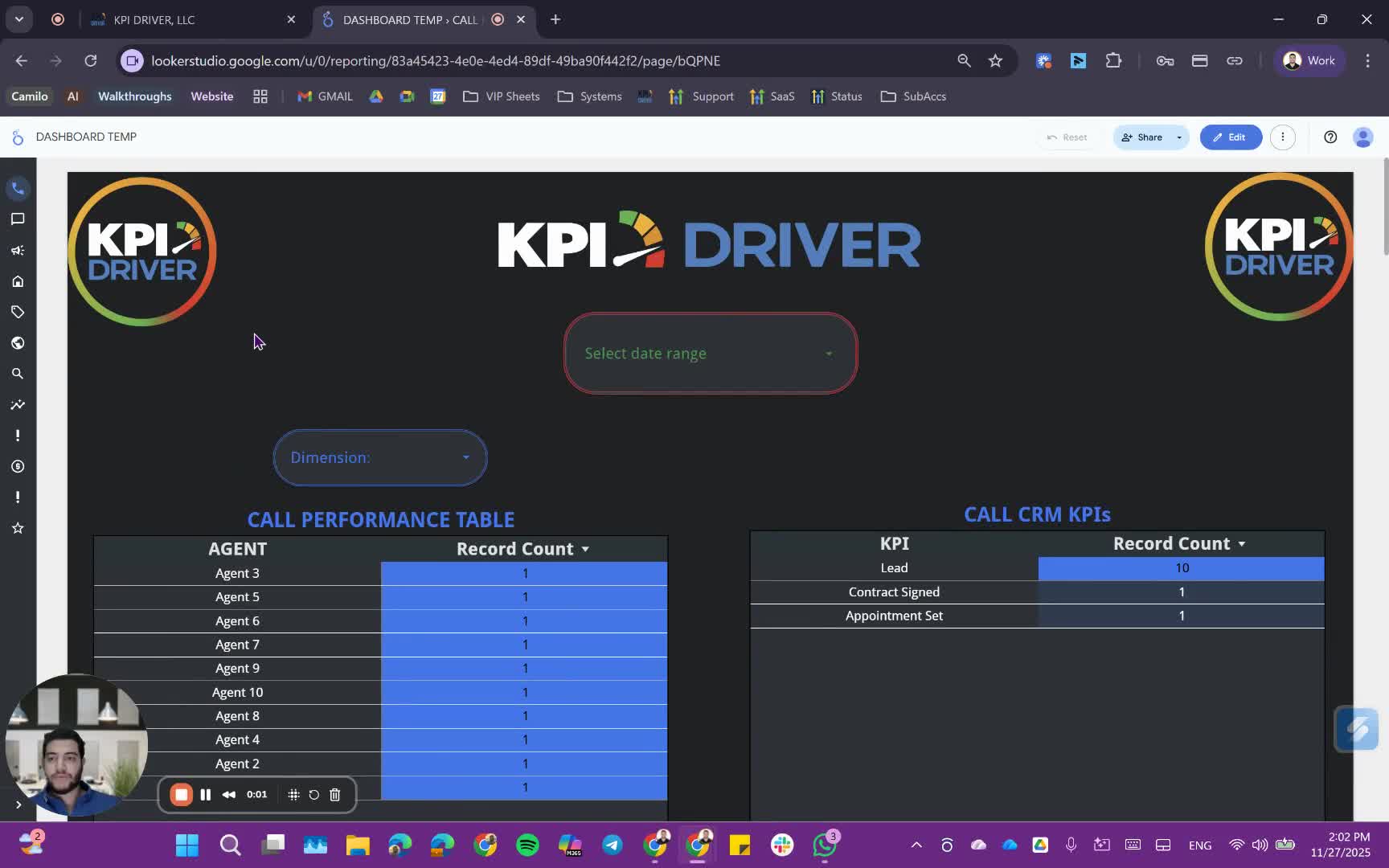
- Familiarize yourself with the dashboard for the Enterprise Optimization Suite.
- Understand that the dashboard is customizable and can track various metrics.
Understanding Date Range Application 1:52
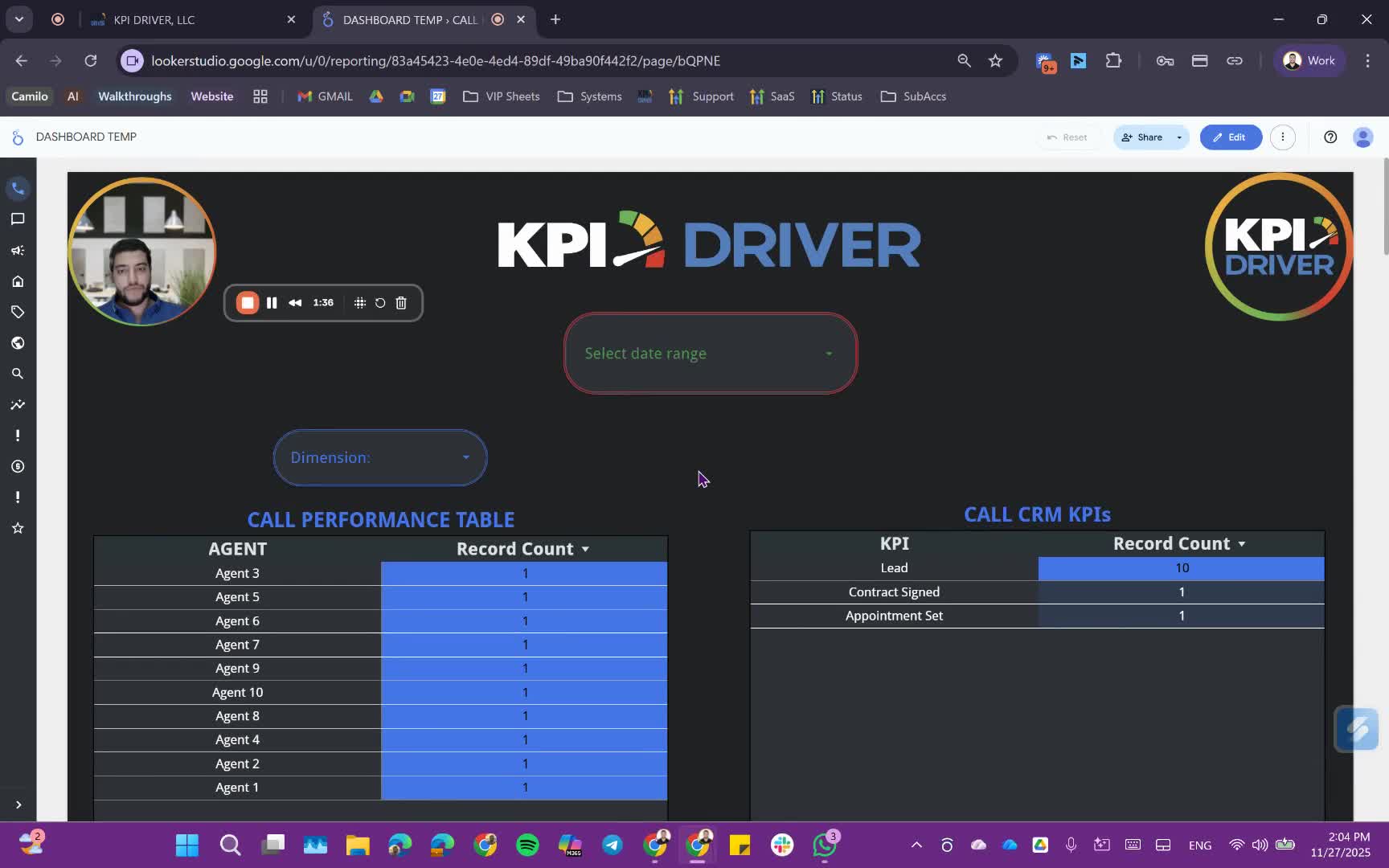
- Set a universal date range at the top of the dashboard.
- This date range will apply to all pages within the report.
Navigating the First Two Pages 2:14
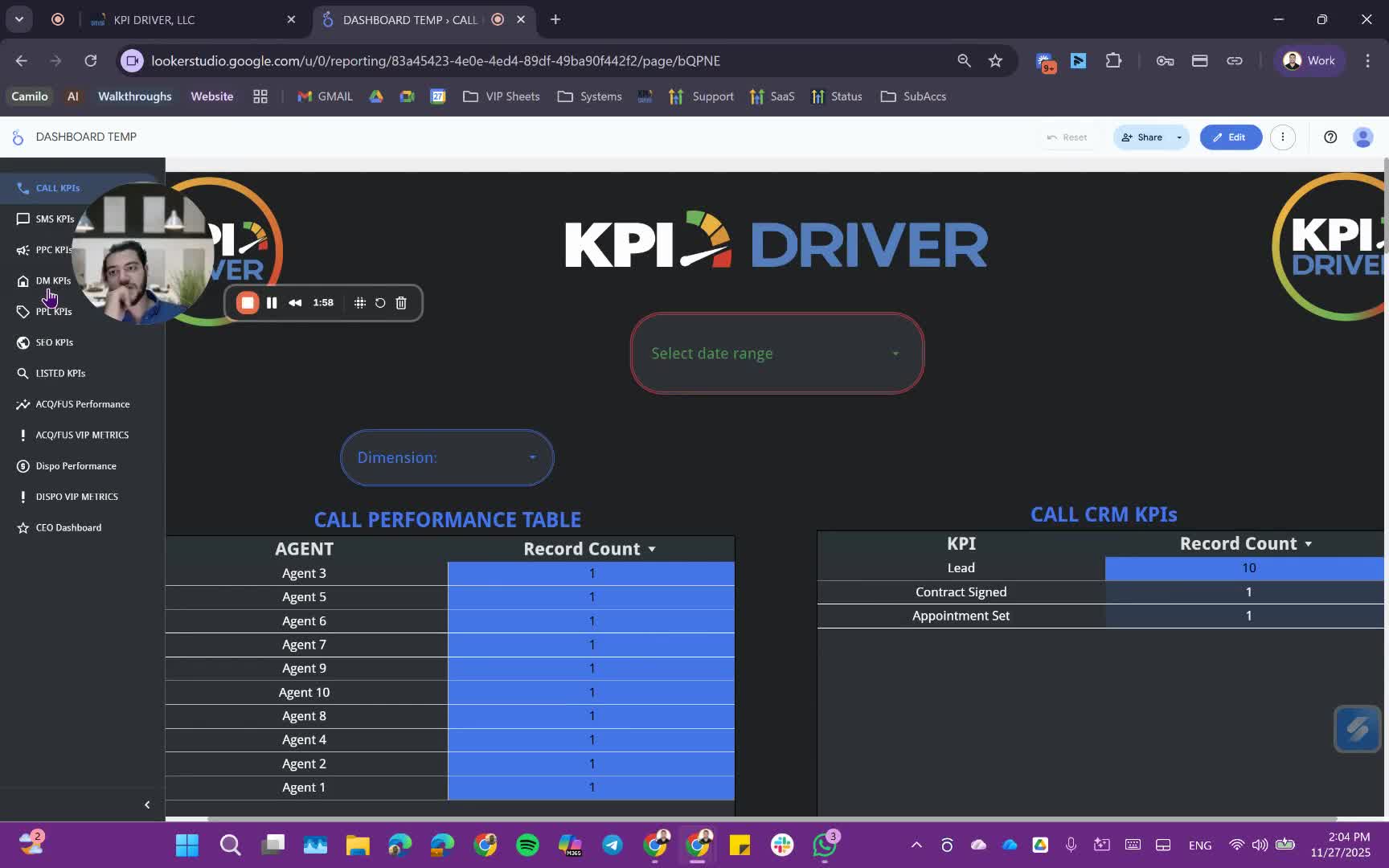
- Review the first two pages focusing on:
- Call performance table with lead types and agent submissions.
- KPI metrics for leads, appointments, and contracts.
Analyzing Call Performance 3:10
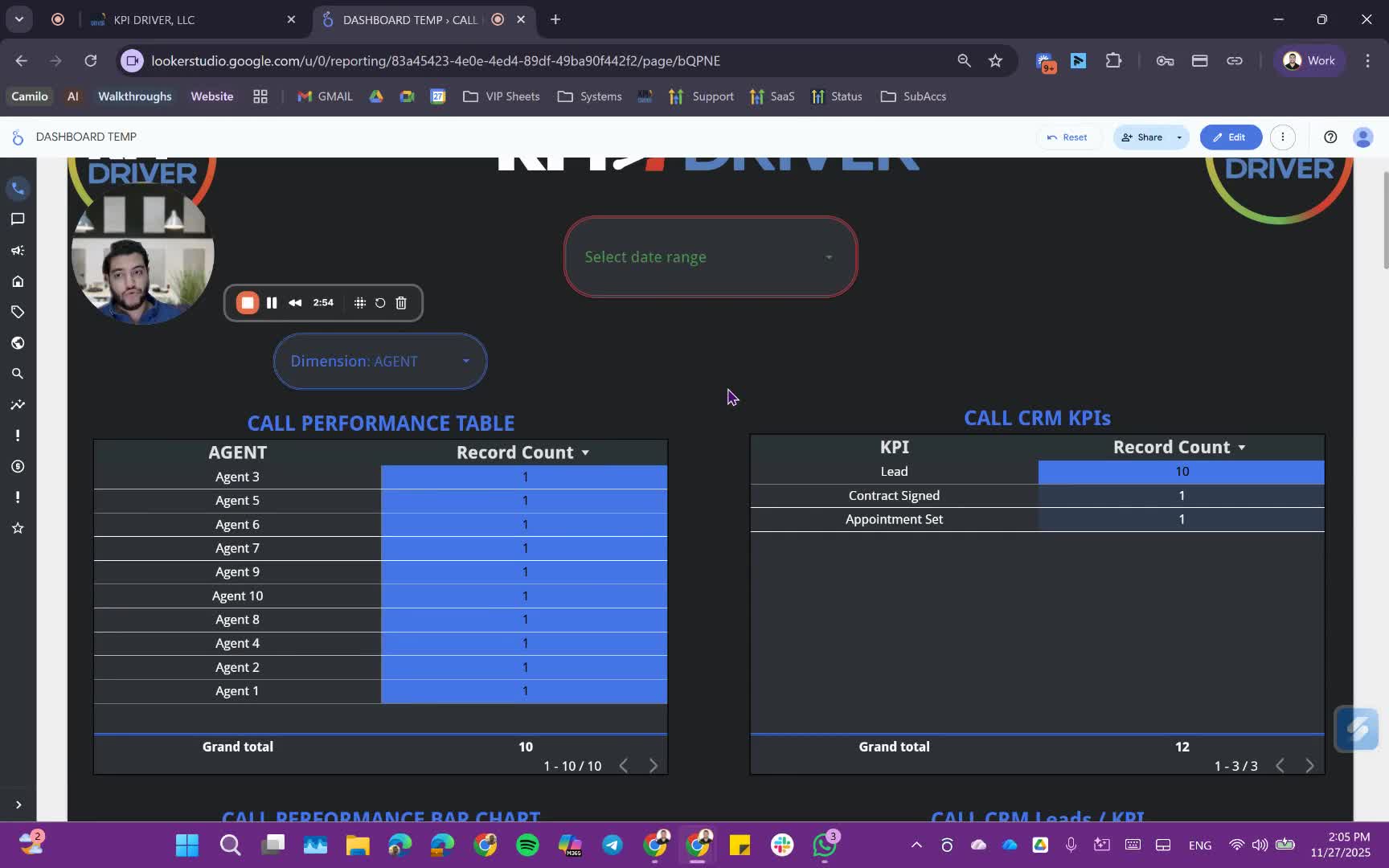
- Examine the performance of agents based on lead submissions.
- Identify which agents are performing better using the bar chart.
Reviewing SMS Metrics 4:51
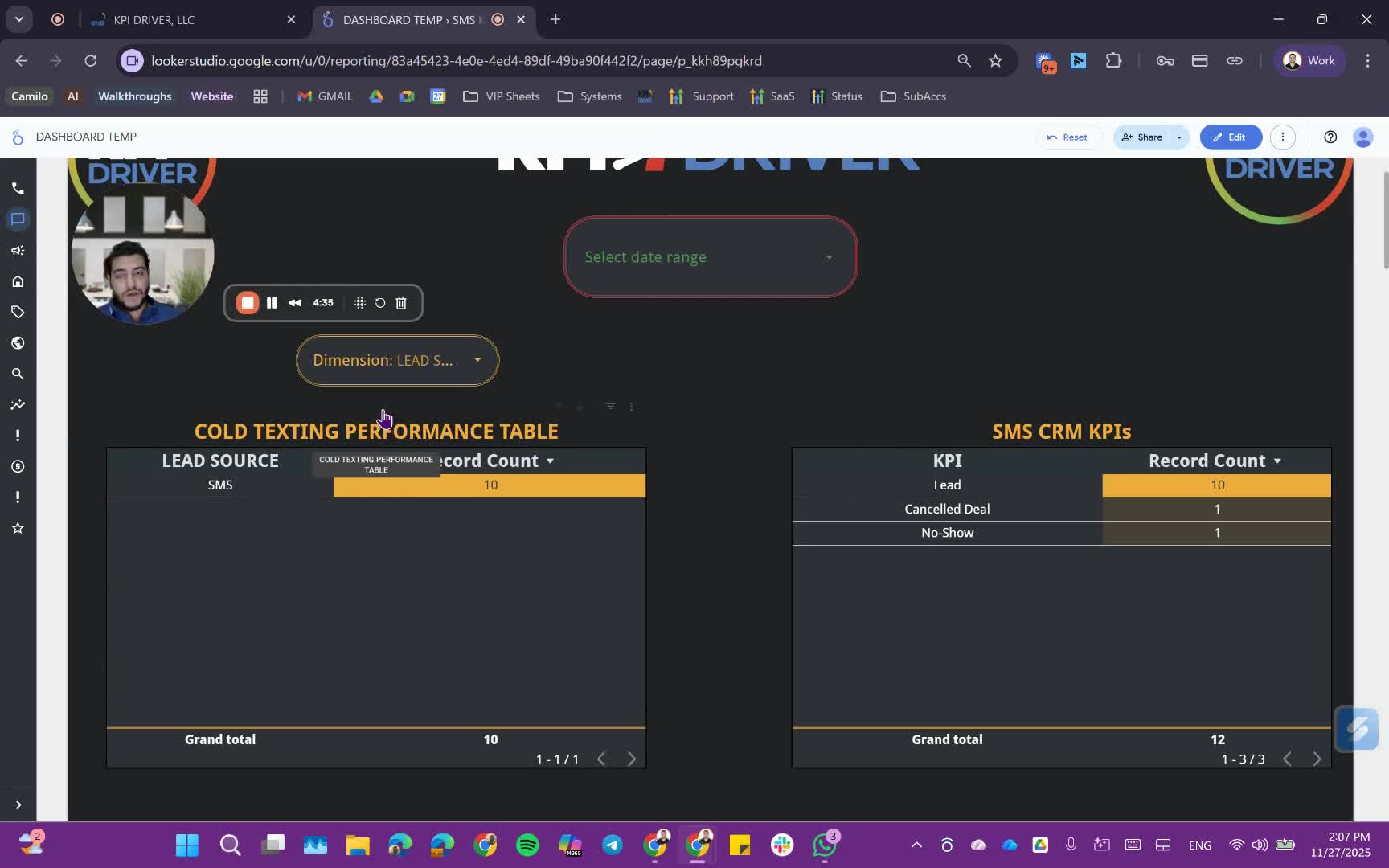
- Understand SMS performance metrics including:
- Number of SMS sent and received.
- Response and delivery rates.
Evaluating PPC Campaigns 5:39
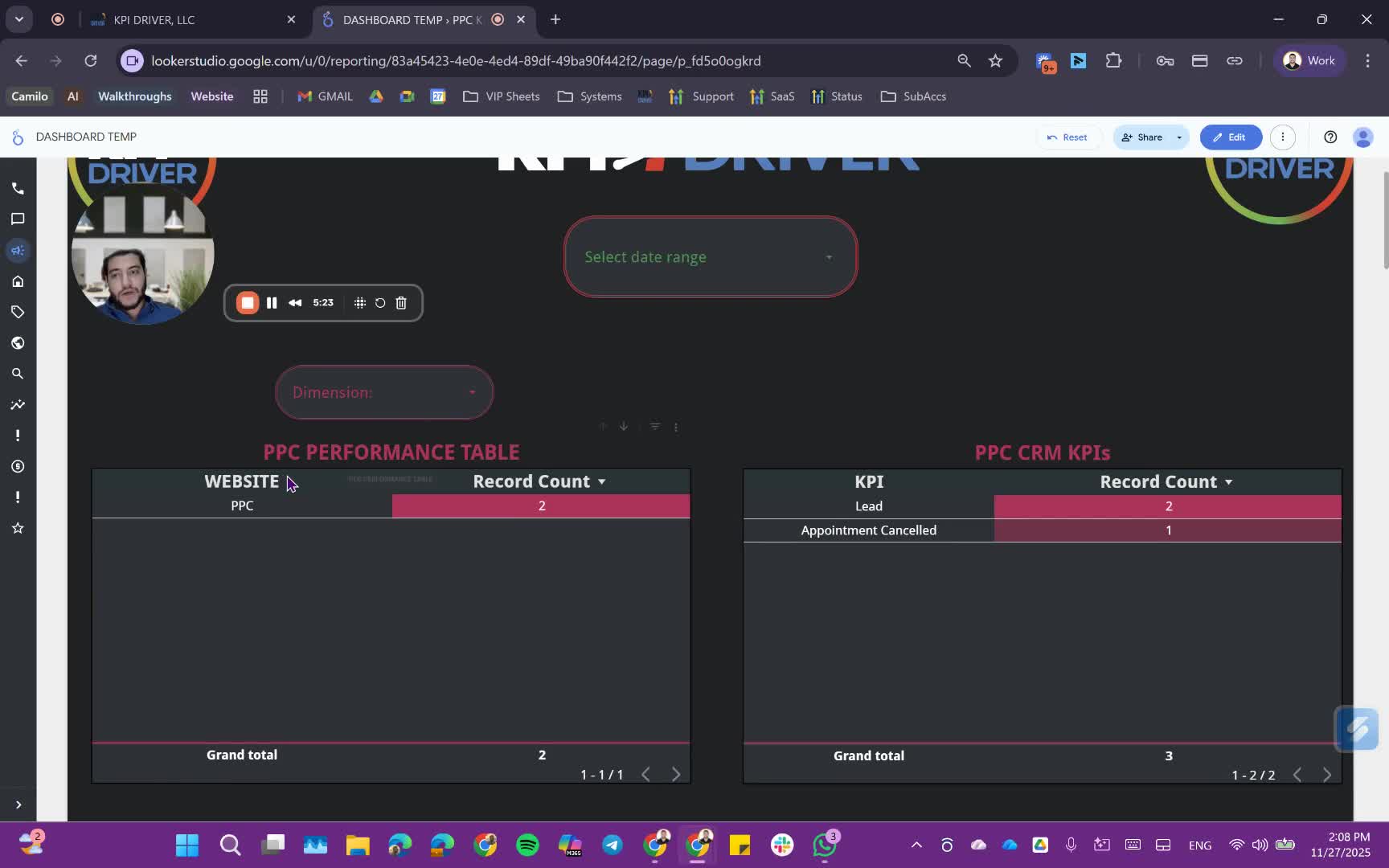
- Track PPC ads performance:
- Analyze leads from different landing pages.
- Assess the validity of leads based on predefined criteria.
Direct Mail Campaign Tracking 7:08
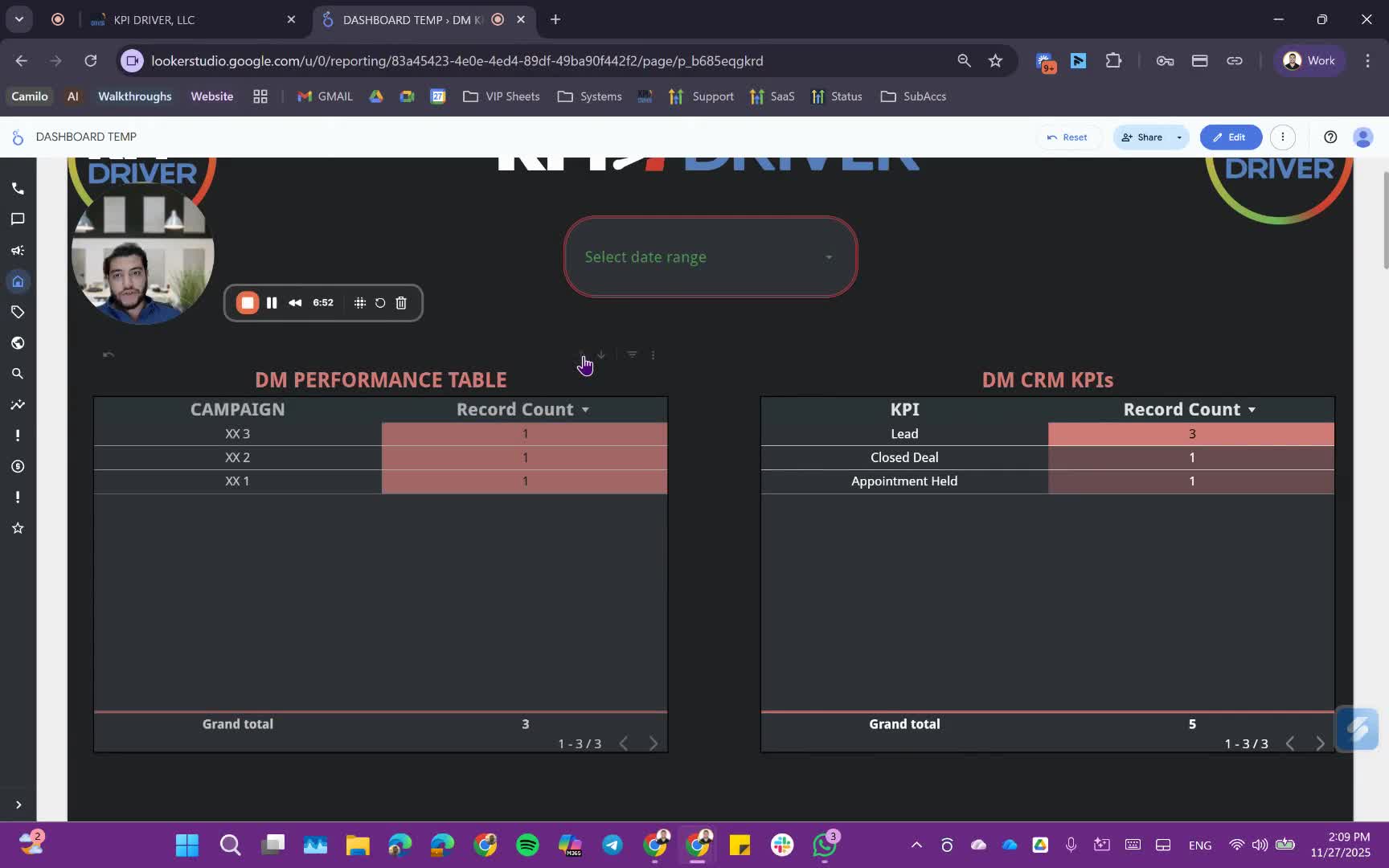
- Monitor multiple direct mail campaigns:
- Track lead types and performance metrics.
PPL and SEO Metrics 8:20
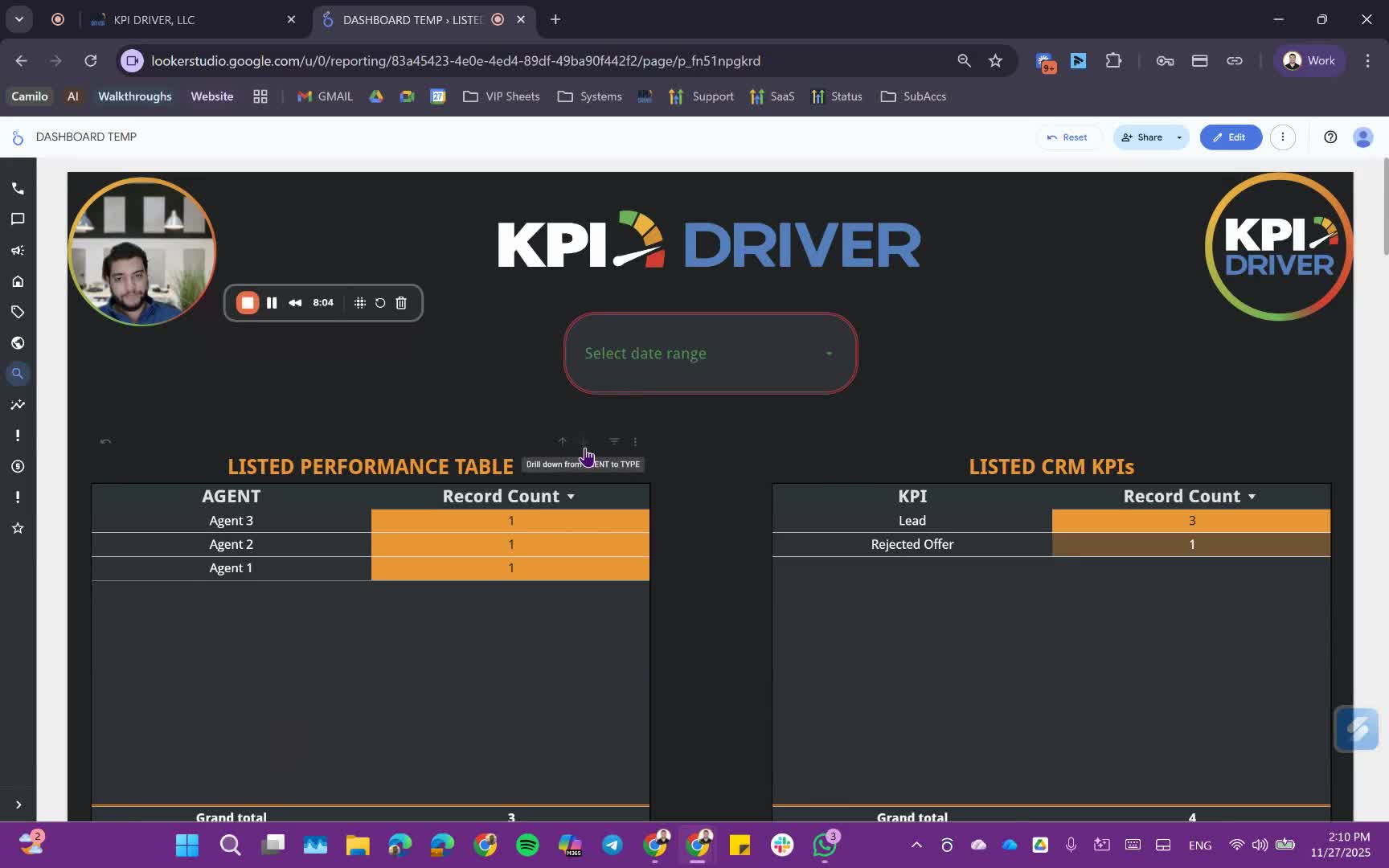
- Review PPL sources and disputes.
- Analyze SEO performance similar to PPC.
Performance Metrics for Acquisition Specialists 8:48
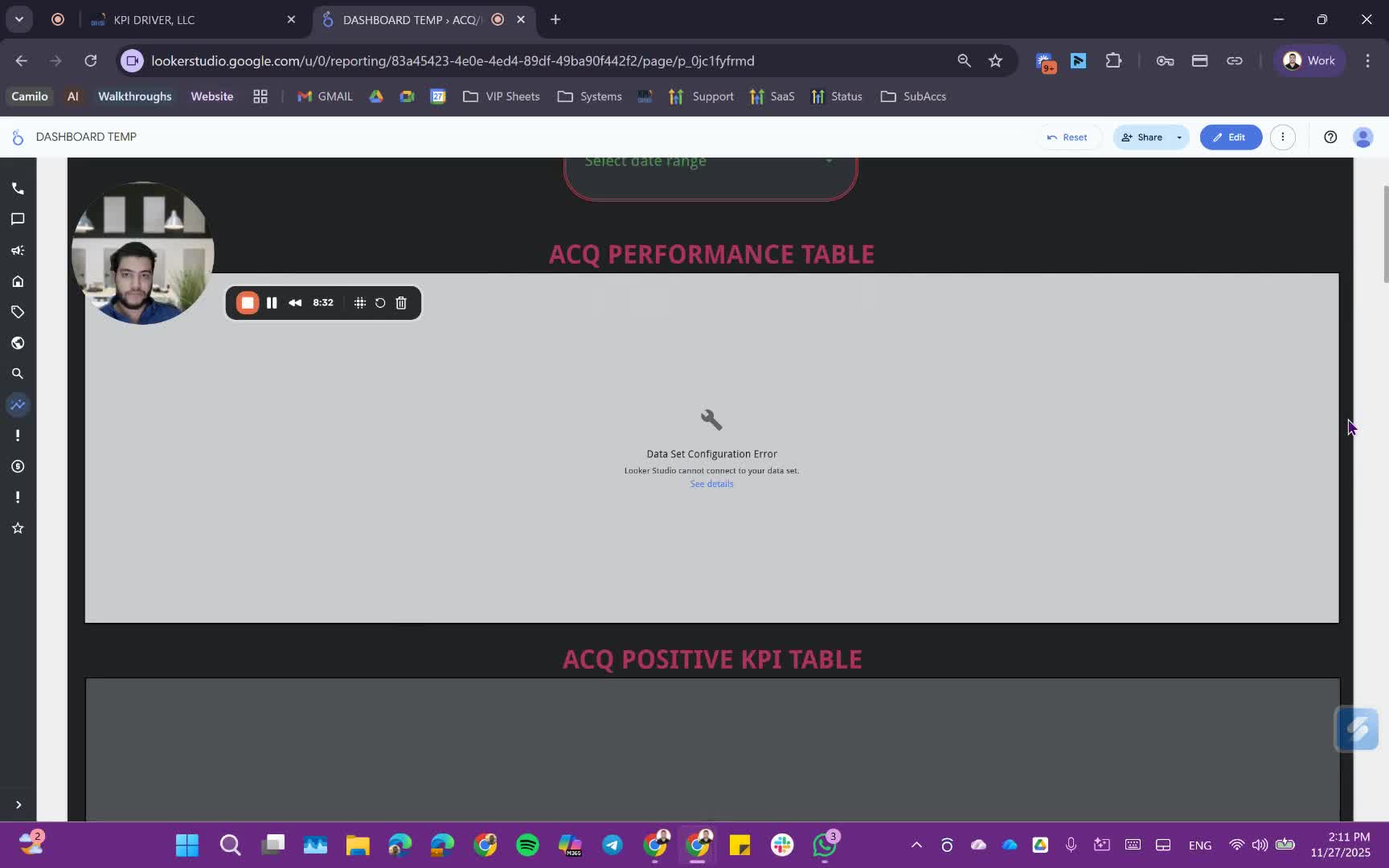
- Access overall performance tables for acquisition specialists:
- Review talk time, conversations, and unique leads.
Understanding Qualification Status 10:31
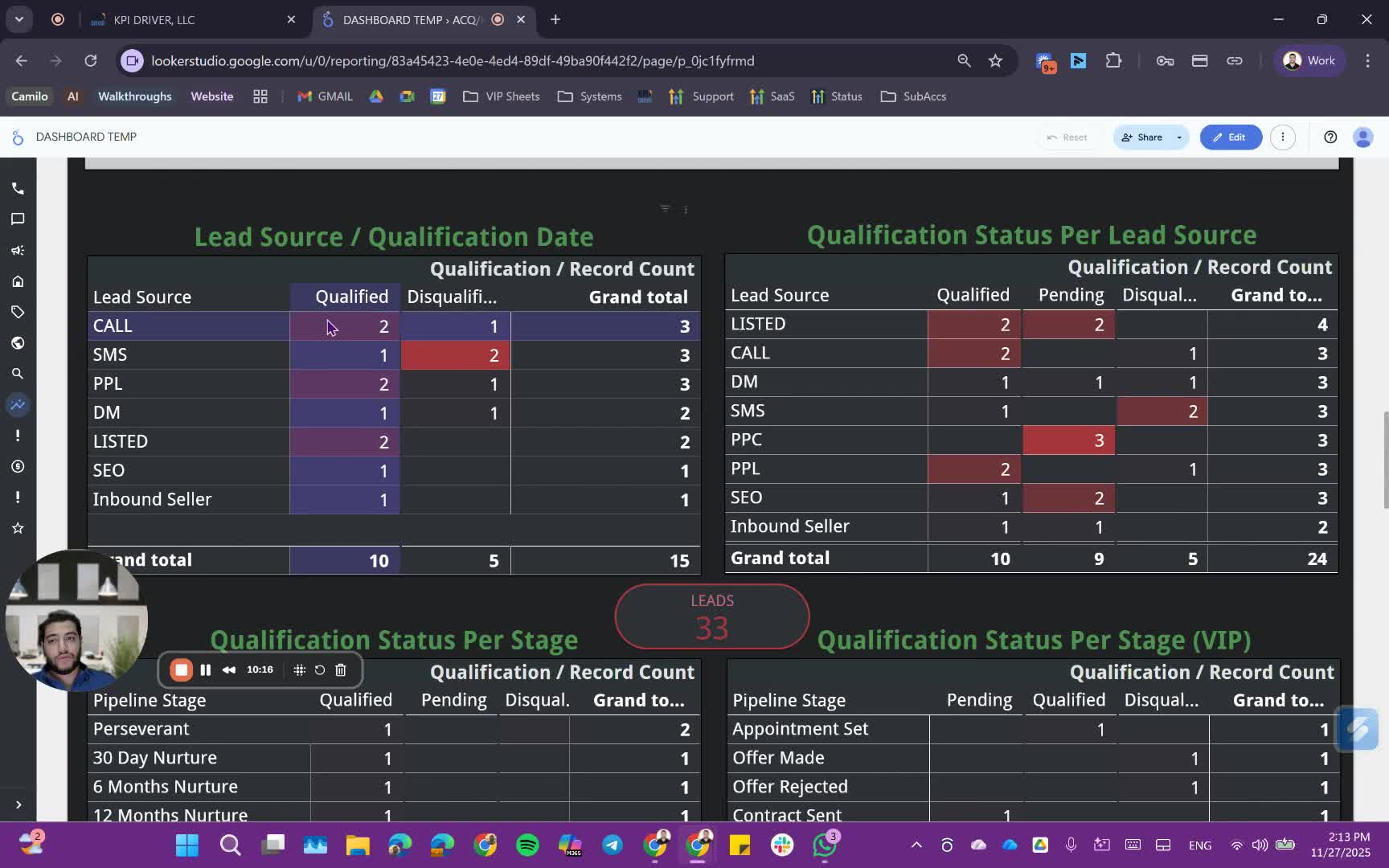
- Analyze qualification status per lead source and stage.
- Differentiate between qualified and disqualified leads.
Utilizing the Inverted Pyramid Model 12:09
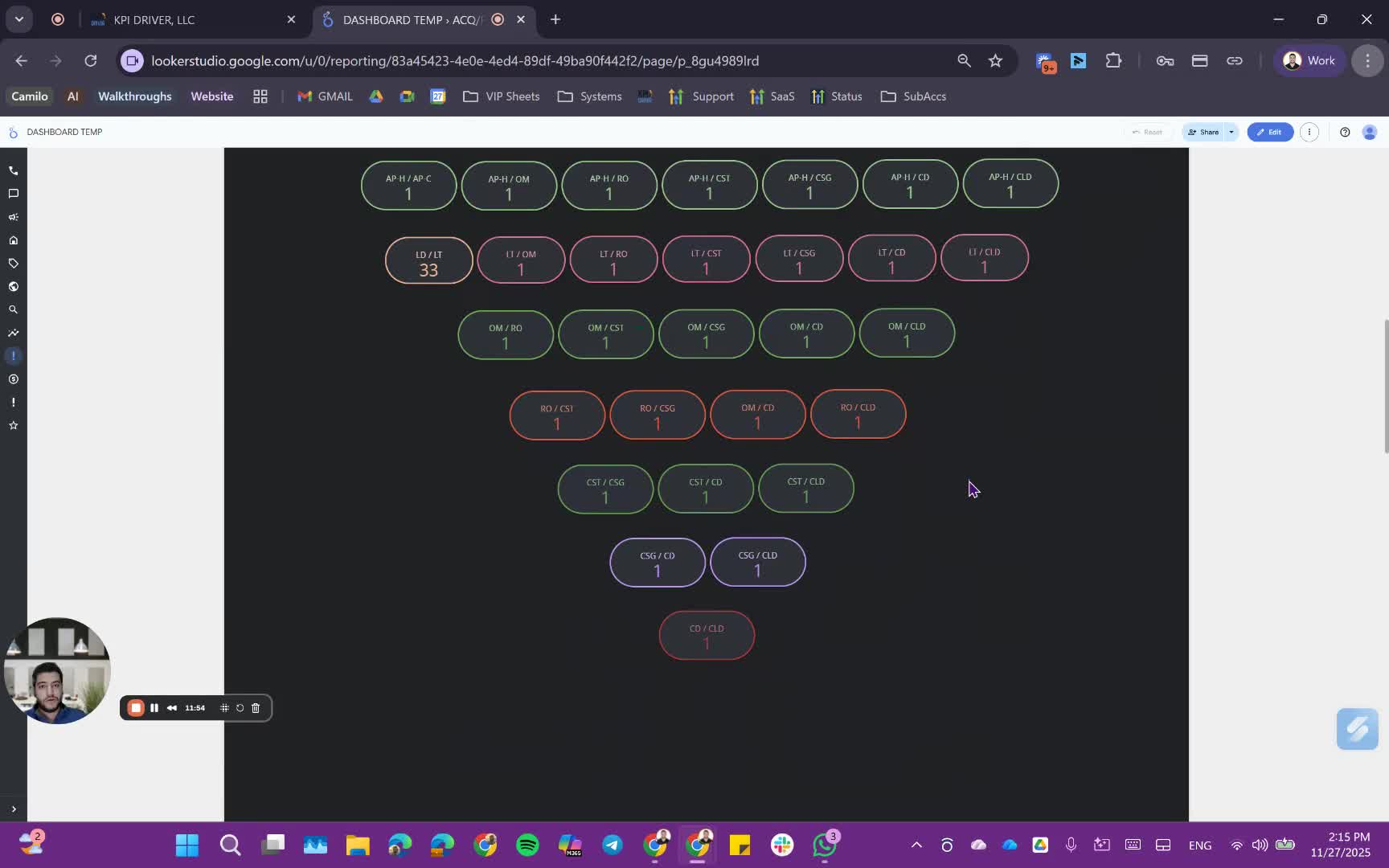
- Apply the inverted pyramid model to track leads through various KPIs:
- Leads to appointments, appointments to offers, etc.
Monthly Financial Review 14:21
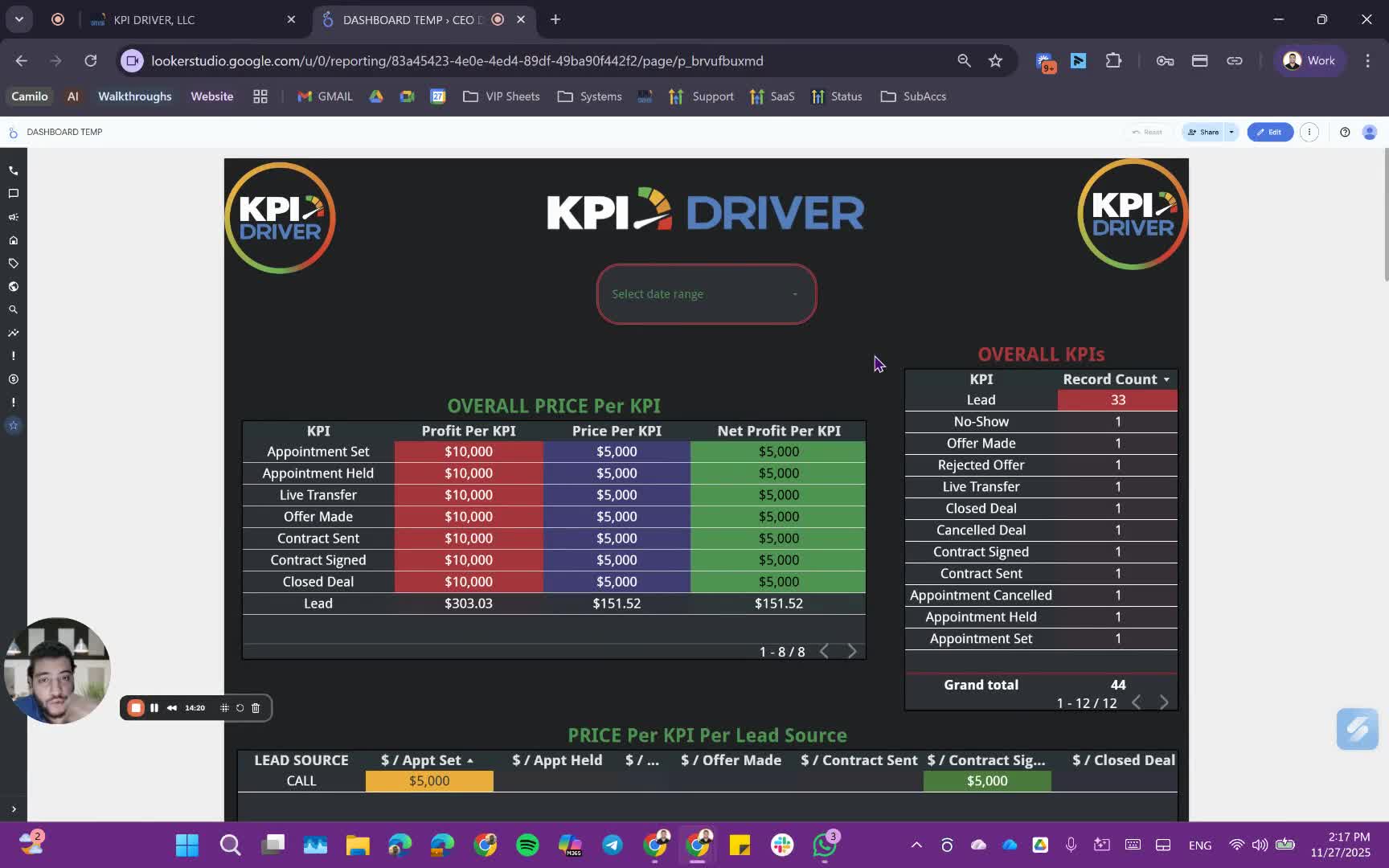
- Communicate with the accountant at the end of each month:
- Provide total campaign costs and profits from closings.
Final Analysis and Decision Making 16:01
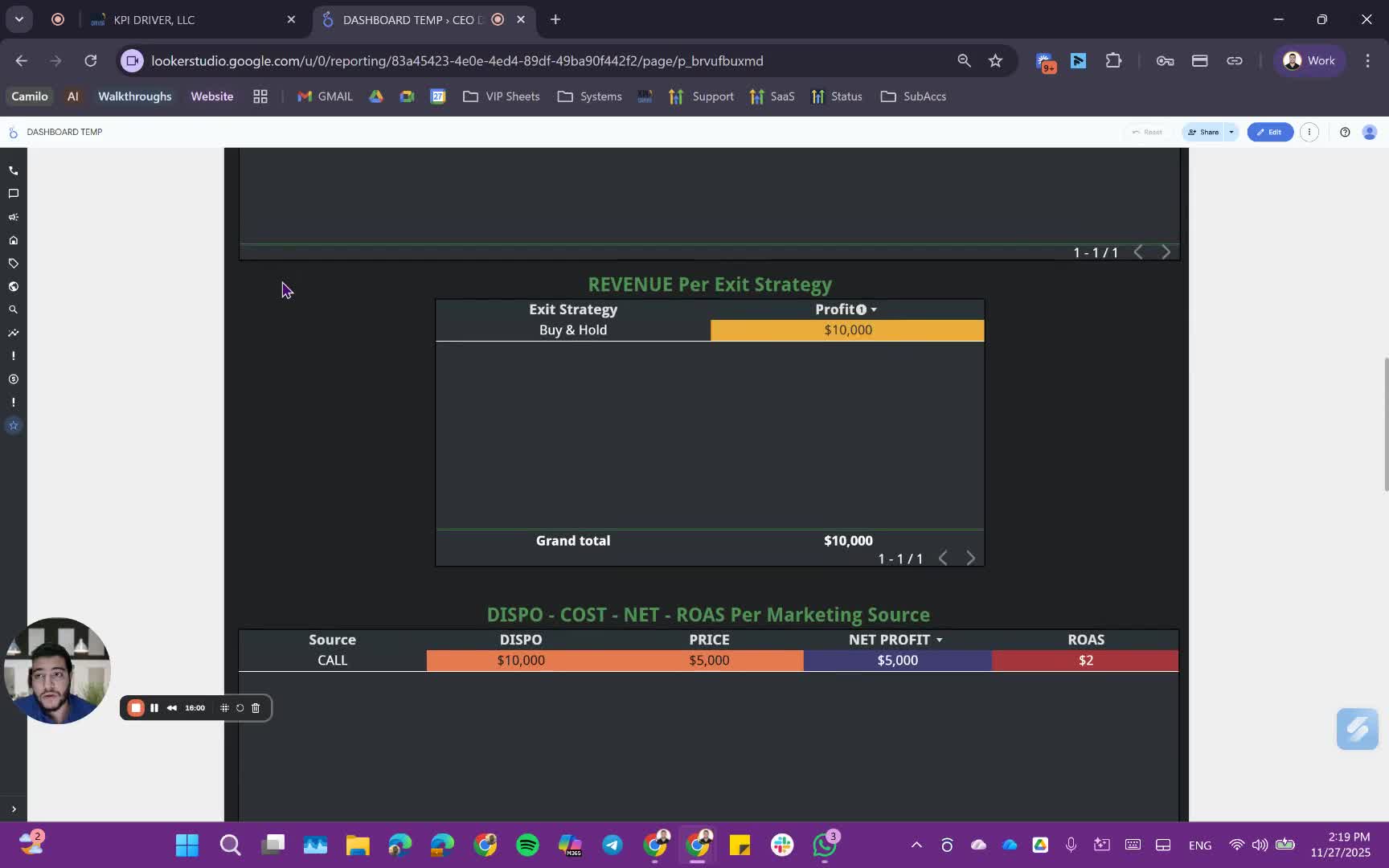
- Use the dashboard data to make informed decisions:
- Identify underperforming campaigns and top performers.
Cautionary Notes
- Ensure data integrity by regularly checking for errors in the dashboard.
- Be cautious when interpreting dummy data; always verify with real data.
Tips for Efficiency
- Regularly update the dashboard to reflect the most current data.
- Use filters to focus on specific lead sources or time periods for detailed analysis.
- Schedule monthly reviews to assess performance and adjust strategies accordingly.
Link to Loom
https://loom.com/share/c95352347aa844f5a98bf2e575aaa3ea
Articles
Other Related Articles
FAQ
FAQ
What makes KPI DRIVER different from other real estate CRMs?
Do I need separate systems for document signatures, dispo, or rentals?
How long does it take to migrate my CRM to KPI DRIVER?
Will KPI DRIVER work if I’m new to real estate or don’t have a CRM yet?
Is the KPI Dashboard customizable?
How does KPI DRIVER help me scale my business?
Do you offer support or training?
How many leads, calls, and deals can KPI DRIVER handle?
How much does KPI DRIVER cost?

@KPI DRIVER LLC 2025. All Rights Reserved.
Design and developed by YAVACADO