
Websites & Funnels Overview 📅 📝
In this video, I discuss the differences between funnels and websites, emphasizing how funnels are ideal for landing pages and specific offers, while websites serve as comprehensive platforms for hosting services. I walk you through the process of creating forms and surveys using templates, highlighting the user-friendly design features that allow for customization. I encourage you to explore the various templates available, especially for real estate, and to reach out if you need assistance with hosting or analytics. Additionally, I mention the option to connect with WordPress for further editing capabilities. Please let me know how I can help you get started!
Creating Forms, Surveys, and Funnels
Objective
This SOP outlines the steps to create and manage forms, surveys, and funnels for effective online engagement.
Key Steps
Understanding Websites and Funnels 0:11

- Website: A comprehensive platform with multiple pages to host services.
- Funnel: A targeted landing page for specific offers or PPC campaigns.
Creating a New Funnel 0:47
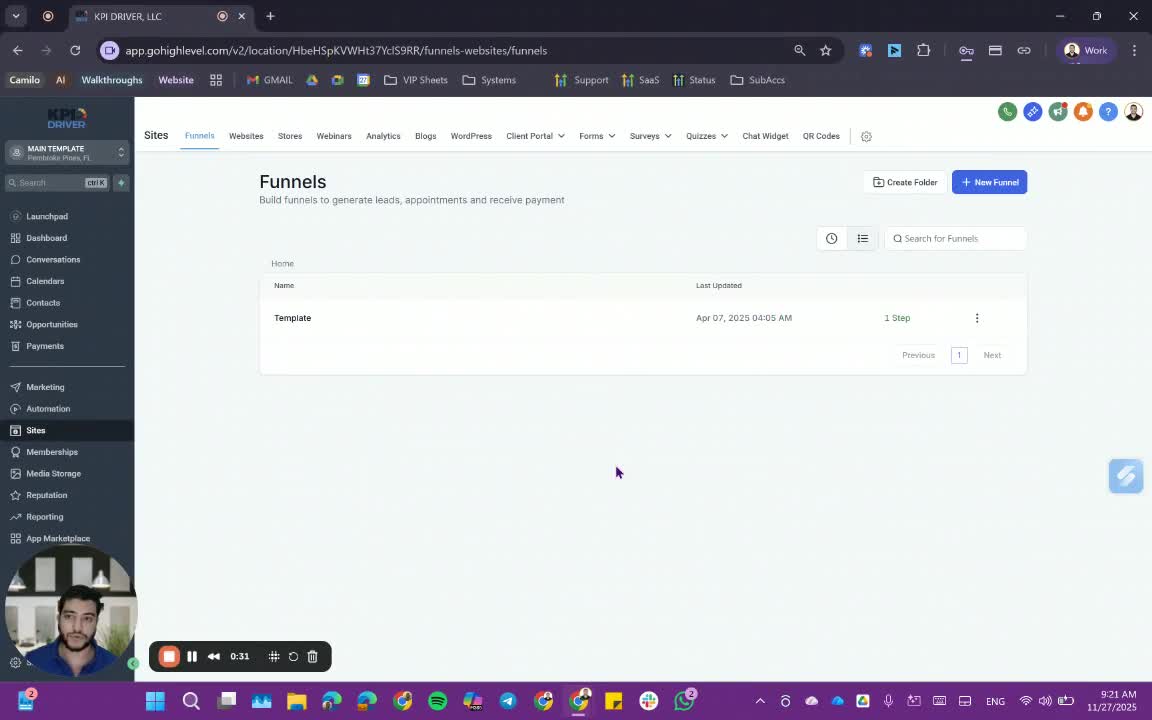
- Click on New Funnel.
- Choose from available templates for your funnel.
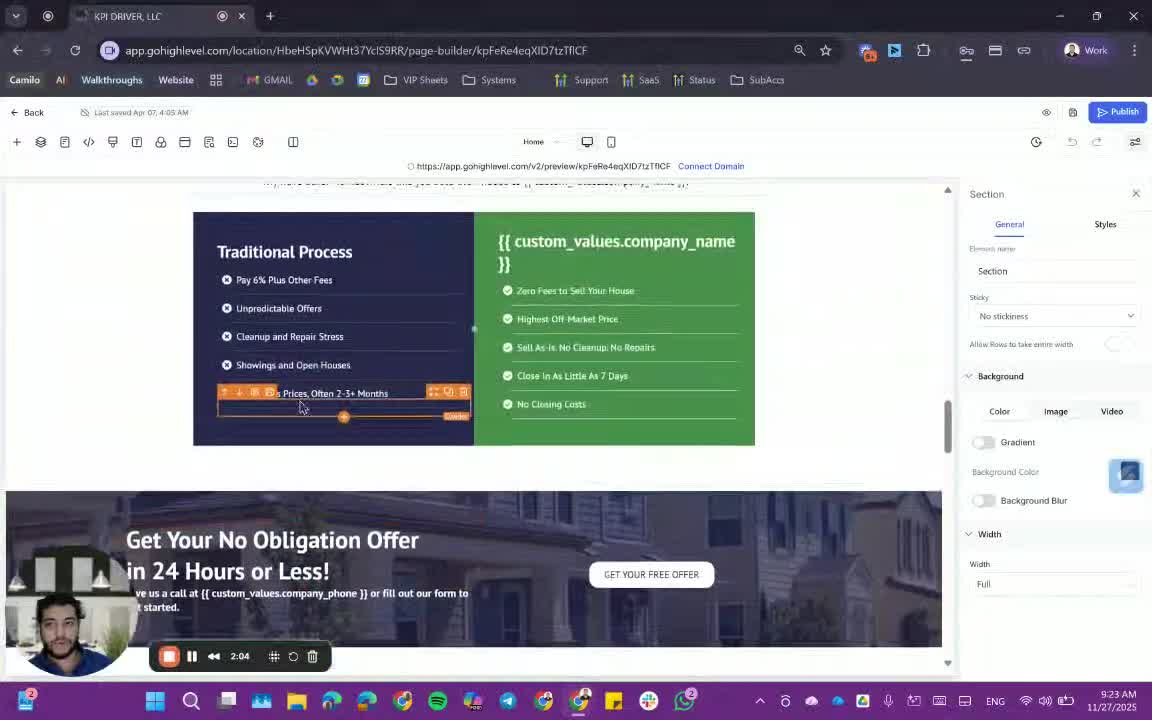
Editing a Funnel Template 1:23
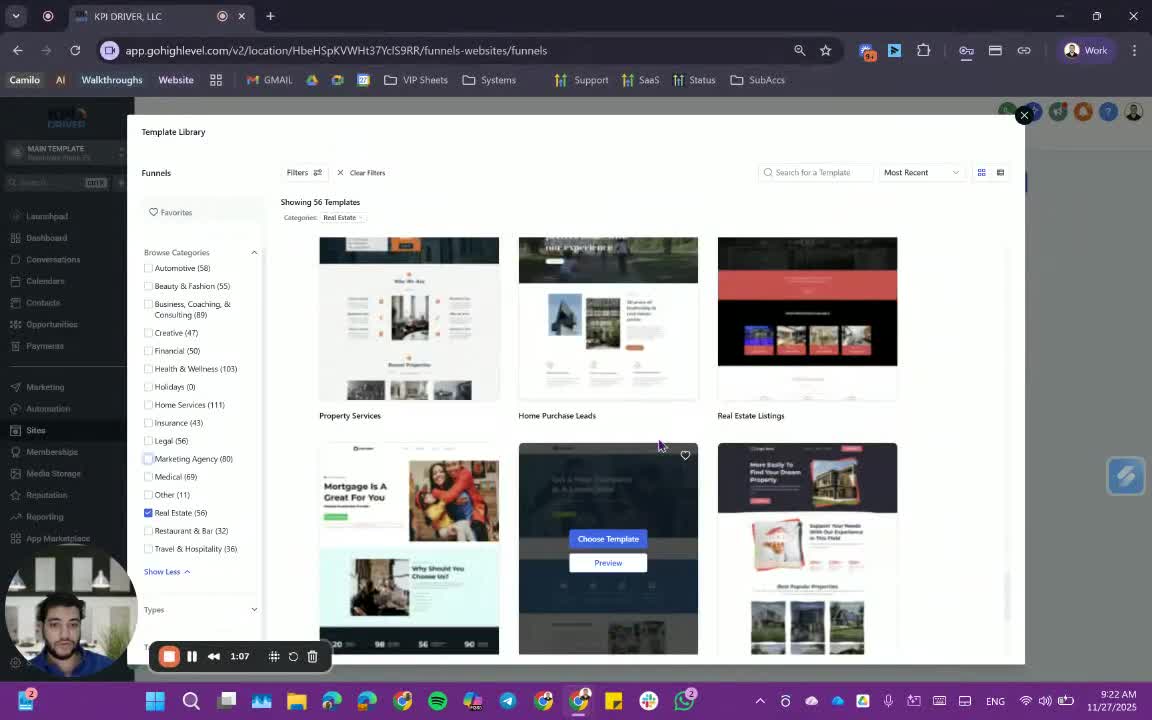
- Select a template and click on Edit.
- Customize the template by changing colors and content.
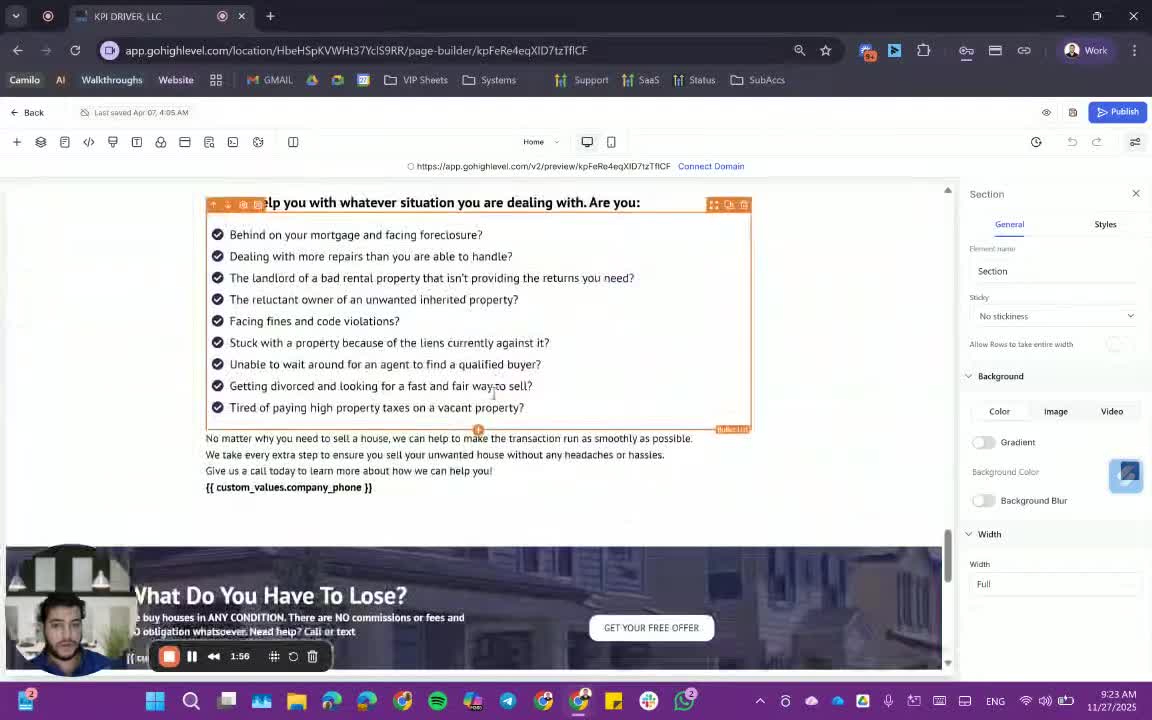
Adding Surveys to Funnels 1:45
- Integrate surveys into your funnel.
- Ensure buttons are linked to the survey or its hosting area.
Viewing Funnel Analytics 2:12
- Access stats, events, and settings for your funnel.
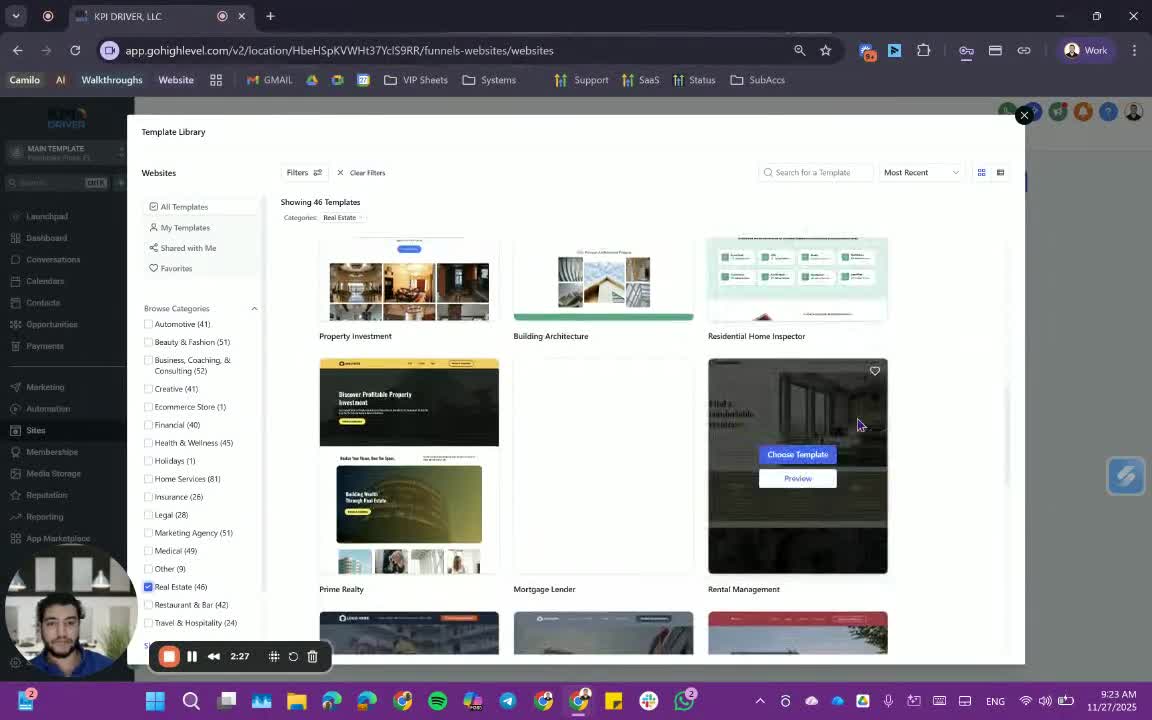
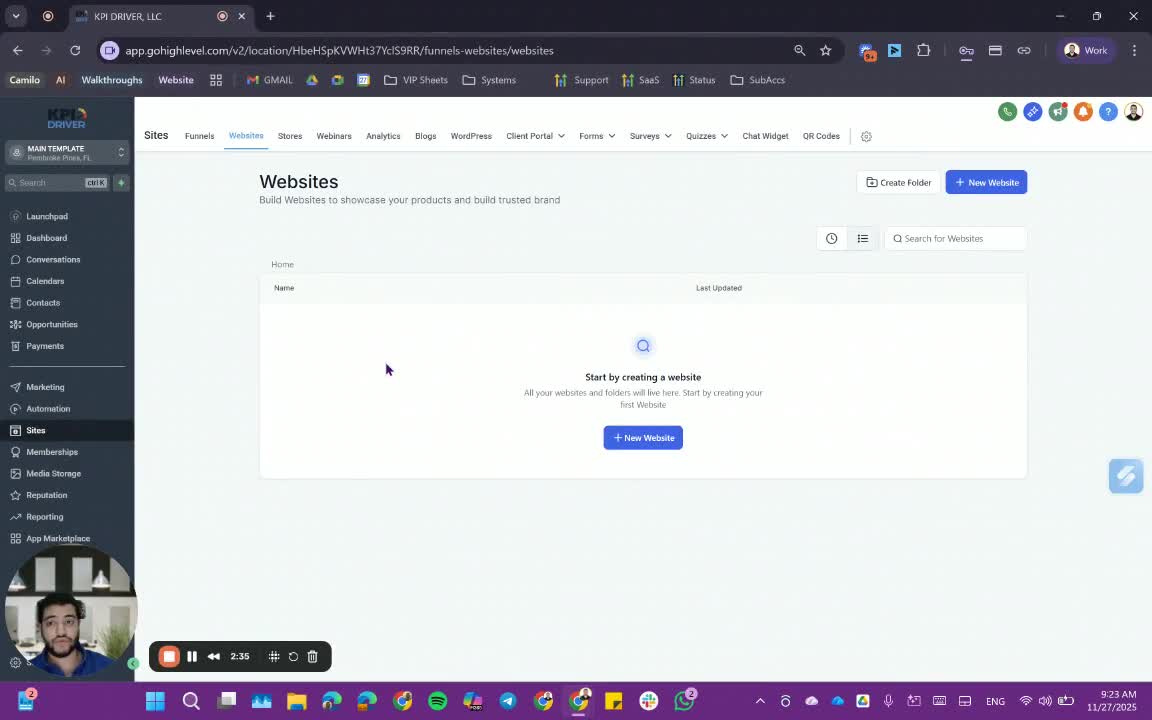
Creating a Website from a Template 2:20
- Choose a website template (e.g., real estate).
- Edit and customize as needed.
Connecting to WordPress 2:43
- Click on WordPress to connect your funnel or website.
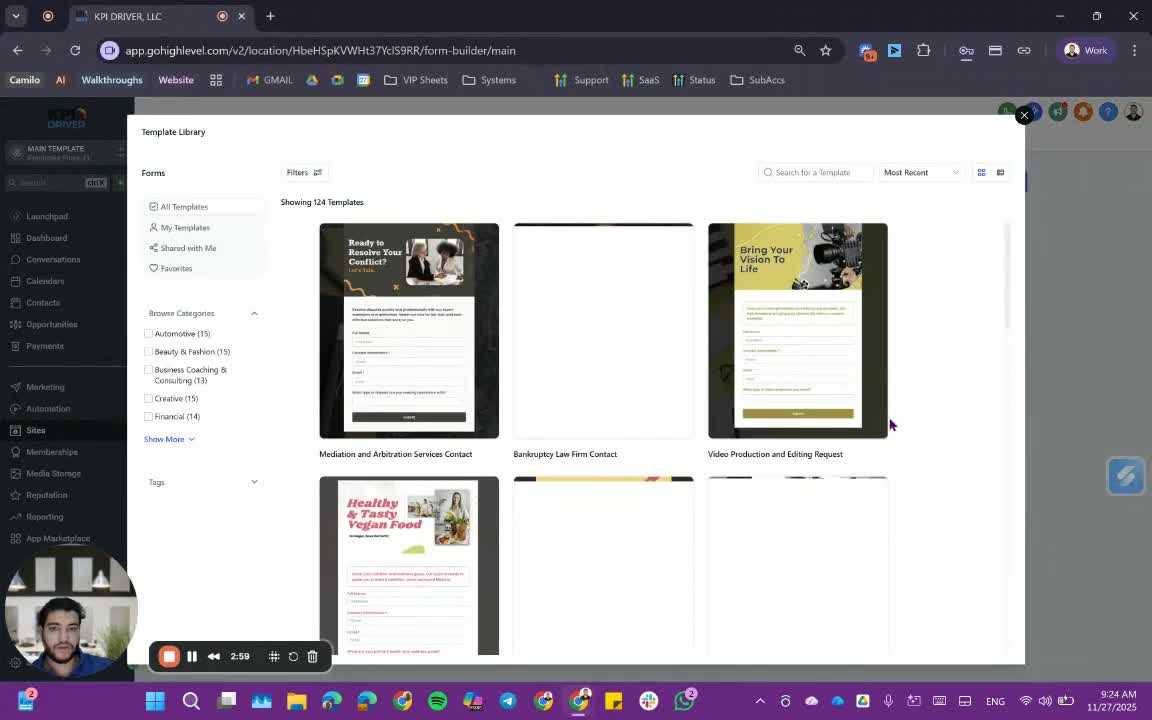
Creating Forms and Surveys 2:51
- Click on Add Forms to create new forms.
- Choose from templates or create your own.
Onboarding for Forms and Funnels 3:15
- Request onboarding for detailed guidance on forms, funnels, and surveys.
Cautionary Notes
- Ensure all links and buttons in funnels are correctly connected to their respective surveys.
- Double-check the customization of templates to maintain brand consistency.
Tips for Efficiency
- Utilize templates to save time on design.
- Regularly review analytics to optimize funnel performance.
- Keep a checklist of required elements for forms and surveys to ensure completeness.
Link to Loom
https://loom.com/share/fd1e70db55aa4634948b61a336a6bd41
FAQ
FAQ
What makes KPI DRIVER different from other real estate CRMs?
Do I need separate systems for document signatures, dispo, or rentals?
How long does it take to migrate my CRM to KPI DRIVER?
Will KPI DRIVER work if I’m new to real estate or don’t have a CRM yet?
Is the KPI Dashboard customizable?
How does KPI DRIVER help me scale my business?
Do you offer support or training?
How many leads, calls, and deals can KPI DRIVER handle?
How much does KPI DRIVER cost?

@KPI DRIVER LLC 2025. All Rights Reserved.
Design and developed by YAVACADO